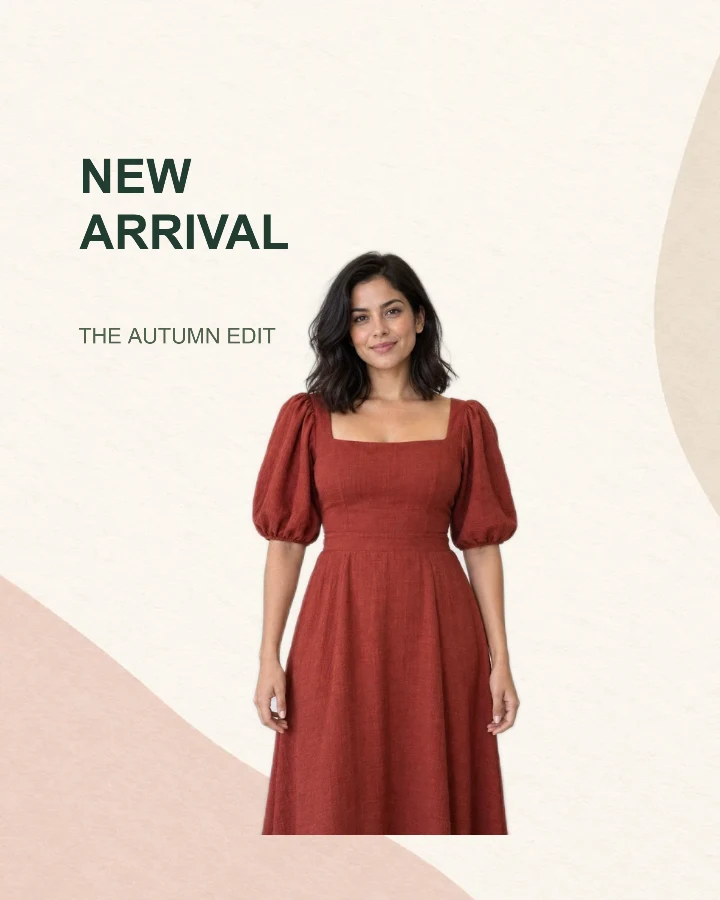
3 styles · fashion
New arrival
A vertical launch card with space for a collection headline.
Starting size: 1080 × 1350 px · 1 photo · 2 text fields
Browse editable photo templates for a product launch, speaker announcement or pet greeting. Choose a layout, personalize its words, add your own photos in Design Studio, and download your finished image.
A vertical launch card with space for a collection headline.
Starting size: 1080 × 1350 px · 1 photo · 2 text fields
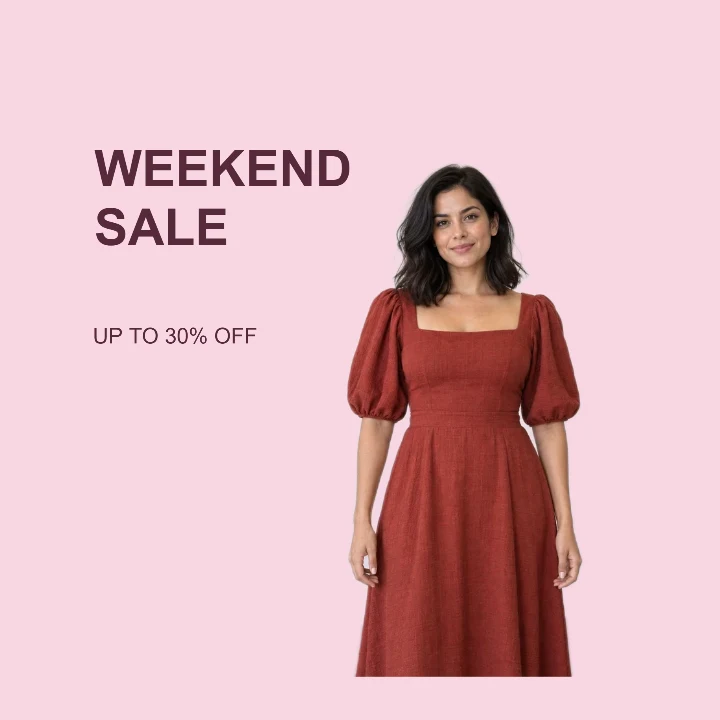
A square sale graphic that keeps the outfit large and the offer readable.
Starting size: 1080 × 1080 px · 1 photo · 2 text fields
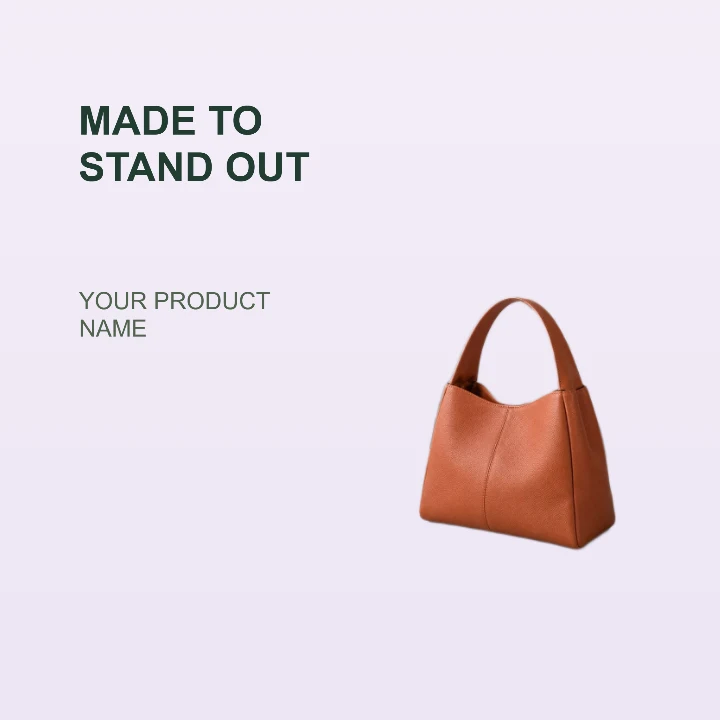
A clean product card for a storefront, launch email, or listing highlight.
Starting size: 1200 × 1200 px · 1 photo · 2 text fields
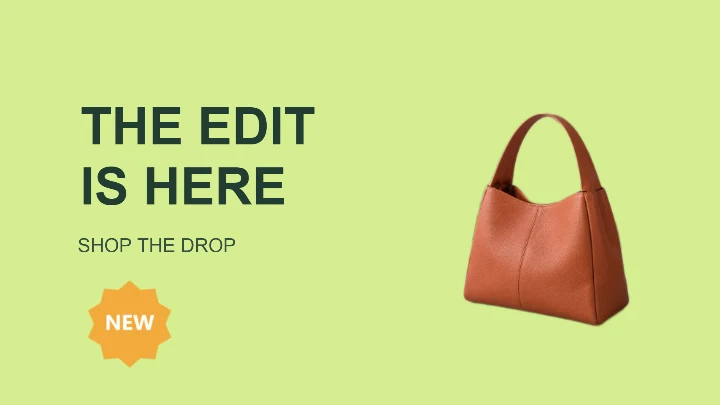
A wide promotion card for a product launch, storefront banner, or ad.
Starting size: 1600 × 900 px · 1 photo · 2 text fields

A lesson cover with a clear title zone and a presenter portrait.
Starting size: 1280 × 720 px · 1 photo · 2 text fields
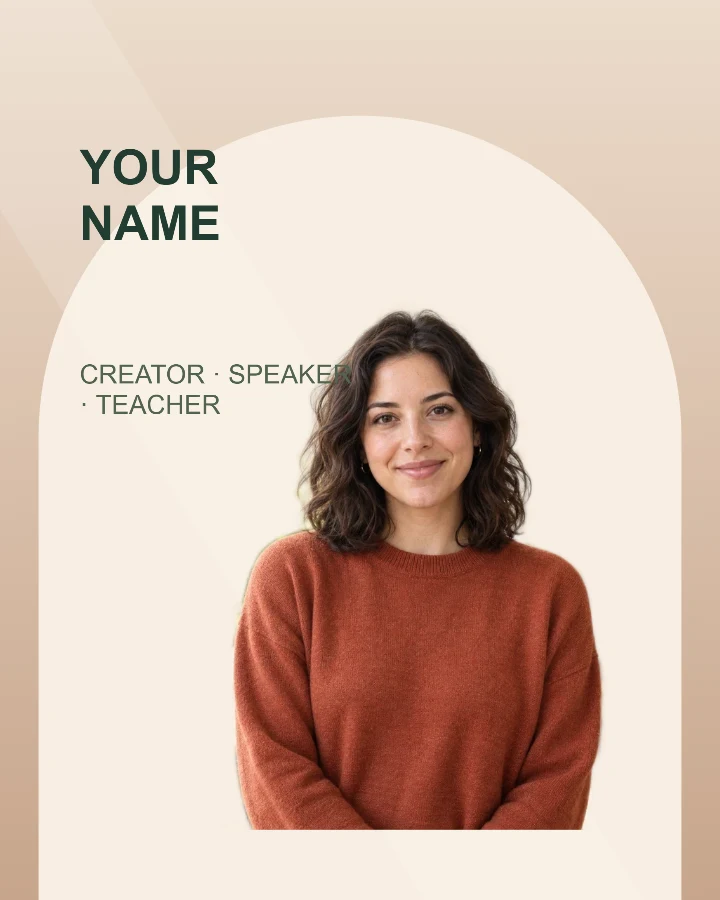
A profile card for a workshop, talk, livestream, or guest announcement.
Starting size: 1080 × 1350 px · 1 photo · 2 text fields
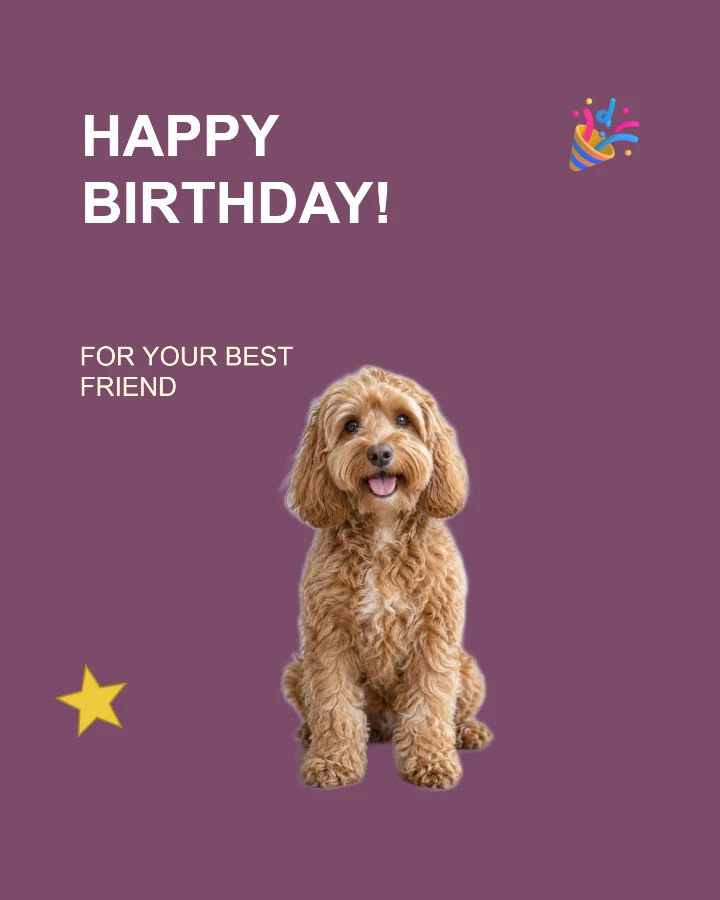
A playful keepsake card for a pet birthday or adoption anniversary.
Starting size: 1080 × 1350 px · 1 photo · 2 text fields
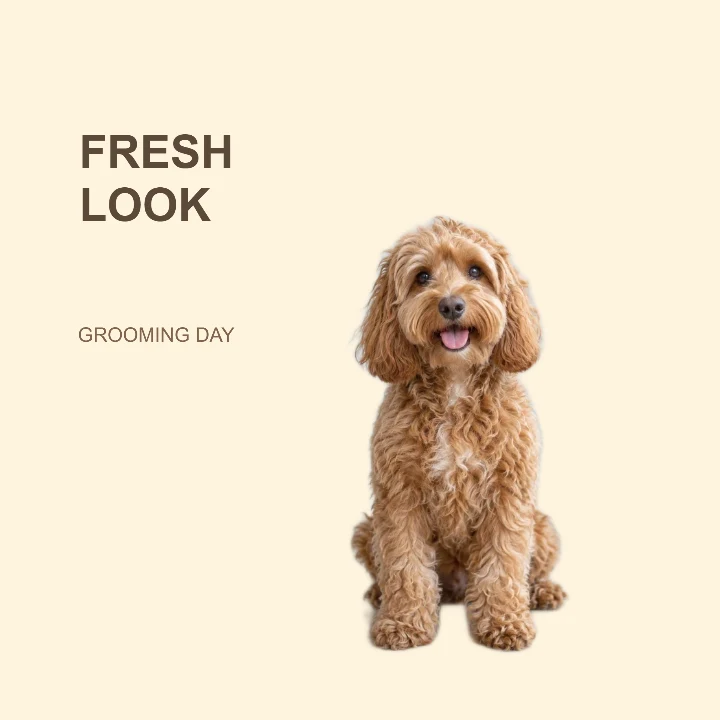
A single-photo grooming announcement for a salon, sitter, or pet owner.
Starting size: 1080 × 1080 px · 1 photo · 2 text fields
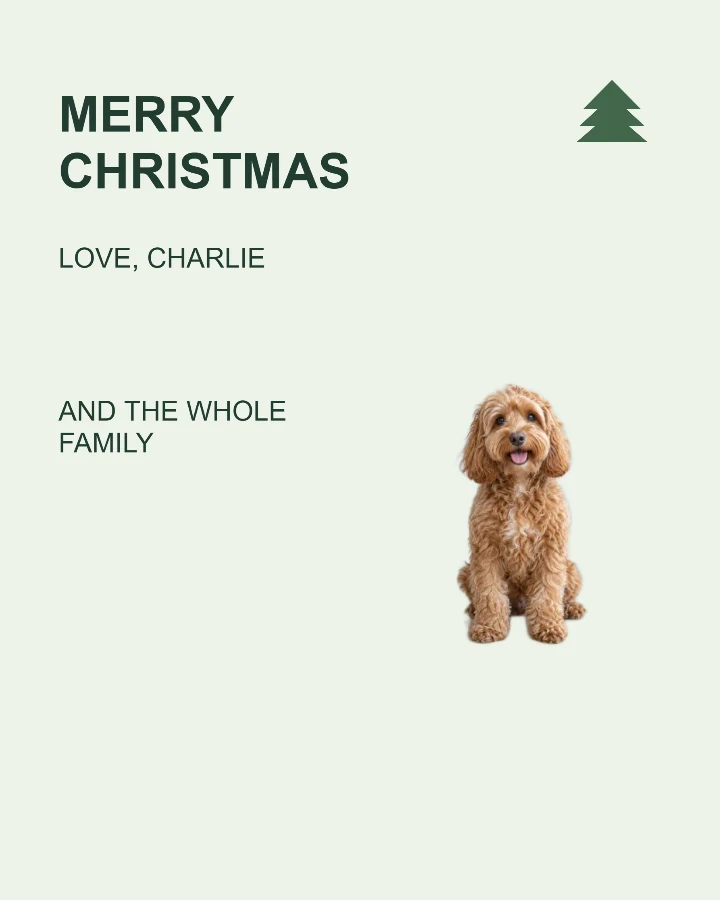
Send a holiday greeting with your pet’s photo and a personal sign-off.
Starting size: 1080 × 1350 px · 1 photo · 3 text fields
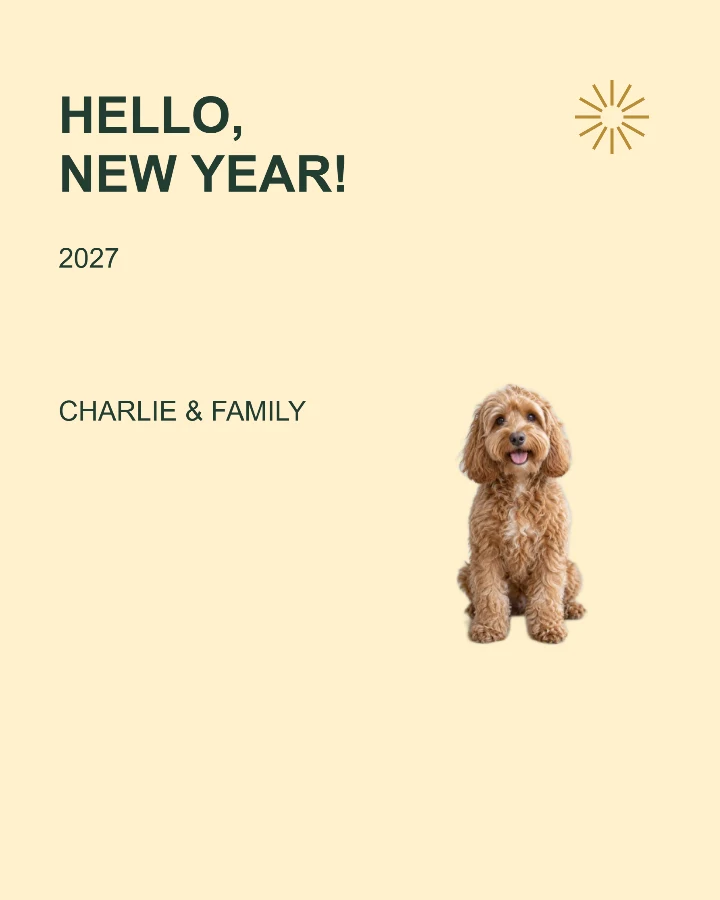
Welcome a new year with your favorite companion and your own wishes.
Starting size: 1080 × 1350 px · 1 photo · 3 text fields
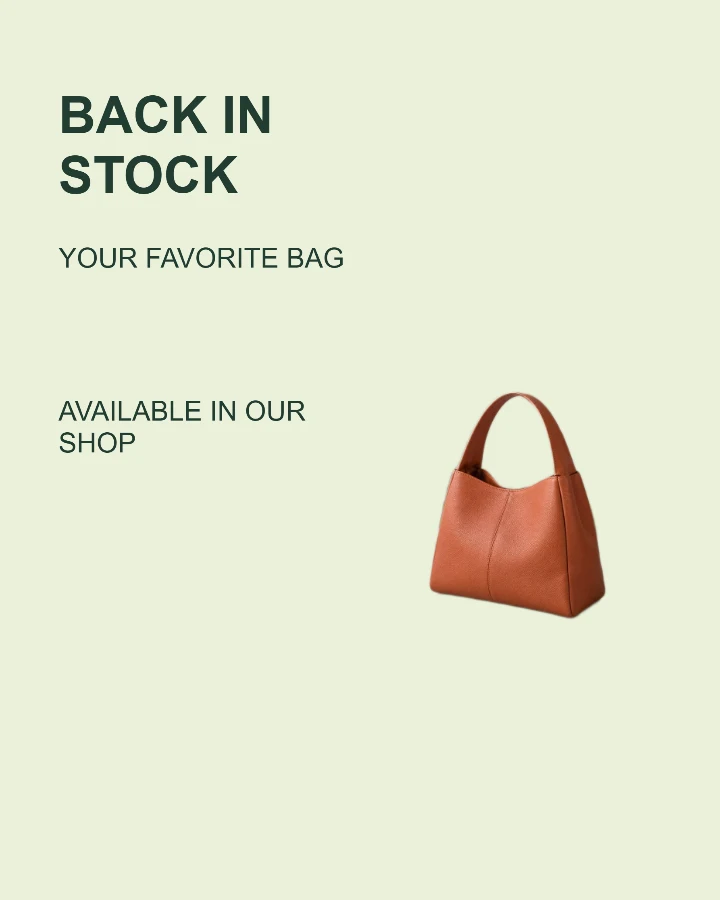
Tell shoppers which favorite has returned and where to find it.
Starting size: 1080 × 1350 px · 1 photo · 3 text fields

Bring a speaker, a topic and the event time into one clear invitation.
Starting size: 1080 × 1350 px · 1 photo · 4 text fields
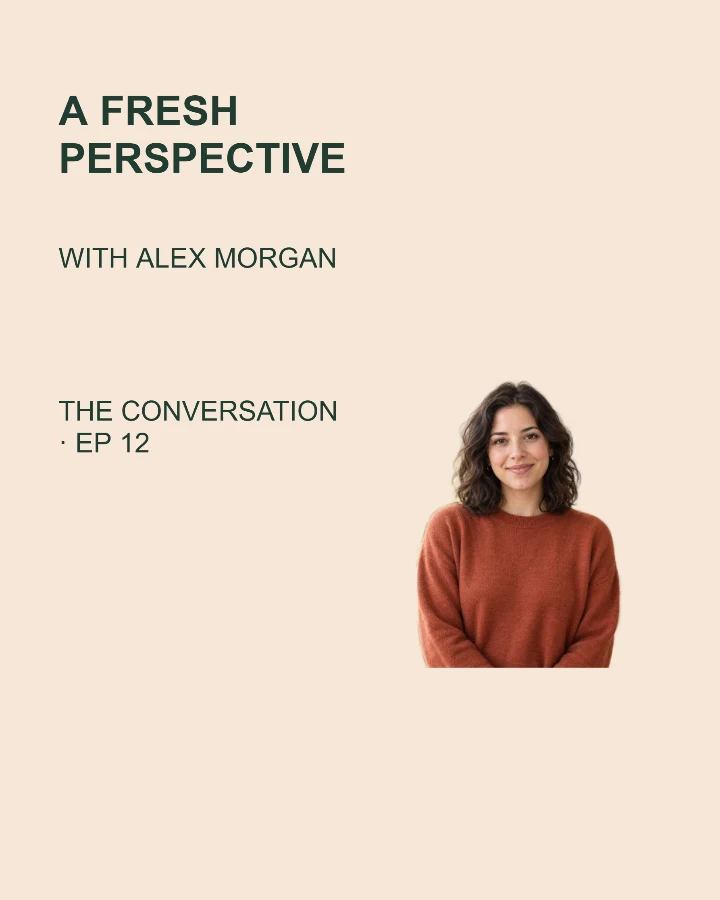
Give your next conversation a cover with a guest photo and a clear topic.
Starting size: 1080 × 1350 px · 1 photo · 3 text fields
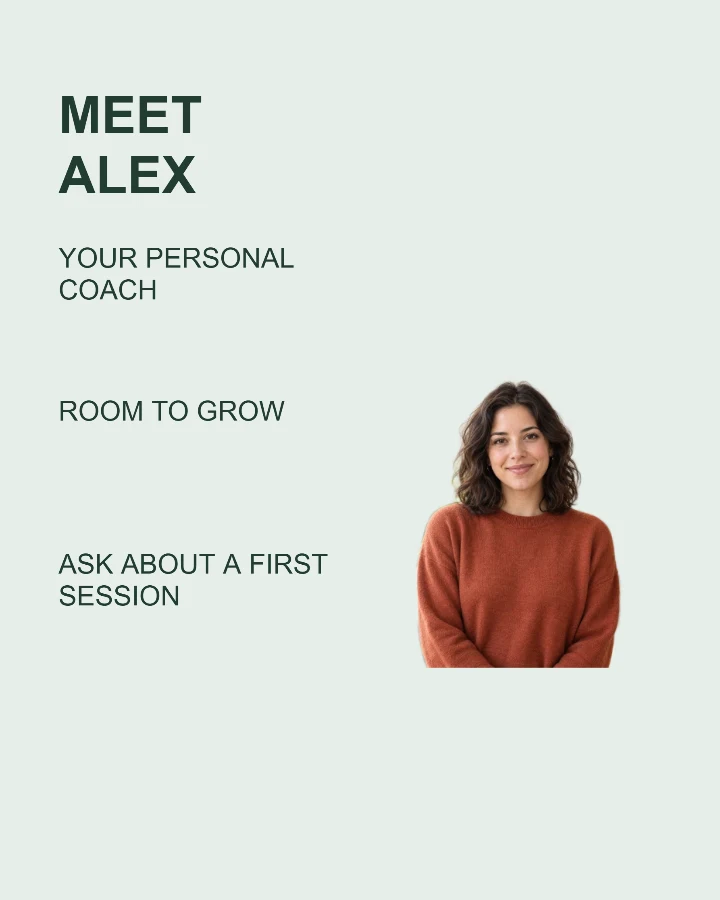
Introduce yourself, what you do and how clients can reach you.
Starting size: 1080 × 1350 px · 1 photo · 4 text fields
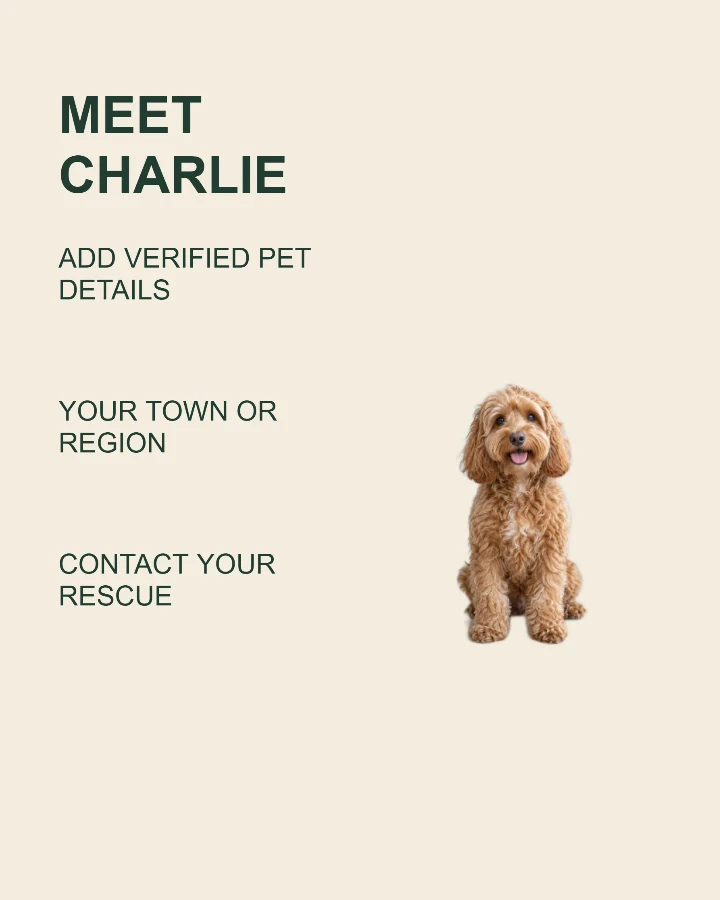
Help a pet find a home with a real photo, useful details and a contact.
Starting size: 1080 × 1350 px · 1 photo · 4 text fields
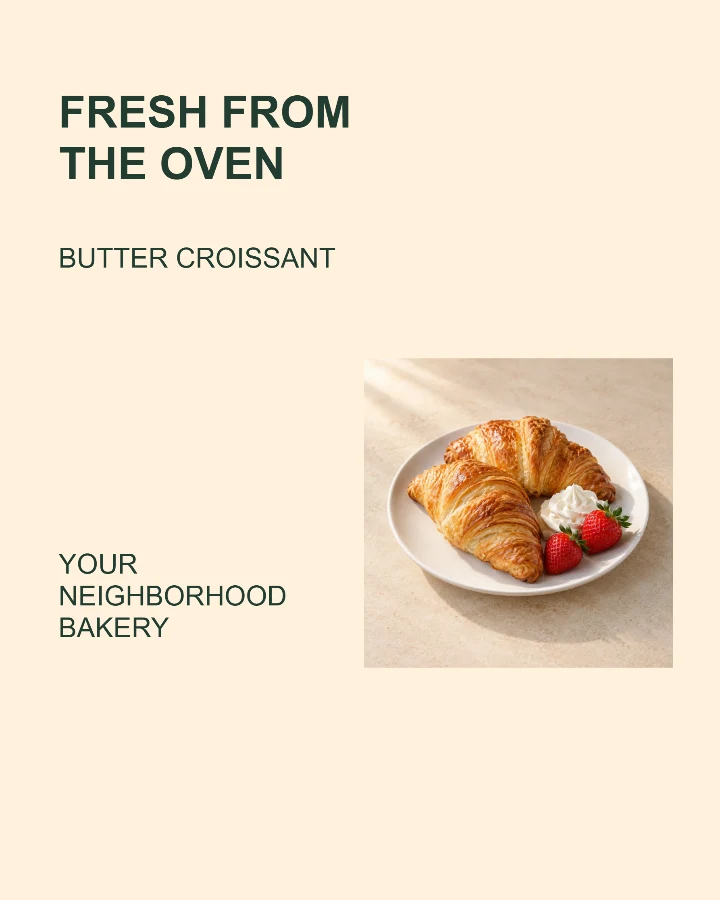
Show a new dish as it really looks, with its name, price and your shop.
Starting size: 1080 × 1350 px · 1 photo · 4 text fields
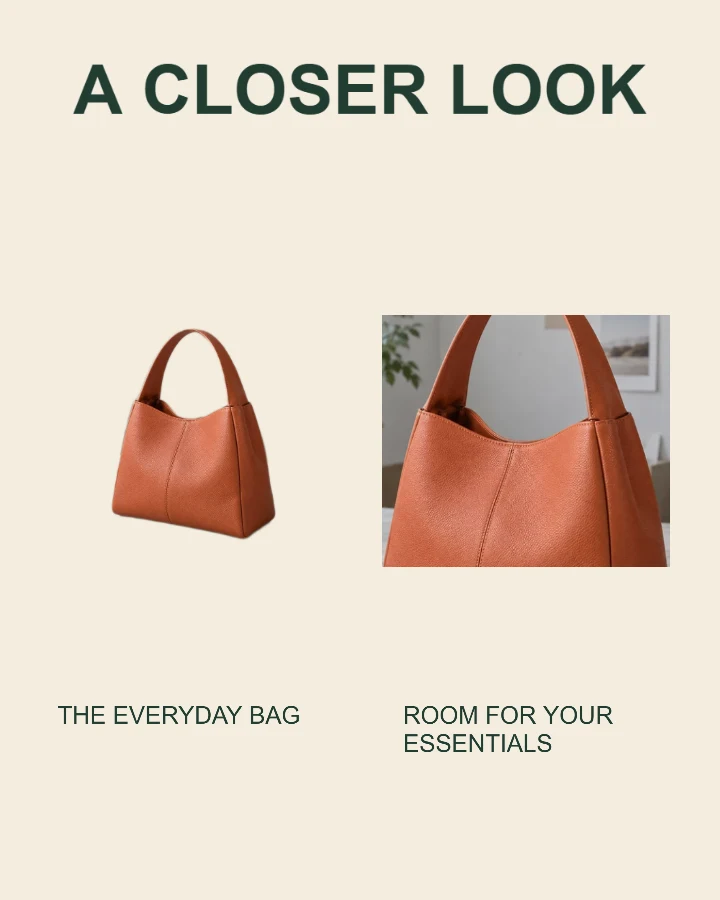
Show the whole item alongside a closer look at a feature.
Starting size: 1080 × 1350 px · 2 photos · 3 text fields
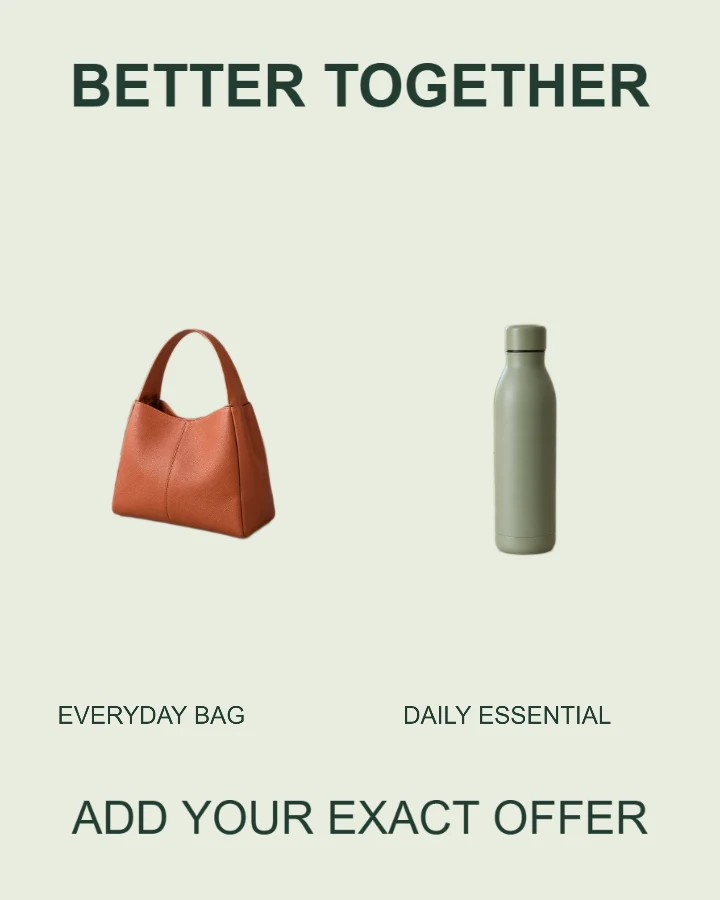
Present two real products or options with clear labels.
Starting size: 1080 × 1350 px · 2 photos · 4 text fields
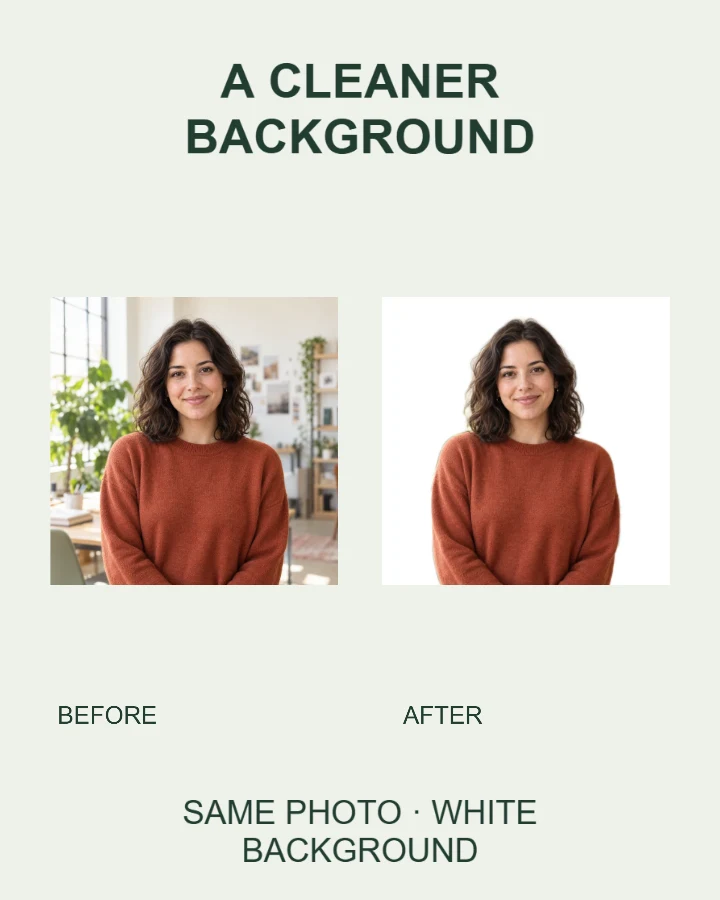
Place two real photos side by side and explain what changed.
Starting size: 1080 × 1350 px · 2 photos · 4 text fields

Introduce two speakers or team members with matched names and portraits.
Starting size: 1080 × 1350 px · 2 photos · 4 text fields
Editable photo templates give your photos and words a starting layout. A product launch, speaker introduction and pet greeting need different amounts of space. Compare styles and sizes before adding your own image.
Use a product feature card for one hero item, a bundle layout to compare two items, or a restock announcement for availability. Keep prices and offer conditions readable at thumbnail size.
Start with a speaker card for a portrait and a short introduction. A two-speaker layout has a separate place for each person. Replace example names, dates and titles before publishing.
A birthday card leaves room for a name and greeting. Choose a pet adoption card for a photo and adoption message. Use a sharp photo with the ears, paws and tail inside the frame.
Yes. In Design Studio you can keep the original photo or use a cutout. For a before-and-after comparison, choose the before-and-after layout and review both photo areas.
A template link opens the starting design; it does not contain your personal photos or words. To share the finished design, export the image or use the Studio’s finished-image share control when your browser supports it.
Choose your layout size before editing, then check the final composition. The image resizer can change a downloaded image’s dimensions, the image converter can change its file type, and the image compressor can help meet an upload limit. These tools work on the finished image, so text is no longer separately editable.