White product
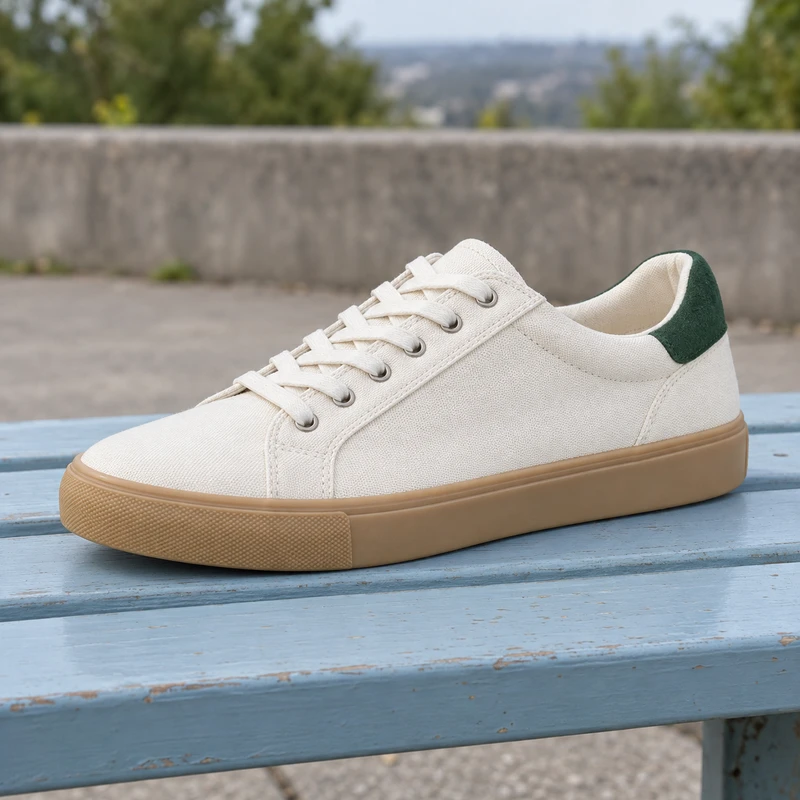
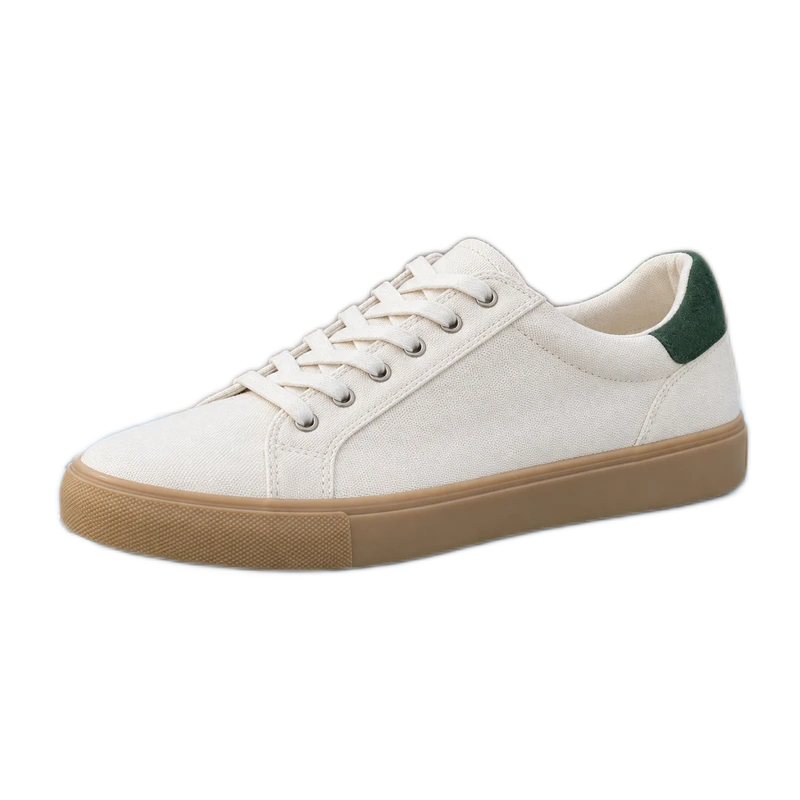
Inspect the pale fabric, laces and sole for missing edges.
Download original · Download PNGKeep your subject. Download a transparent PNG or choose a new background.
Photos processed on your device.
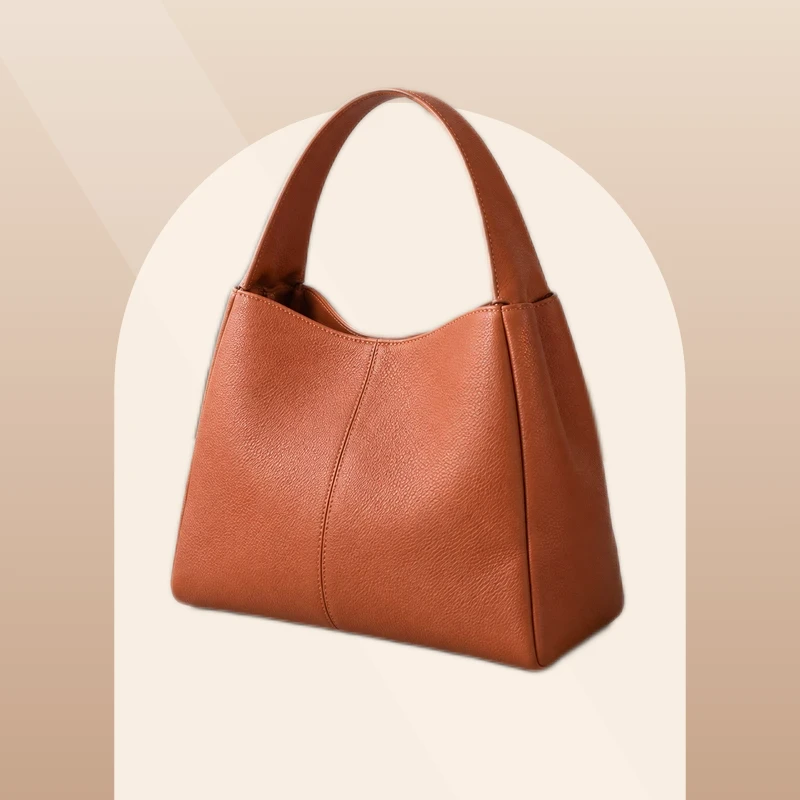
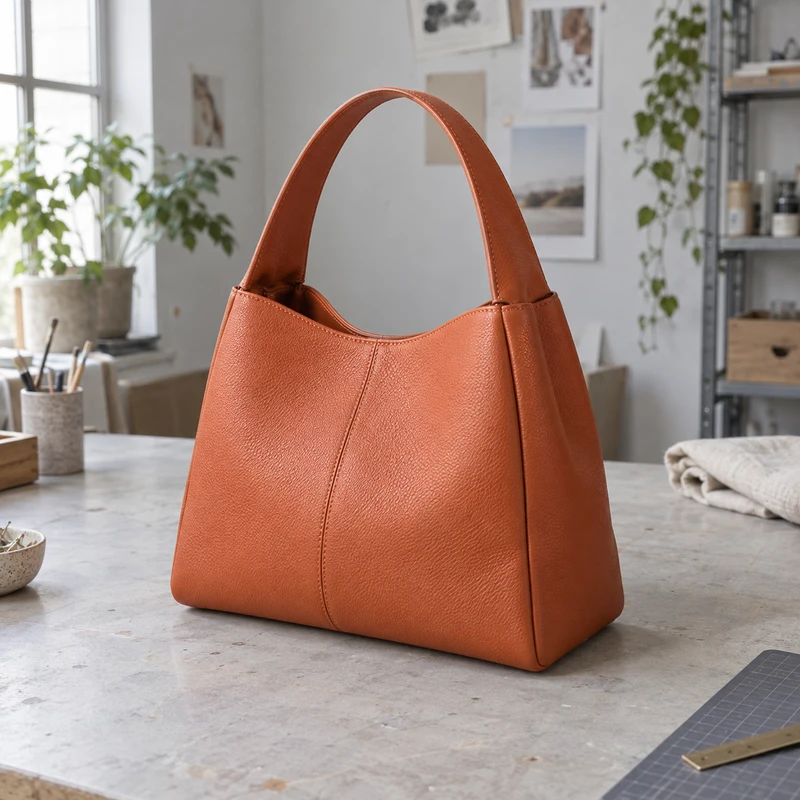 BeforeAfter
Same product. A whole new setting.
Drop your images here, or choose a few.
JPG, PNG, WebP · Up to 10 MB each · 5 at a timeYou can also paste an image Ctrl / ⌘ VThese fictional source photos were processed by this tool with standard settings and no manual corrections. Download the exact input and PNG export, then inspect the details at full size. Try your own photo to judge the result for your project.
Inspect the pale fabric, laces and sole for missing edges.
Download original · Download PNG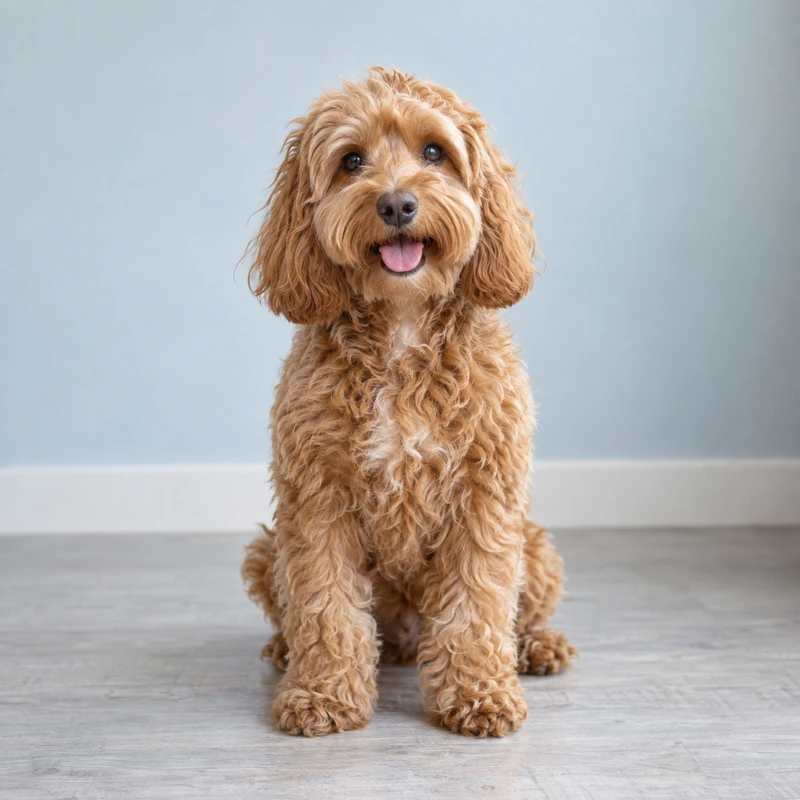
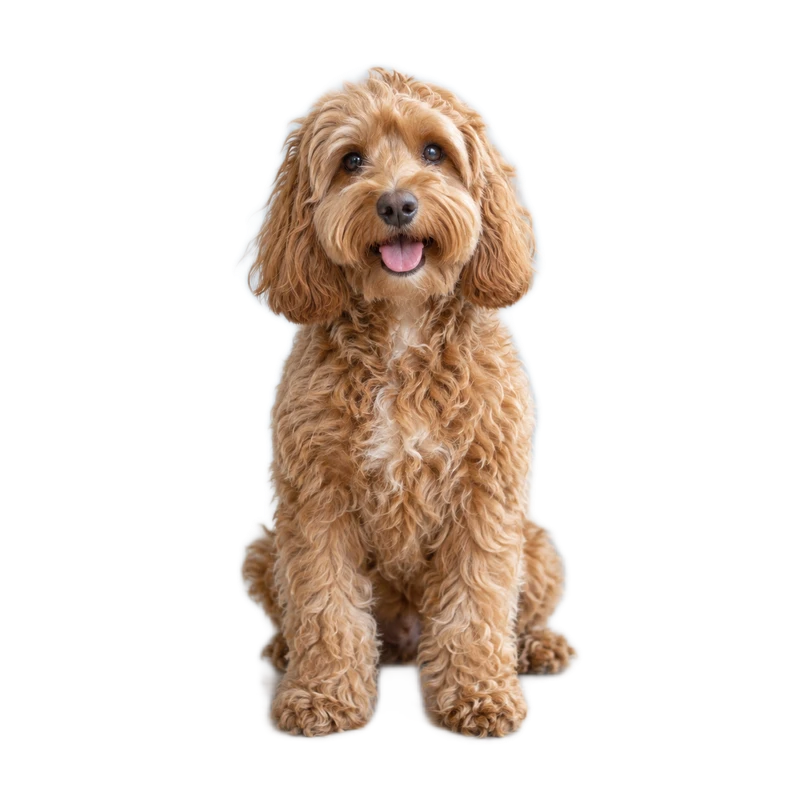
Inspect fine fur and gaps around the ears. Use Restore for missing strands.
Download original · Download PNG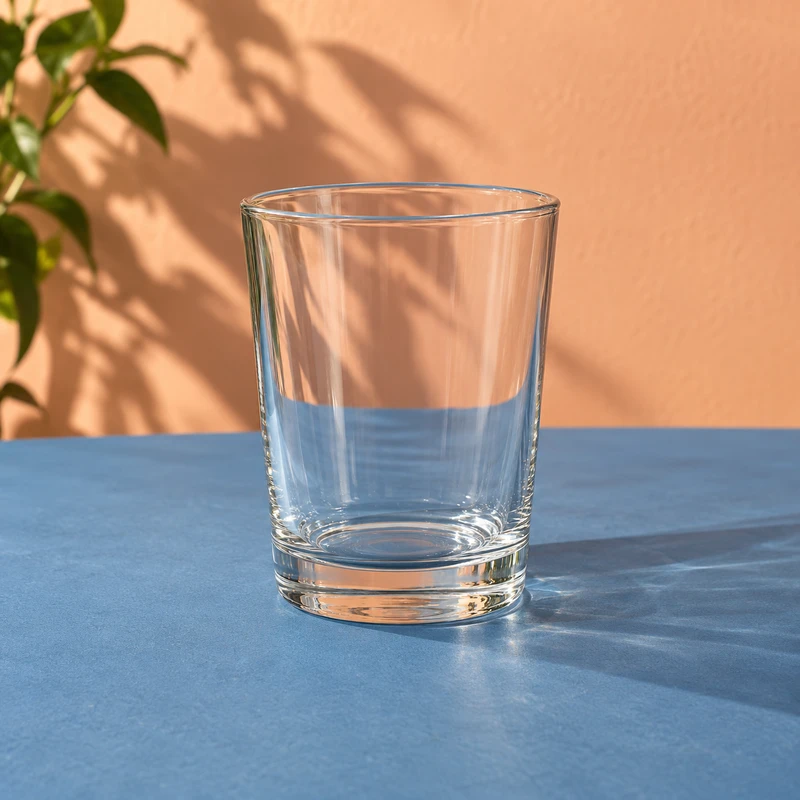
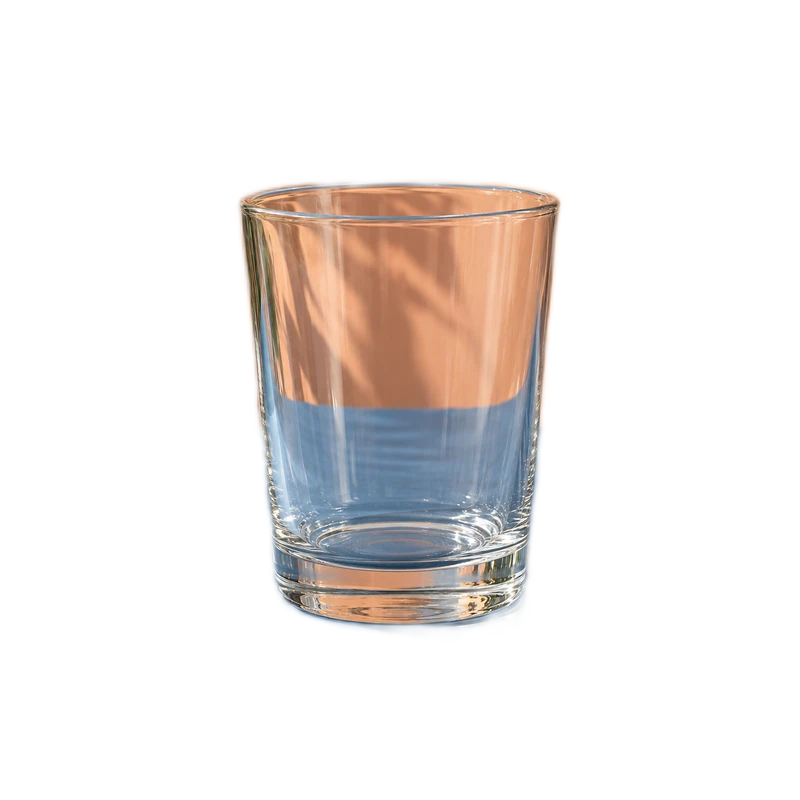
The original scene can remain visible through the glass. Check whether that suits your new background.
Download original · Download PNG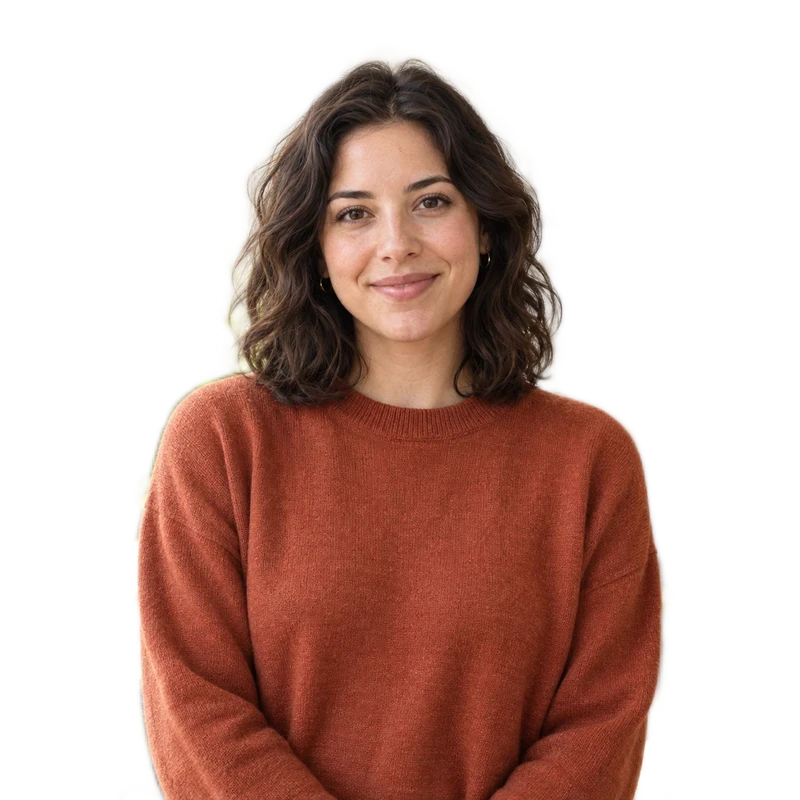
 BeforeAfter
The checkerboard shows transparency. It is not in your PNG.
Turn a portrait or product photo into a reusable cutout. Refine the edges, then save a transparent PNG for social posts, slides, and your next design.
 BeforeAfter
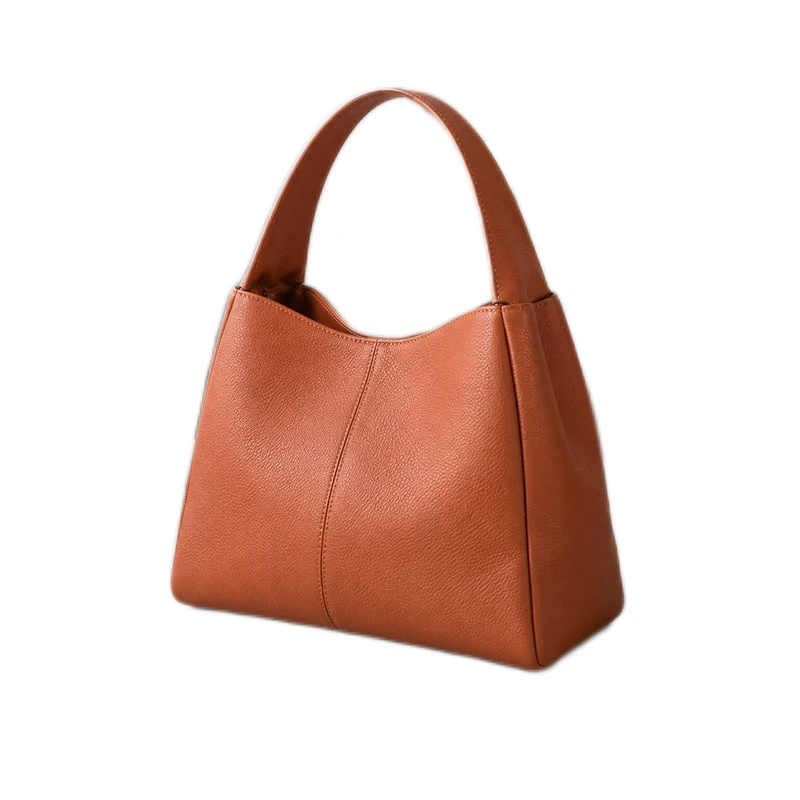
Original photo → clean white background
Remove background clutter so the product gets the attention. Add a clean white backdrop for shop listings, resale photos, and catalog images, then check the edges before you download.
 BeforeAfter
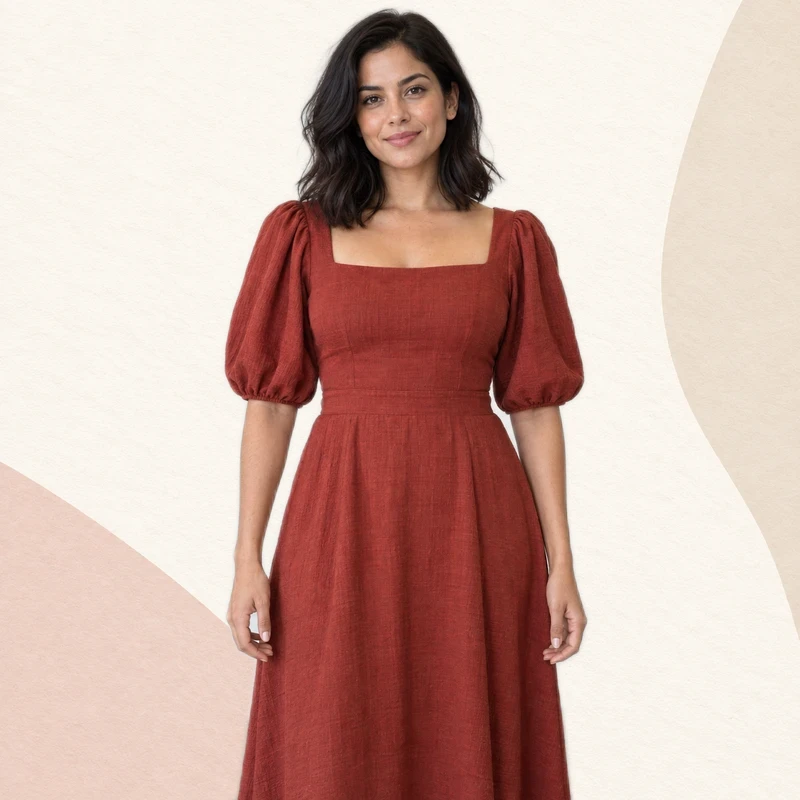
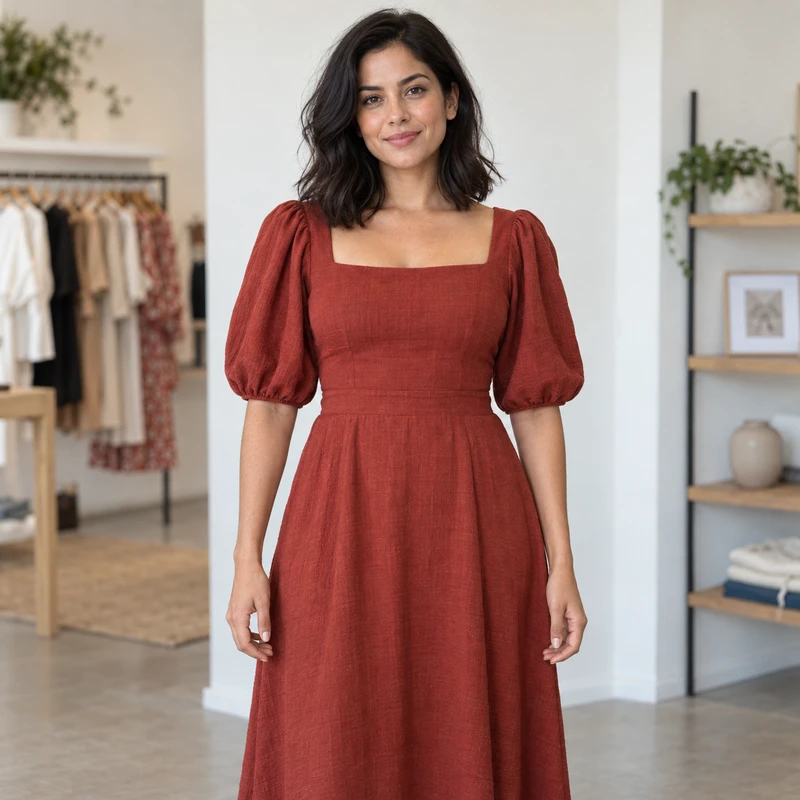
Original background removed, then combined with this backdrop. Hover over a thumbnail to preview.Tap a thumbnail to preview; tap outside to close.
Remove background distractions from an outfit photo, then use the background changer to add your campaign image. Combine the cutout with your own setting for lookbooks, shop banners, and social posts.
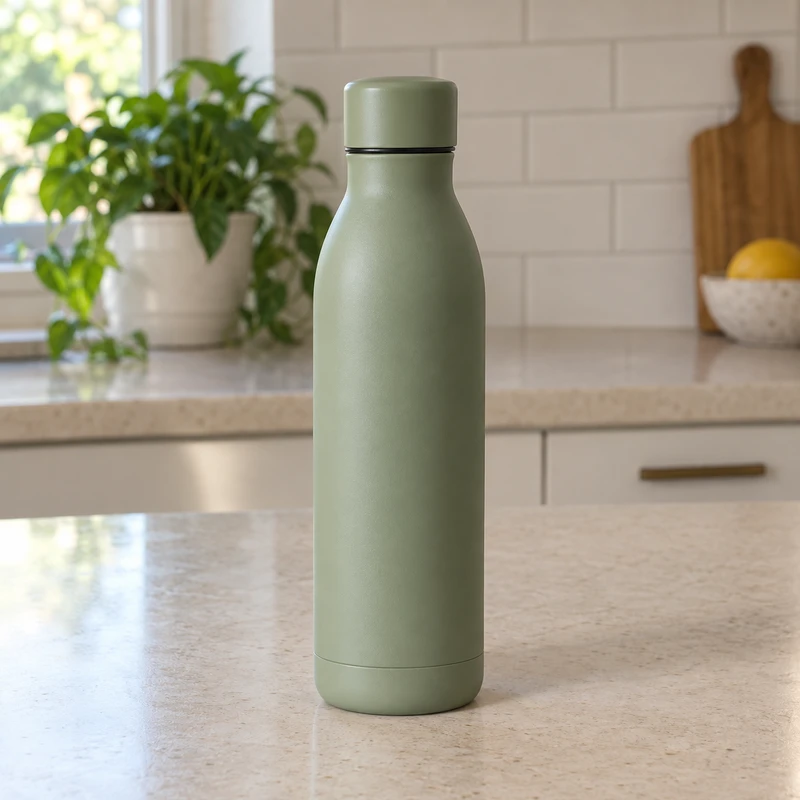
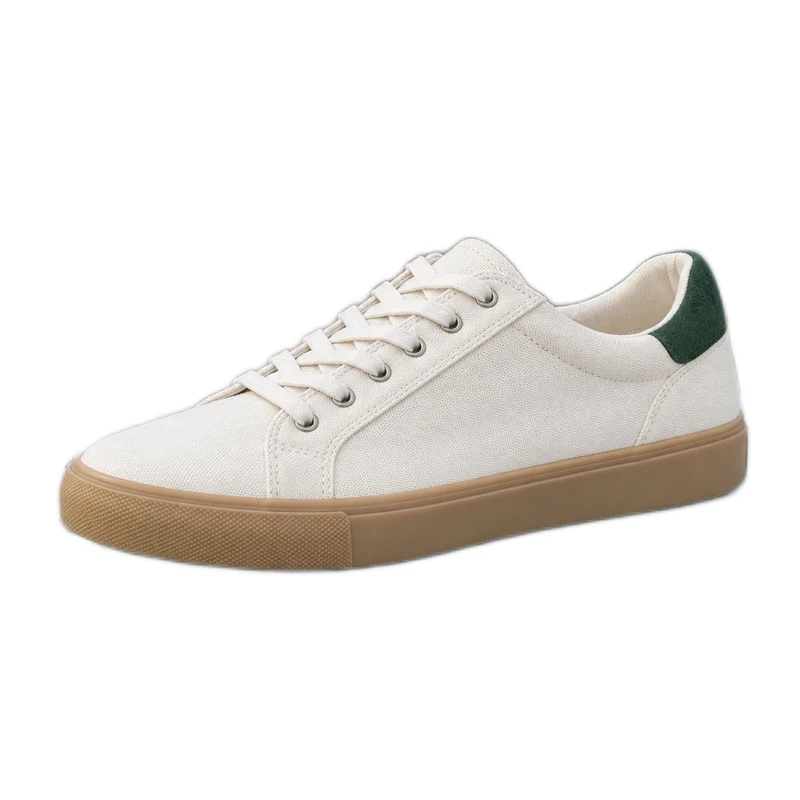
Three source images. One matching set.
Remove background clutter from multiple shop or resale photos and give the set a shared backdrop. Follow these three originals through individual edge checks to a ready-to-download collection.
See the whole batch →Start with a product photo, a portrait, or a few images you want to edit together.
Use the free background remover to isolate your subject, then refine the edges. Keep it transparent or try a new color or image behind it.
Save a transparent PNG or a finished JPG. Download multiple ready images together as a ZIP.
Have another question? Contact us at support@removebg.studio
Choose a JPG, PNG, or WebP image to start automatic background removal. Check the cutout, use Erase or Restore to tidy the edges, and download a transparent PNG or add a new backdrop.
Yes. Add your subject photo, then choose your own background image. You can also select a white background, a custom color, or a ready-made scene. Preview the result before downloading.
Yes. Open Batch remove bg, add your images, and apply a background to selected images or the whole batch. Each photo keeps its own edge corrections, crop and added elements. Reopen saved batches in this browser and download ready images together. The workspace shows the capacity available on your device.
Choose your product image, remove its original background, and select white. Refine the cutout with Erase and Restore if needed, then download your finished product photo as PNG or JPG.
Yes. You can remove backgrounds and download your images without an account, credits, or a watermark. This version processes images on your own device.
Device processing runs inside your browser without uploading image files to our servers. The batch workspace saves originals and edits in this browser so you can return to them; deleting a saved batch or clearing site data removes those local copies. Your browser downloads the website, AI model, and processing engine.
Choose the checkerboard background and download as PNG. The checkerboard is only a preview of transparency; it is not part of the downloaded image. JPG does not support transparency and uses a solid background.
Choose JPG, PNG, or WebP images up to 10 MB each, 24 megapixels, and 8,000 pixels on either side. Batch mode applies lower image and batch limits when needed for your device, and shows them before processing. Choose Original size to preserve your output dimensions, or Quick to cap the longest side at 4,096 pixels without upscaling. The homepage workspace holds up to five images. Animated images are not supported.
Your browser downloads the background-removal files on the first run. Later images can reuse them. Processing speed depends on your device; keep this tab open while the images are processed one at a time.
Automatic cutouts work best with one clear subject and a distinct background. Zoom in, use Erase to remove leftover background and Restore to bring back missing parts of the original, then check against a light or dark backdrop. Choose Original size to keep the source dimensions after any crop. Fine hair, glass and shadows can still need specialist retouching.
Choose your photo to remove its background, then pick a color or backdrop. Keep your face or logo in the middle and leave room around it for the circular profile crop. Under Selected download size, choose Instagram profile picture for a 320 × 320 px image, then download PNG or JPG. This is a square export; check the final profile crop in Instagram before saving.
Choose your photo to remove its background, then pick a color or backdrop. Use a clear headshot and a simple background, with space around your head for the profile crop. Under Selected download size, choose Facebook profile picture for a 400 × 400 px image, then download PNG or JPG. This is a square export; check the final profile crop in Facebook before saving.
Choose your photo to remove its background, then pick a color or backdrop. Choose a professional headshot, tidy the cutout edges and use a plain background that separates your face from the backdrop. Under Selected download size, choose LinkedIn profile picture for a 400 × 400 px image, then download PNG or JPG. This is a square export; check the final profile crop in LinkedIn before saving.
Choose your photo to remove its background, then pick a color or backdrop. Center your face or logo and keep important details away from the corners. Under Selected download size, choose X (Twitter) profile picture for a 400 × 400 px image, then download PNG or JPG. This is a square export; check the final profile crop in X before saving.
Choose your photo to remove its background, then pick a color or backdrop. Use a recognizable face or channel logo. Avoid small text that becomes hard to read beside videos and comments. Under Selected download size, choose YouTube profile picture for a 800 × 800 px image, then download PNG or JPG. This is a square export; check the final profile crop in YouTube before saving.
Choose your photo to remove its background, then pick a color or backdrop. Use a close, clear portrait with a contrasting background so it stays recognizable at a small size. Under Selected download size, choose TikTok profile picture for a 200 × 200 px image, then download PNG or JPG. This is a square export; check the final profile crop in TikTok before saving.
Choose your photo to remove its background, then pick a color or backdrop. Keep the main detail centered and use a simple background. This tool exports a still image, not an animated avatar. Under Selected download size, choose Discord avatar for a 512 × 512 px image, then download PNG or JPG. This is a square export; check the final profile crop in Discord before saving.
Remove background clutter from your next photo, then choose a transparent PNG, a clean color, or a scene of your own.