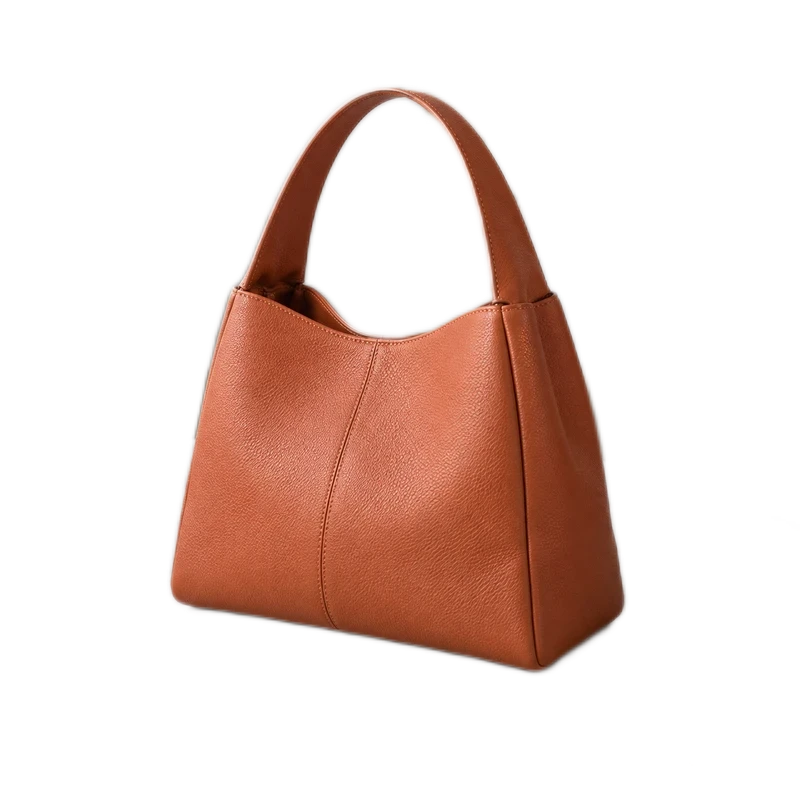
PNG · transparent
800 × 800 · 386.5 KB
Download this example ↓Use this batch image converter to change PNG, JPG and WebP files into the format you need. Keep transparency in PNG or WebP, choose a JPG fill color, and download up to 20 ready images individually or as a ZIP.
Still JPG, PNG and WebP only; no HEIC, SVG or animation. Conversion does not remove backgrounds or recover lost detail.
Or drop JPG, PNG or WebP here. Up to 20 images, 10 MB each.
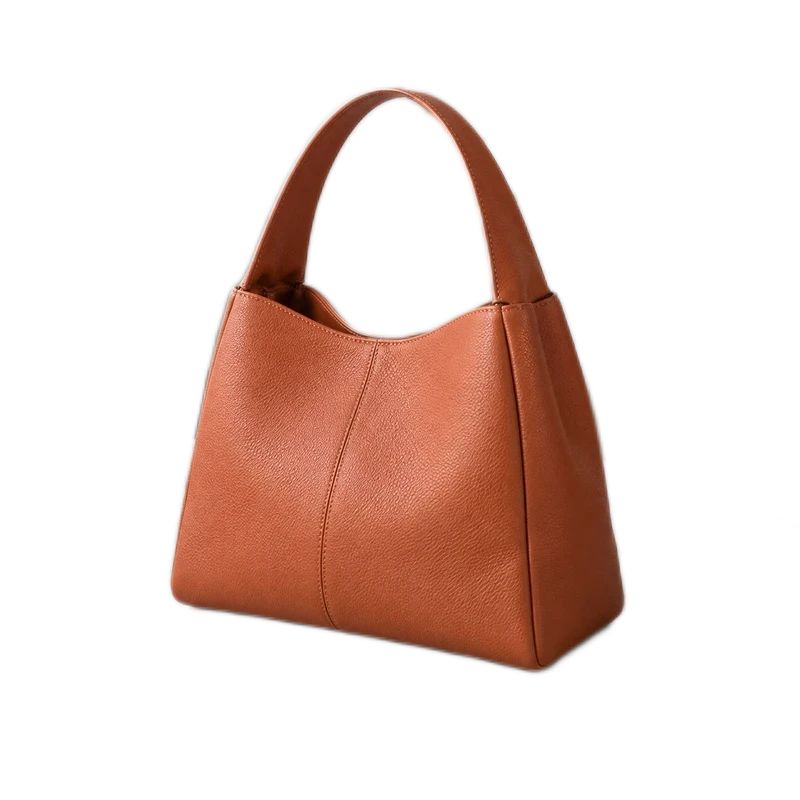
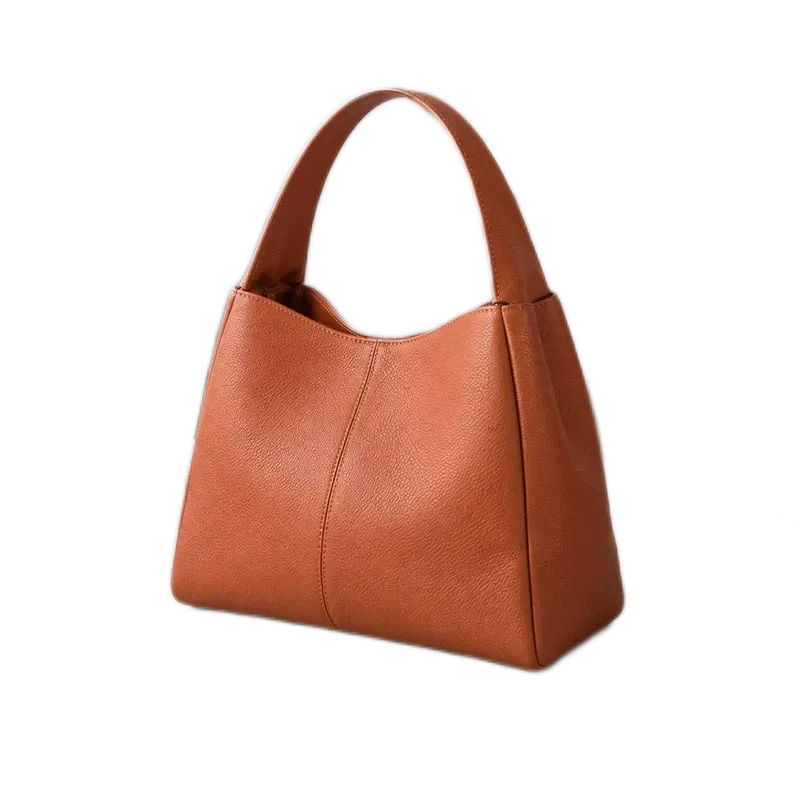
Original photos stay intact. Images are processed in your browser.The bag has a transparent background. PNG and WebP keep it; JPG fills the empty pixels with white. The JPG and WebP samples use 80% quality. The checkerboard below is a preview of transparency, not part of the file.
The images below are lightweight previews. Download the files to compare full-size detail and the measured file sizes.
800 × 800 · 386.5 KB
Download this example ↓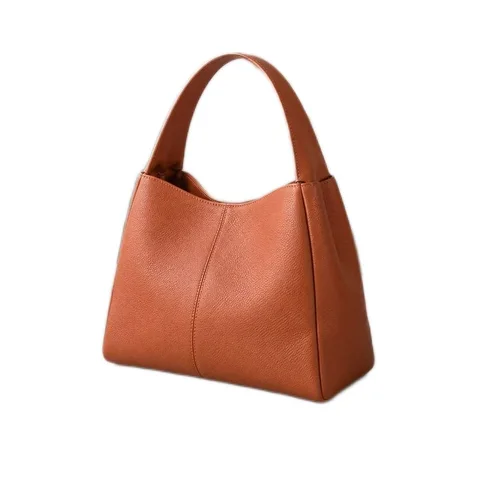
800 × 800 · 41.6 KB
Download this example ↓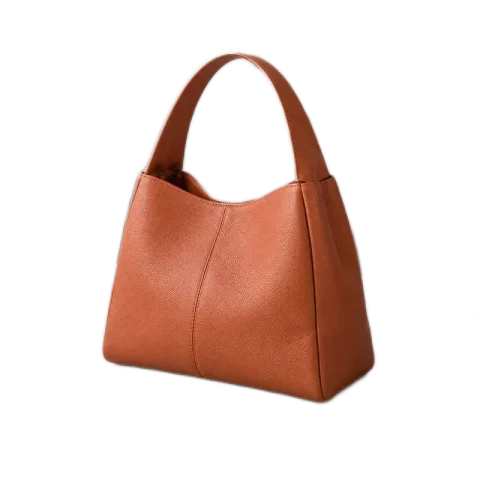
800 × 800 · 51.3 KB
Download this example ↓| Conversion | Useful for | What to check |
|---|---|---|
| PNG to JPG | A finished photo for a service that needs JPG | Transparency becomes a solid fill color. JPG introduces lossy compression. |
| JPG to PNG | Editing or using a file in a PNG workflow | Lost JPG detail is not recovered. The result may be much larger. |
| PNG to WebP | Smaller web images and transparent cutouts | Transparency can remain; quality settings affect color detail. |
| WebP to PNG | A transparent asset for a PNG-only workflow | Transparency is kept. More bytes do not mean that new detail was created. |
| WebP to JPG | An opaque photo with broad compatibility | Choose a background color for transparent pixels. |
| JPG to WebP | A web-friendly photo format | Compare the result; converting an already compressed image adds another encoding step. |
No. Choose the JPG fill color to replace transparent pixels. White is the default. Keep a separate PNG or WebP if you need the cutout for future designs.
No. PNG preserves the pixels available at the time of conversion, but cannot recover details already lost in the JPG. It can be useful for compatibility even when the file becomes larger.
Formats encode the same pixels differently. PNG is often larger for photographs, while a simple graphic can be efficient as PNG. Use the actual file-size comparison to decide which result to keep.
No. Renaming .webp to .jpg does not turn the image into a JPEG. This tool decodes the original and creates a new file in the selected output format.
Conversion does not remove a background that is part of the image. Original metadata is not copied into the output. For a cutout, use the background remover first.
These inputs are not supported here. Use still JPG, PNG or WebP images. Animated images are not preserved as animations. For a batch, every ready file uses the selected output format.
Need a smaller upload? Compress the converted image. Need specific pixel dimensions? Resize your photo.
For a consistent product catalog, prepare product photos for Shopify or follow the collection consistency guide. To isolate the subject, start with batch background removal.