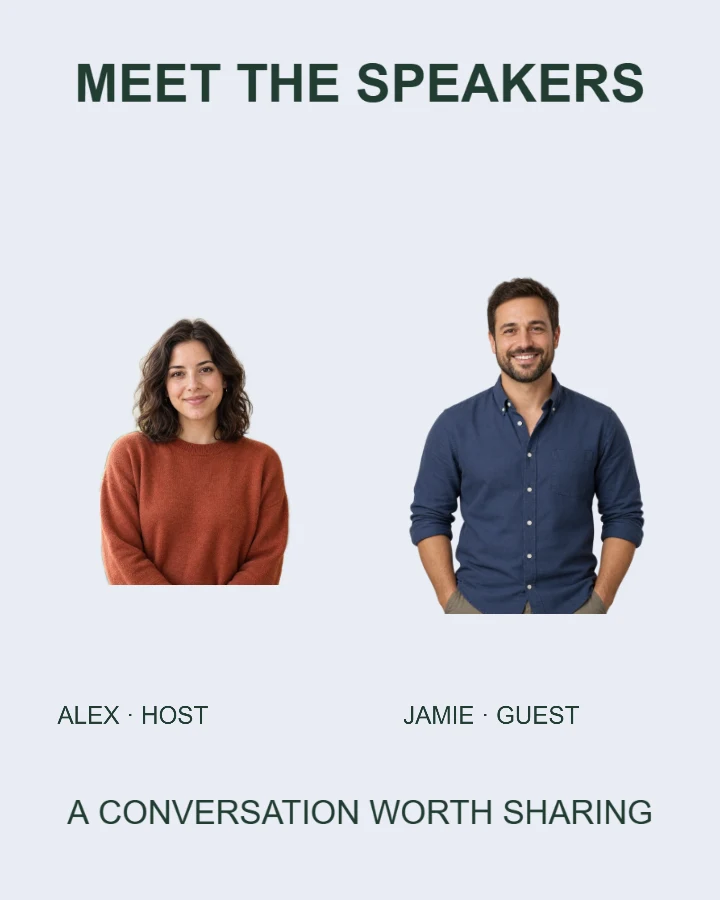
Sample design · Make it yours in Design Studio.
The second example speaker is an AI-generated fictional person. Replace both portraits with the actual people you want to introduce.
Two-speaker introduction template
Introduce two speakers or team members with two separate portraits and matching names and roles. This editable photo template keeps each person’s details together as you choose a style and image shape.
- Image size
- 1080 × 1350 px
- Shape
- Portrait · 4:5
- Save as
- PNG or JPG
Make the message yours
Keep each name and role with the matching photo. Add the shared event or team information in the last field.
Open this design with your chosen words, style and shape. Replace the example photos in Design Studio.
Invite someone to make their own. This link never includes your photo or message.
Choose portraits with similar framing
Use photos of the actual people, with permission to publish them. Head-and-shoulders portraits with similar lighting are easiest to balance. Each photo can be cropped independently.
How to use this photo template
Introduce the first person
Add the first portrait, name and role.
Add the second person
Upload a separate portrait and fill in the matching name.
Check both introductions
Choose a shape, verify who is who and download your announcement.
Questions about this design
Can I use this for a team rather than an event?
Yes. Change the shared headline and details to describe your two-person team.
Do names stay with the right portraits when I change styles?
Yes. The first and second photo slots keep their matching name fields in each layout. Your uploads are not swapped.
Can I add more speakers?
This template has two named portrait slots. For a larger lineup, make another card or use a suitable group photograph; separate slots for larger teams are not included. Make individual speaker cards →
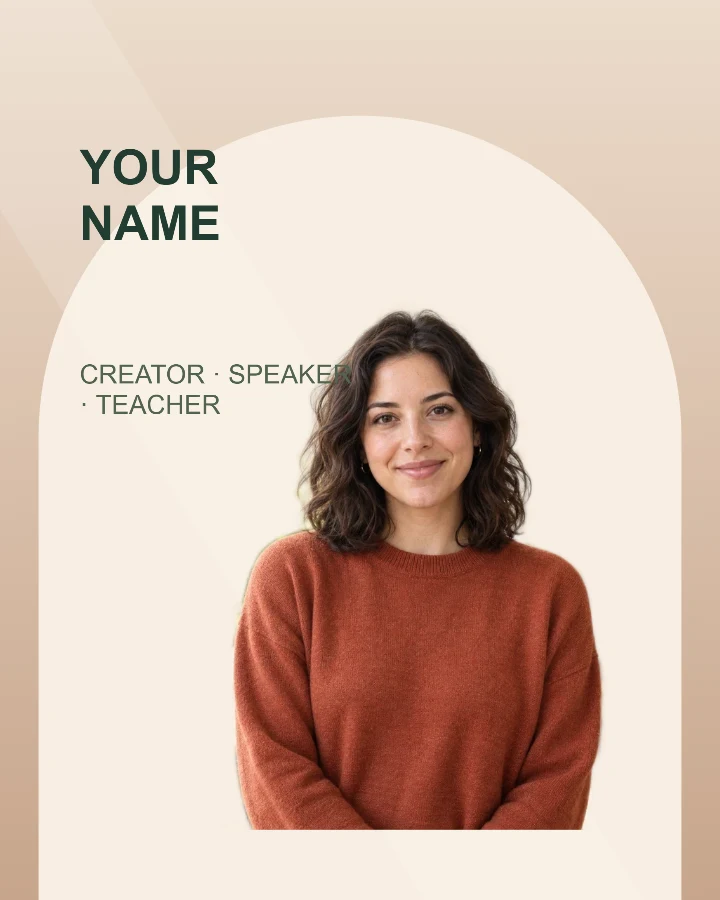
Speaker introduction
A profile card for a workshop, talk, livestream, or guest announcement.
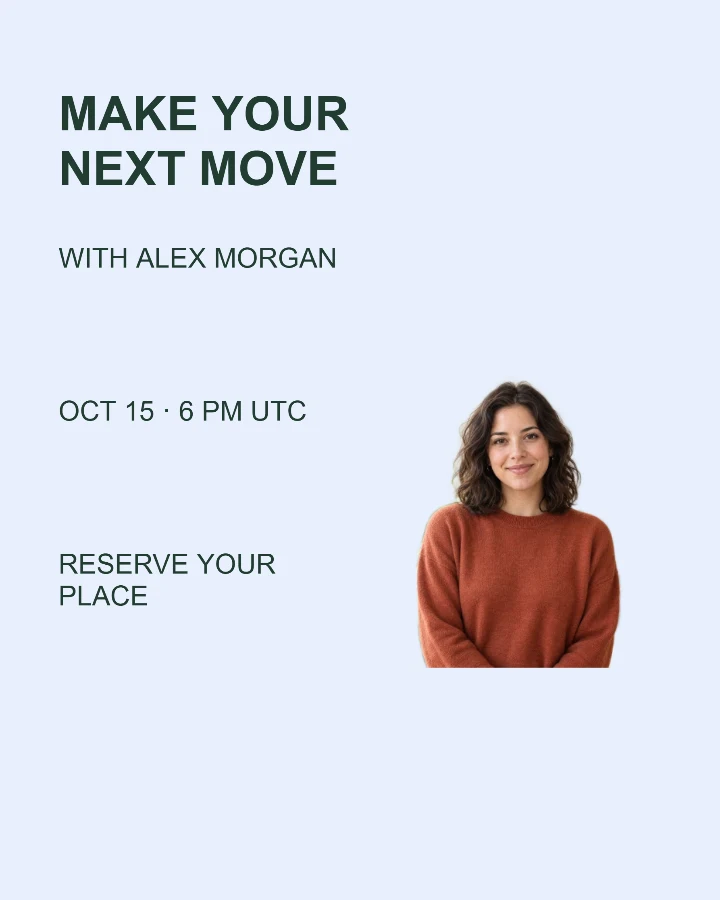
Webinar announcement
Bring a speaker, a topic and the event time into one clear invitation.
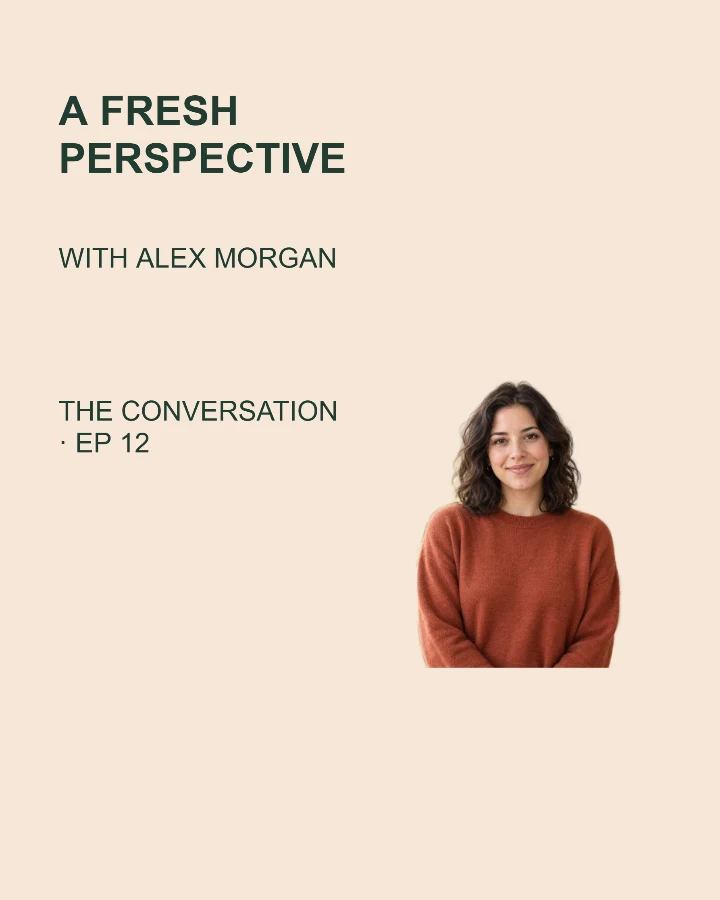
New episode
Give your next conversation a cover with a guest photo and a clear topic.