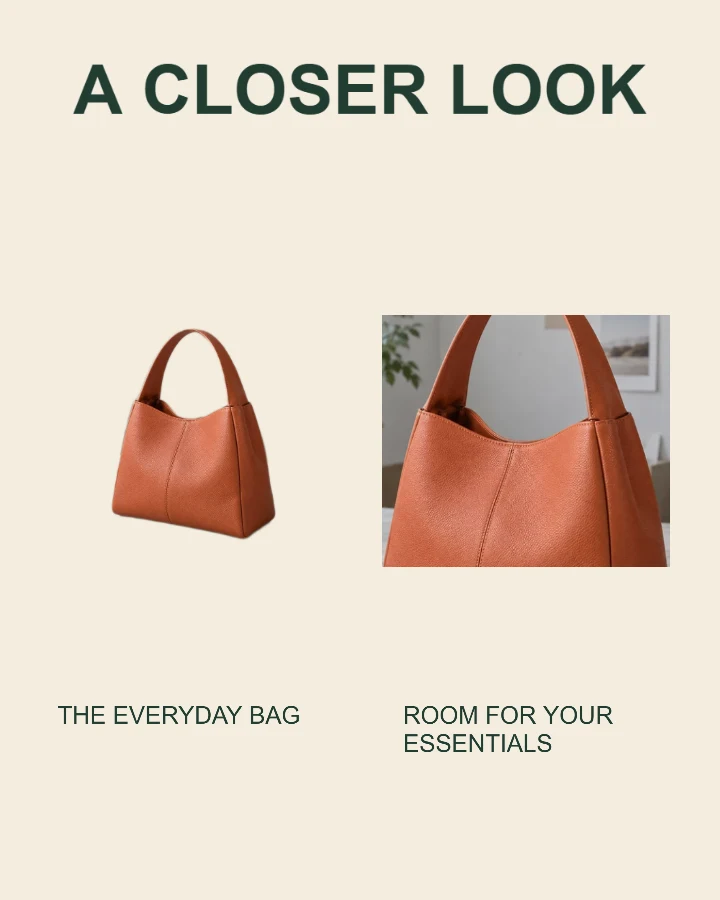
Sample design · Make it yours in Design Studio.
Example photo from RemoveBG Studio. Replace it with your own photo.
Product detail photo template
Use this product detail photo template to pair a full view with a close-up of the same item. Add two real photos or crop a reused original, label the feature, and download your supporting product image.
- Image size
- 1080 × 1350 px
- Shape
- Portrait · 4:5
- Save as
- PNG or JPG
Make the message yours
Name the product and explain what the close-up shows. Avoid claims the photo cannot demonstrate.
Open this design with your chosen words, style and shape. Replace the example photos in Design Studio.
Invite someone to make their own. This link never includes your photo or message.
Pair an honest overview with a sharp close-up
Use photos of the same actual item. For a closer look from one high-resolution photo, choose Use the same photo and crop the second view. A separate close-up can show finer detail.
How to use this photo template
Show the whole item
Add a complete product photo.
Add the close-up
Choose a separate detail photo or explicitly reuse the first, then crop it.
Label the feature
Check both views and download the image or all three shapes.
Questions about this design
Can I use one photo twice?
Yes. Choose Use the same photo for the Detail photo slot, then select a crop. The site does not duplicate your photo without that action.
Does this generate missing detail?
No. The close-up uses the pixels in your photo. Use a sharp original or upload a closer photograph. Resize the finished product image →
Is this a product feed main image?
It is a supporting promotional image. Check the destination’s rules before using text or multiple views in a main product image.
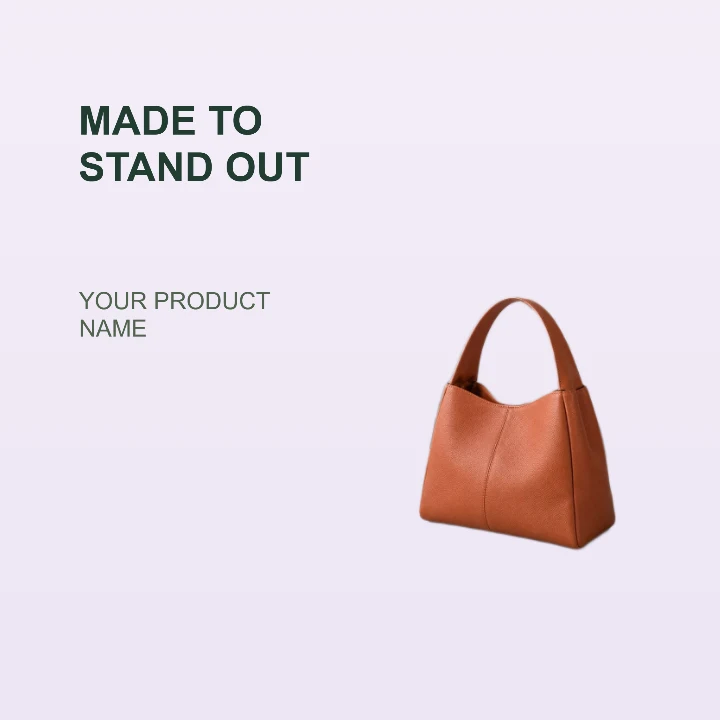
Product feature
A clean product card for a storefront, launch email, or listing highlight.
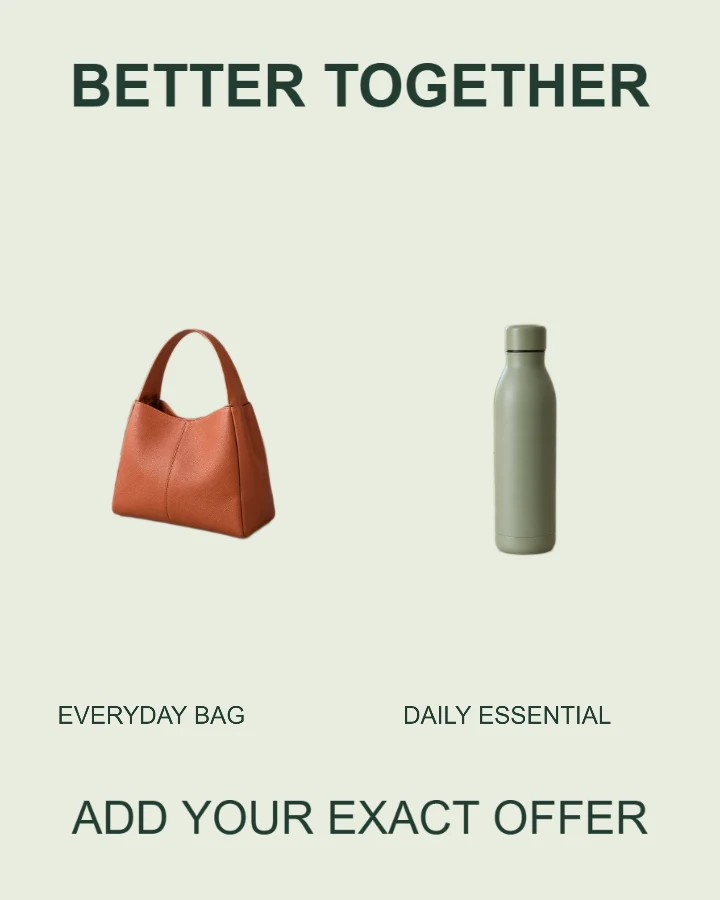
Bundle or color options
Present two real products or options with clear labels.
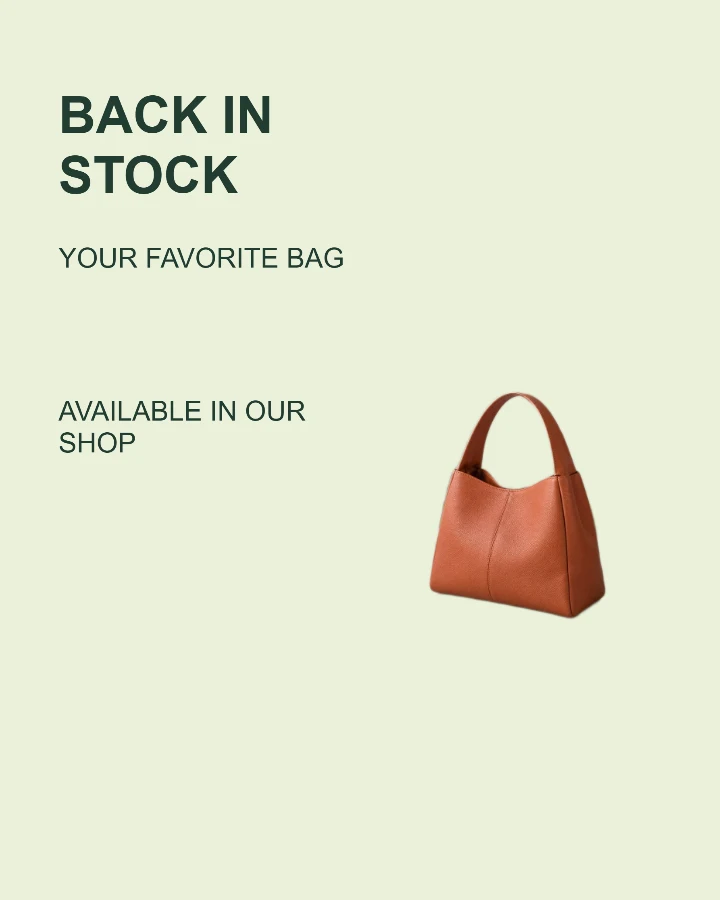
Back in stock
Tell shoppers which favorite has returned and where to find it.