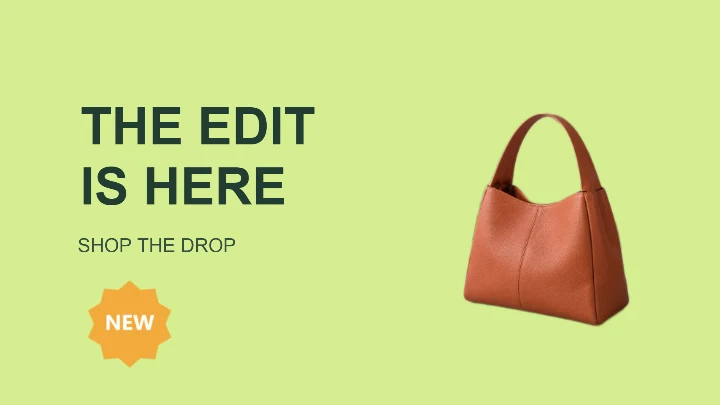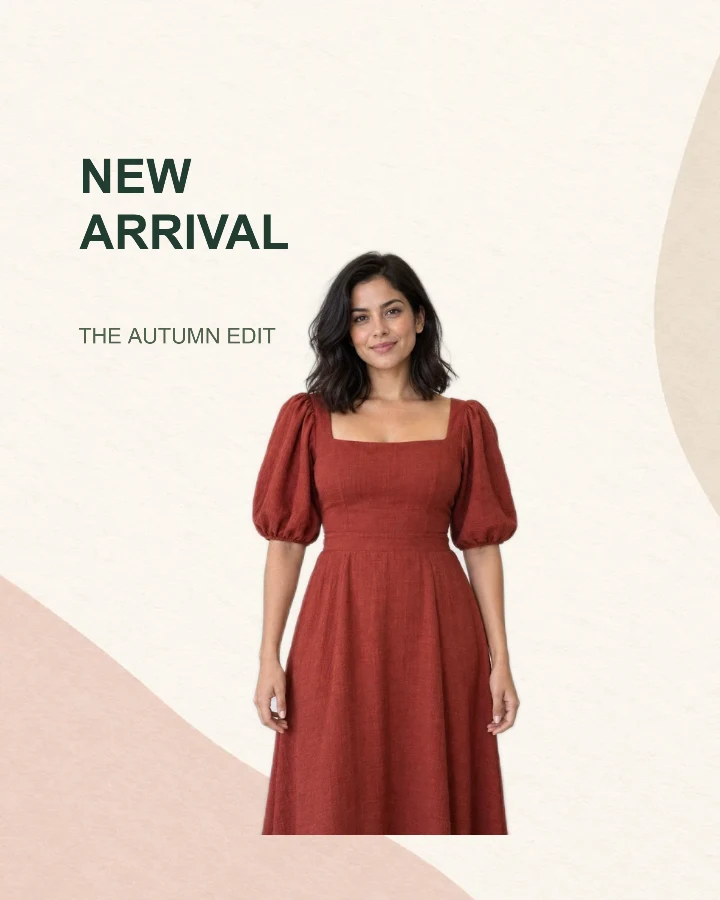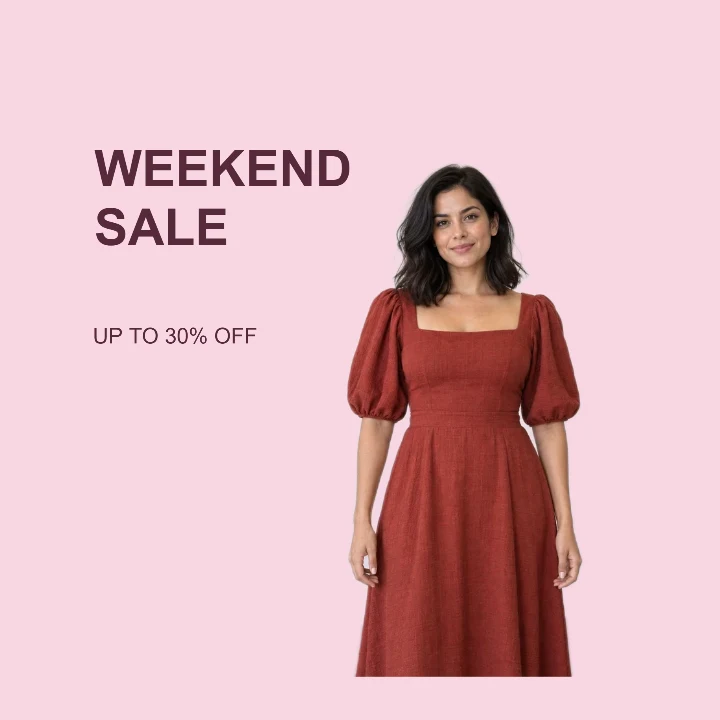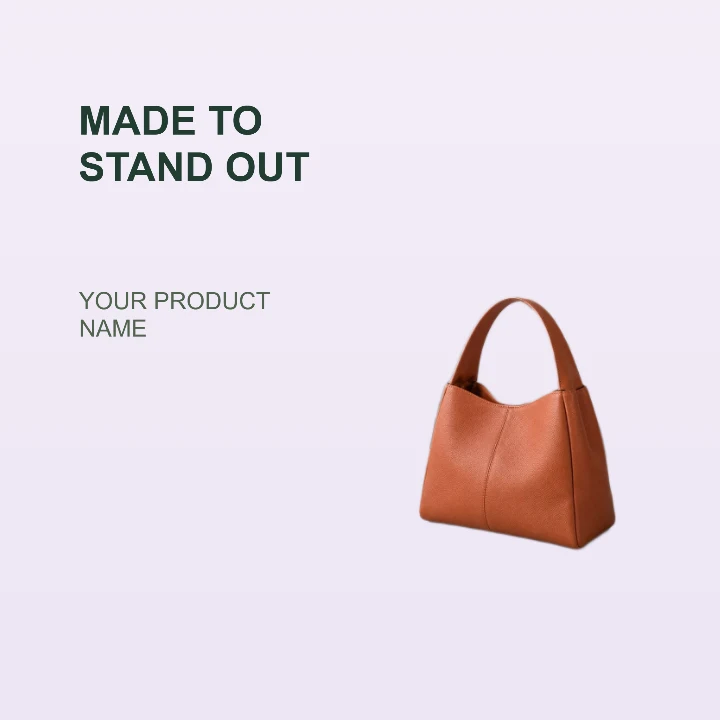
Sample design · Make it yours in Design Studio.
Example product photo from RemoveBG Studio on a podium background.
Product feature image template
Use this product feature image template to highlight one item and one benefit. Add a clear product photo, name the feature, and save a square promotional card with a podium backdrop.
- Image size
- 1200 × 1200 px
- Shape
- Square · 1:1
- Save as
- PNG or JPG
Make the message yours
Use the large text for one specific benefit and the smaller line for the product name. A short feature is easier to understand than a list of specifications in this compact layout.
Open this design with your chosen words, style and shape. Replace the example photos in Design Studio.
Invite someone to make their own. This link never includes your photo or message.
Start with a clear, complete product outline
Use a well-lit photo with the whole item in frame. Bags, bottles and other upright products fit the right-hand area naturally. Place the base of the product on the podium and avoid covering the feature headline.
How to use this photo template
Choose one feature
Replace the example headline with a short benefit and add the product name underneath.
Upload the product
Let the Studio remove the original background, then position your product on the podium.
Check your sales channel
Download the card for a promotional placement. If a marketplace requires a plain main image, use the white-background tool instead.
Questions about this design
Can this be my marketplace main product image?
Requirements vary by marketplace and image placement. This template includes text and a styled background, so check the destination rules. A plain white product photo may be more suitable for a main listing image. Create a plain white product photo →
Will it create a new product angle or shadow?
No. It uses the product photo you upload and places your product in the design. Choose an original photo with an angle and lighting that suit the backdrop.