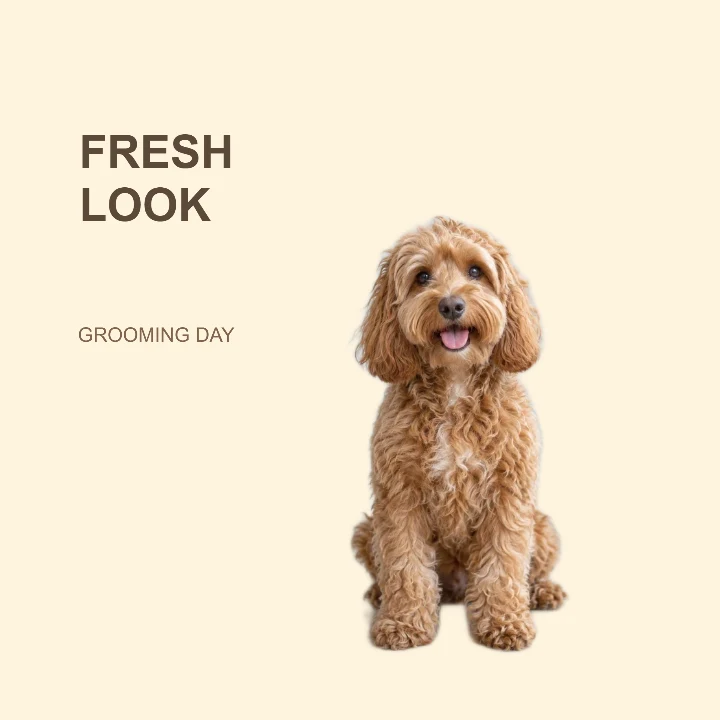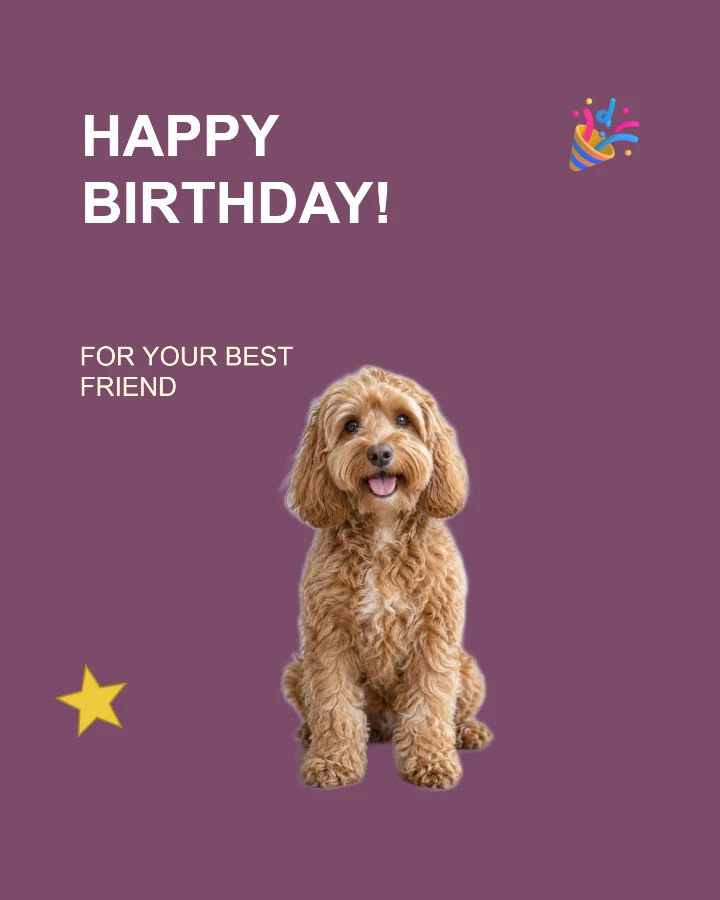
Sample design · Make it yours in Design Studio.
The example pet is AI-generated. Add a real photo of your pet to make your own card.
Pet birthday card template
Make a pet birthday card with your dog, cat or another pet’s photo. Edit the birthday greeting and name, choose a style, and download a personal image to send or share.
A digital photo greeting: one PNG or JPG image. Folded cards, print margins and print-ready PDFs are not included.
- Image size
- 1080 × 1350 px
- Shape
- Portrait · 4:5
- Save as
- PNG or JPG
Make the message yours
Use the large field for a greeting and the smaller one for the pet’s name, age or a short message. For an adoption anniversary, replace the birthday wording before applying the template.
Open this design with your chosen words, style and shape. Replace the example photos in Design Studio.
Invite someone to make their own. This link never includes your photo or message.
Choose a pet photo with visible ears and fur
A seated or standing pet with a clear outline is easiest to place. Keep ears, paws and the tail inside your original photo. Fine fur can need a little edge refinement after background removal, especially against a similar-colored background. Check and refine a transparent pet cutout →
How to use this photo template
Make the greeting personal
Add a birthday or adoption message and include your pet’s name in the smaller field.
Bring in your pet
Upload the photo, check the fur edges and position your pet below the greeting.
Arrange the celebration
Move or remove the party and star decorations, then download your finished portrait card.
Questions about this design
Can I use a cat or another animal?
Yes. The example shows a dog, but you can upload a photo of another pet. Results depend on the original photo; check fine fur, feathers and whiskers before downloading.
Is this a folded card or a print-ready PDF?
You can download a single image, starting at 1080 × 1350 pixels. It does not create a folded-card layout, extra margins for trimming or a PDF. Check the image dimensions and print size with your printer.