Sample design · Make it yours in Design Studio.
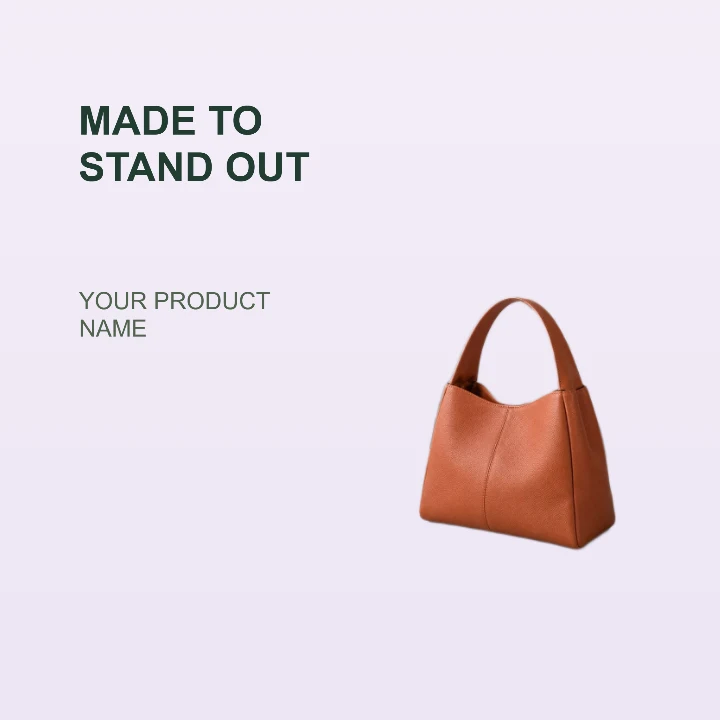
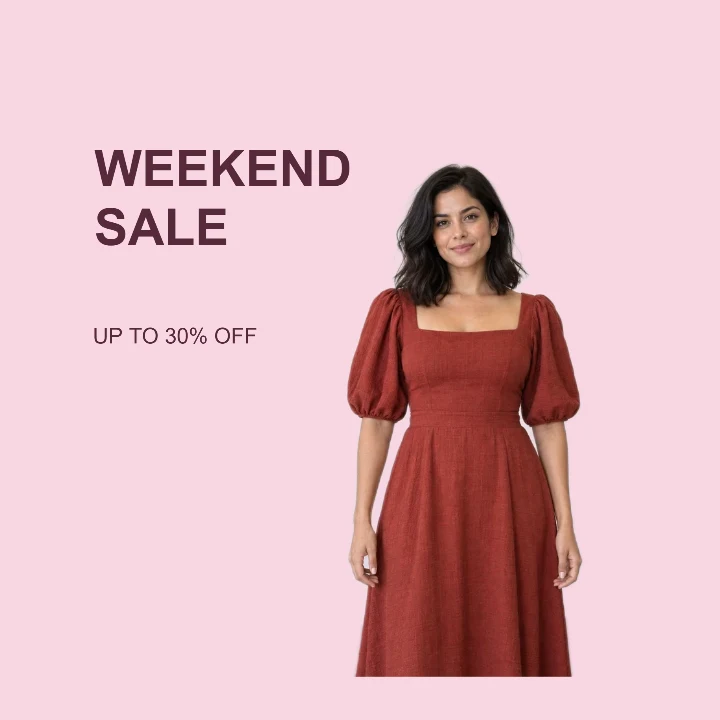
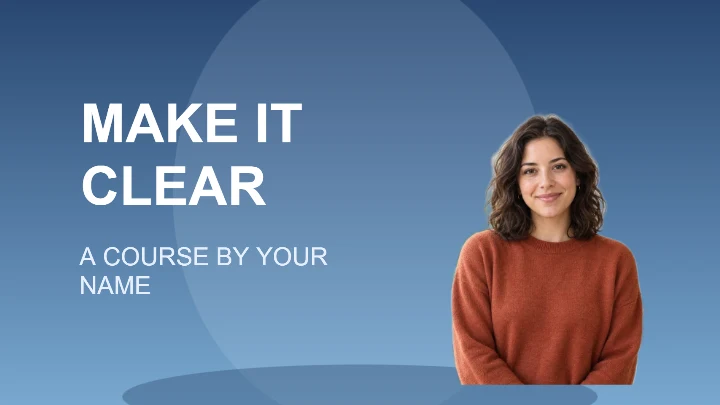
Example product photo from RemoveBG Studio.
Product promotion banner template
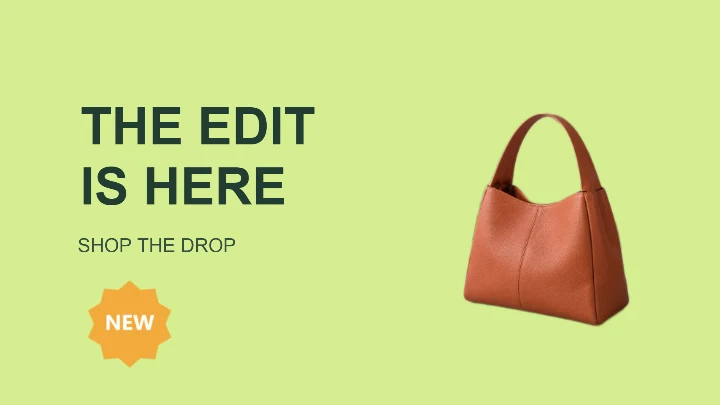
Create a product promotion banner with one product photo and a short offer. The starting 1600 × 900 layout leaves room for your headline; check your destination before choosing the final shape.
- Image size
- 1600 × 900 px
- Shape
- Landscape · 16:9
- Save as
- PNG or JPG
Make the message yours
Keep the main announcement short and use the second line for an action or offer. The NEW badge is a separate decoration; move it or remove it when the promotion is not a new release.
Open this design with your chosen words, style and shape. Replace the example photos in Design Studio.
Invite someone to make their own. This link never includes your photo or message.
Choose a product that reads well in a wide frame
A single item with a recognizable shape works best. Leave its outline intact in your original photo, then position it in the right half of the banner. Check that handles or tall packaging do not run into the edge of the image.
How to use this photo template
Set the promotion
Enter your launch or offer message and a short supporting line before applying the layout.
Arrange the product
Upload your product photo and adjust its size on the right. Move or delete the NEW decoration as needed.
Preview the destination crop
Export the 16:9 image and check how your storefront or email layout displays it, especially on a narrow screen.
Questions about this design
Does this fit every website banner slot?
No. The starting image size is 1600 × 900 pixels, or 16:9. Some websites crop banners much wider. Check your destination dimensions and change the image size before downloading if needed. Resize the finished banner →
Can I use this for an offer that is not new?
Yes. Update the text and remove the NEW badge from your design so the finished design accurately describes your offer.