Sample design · Make it yours in Design Studio.
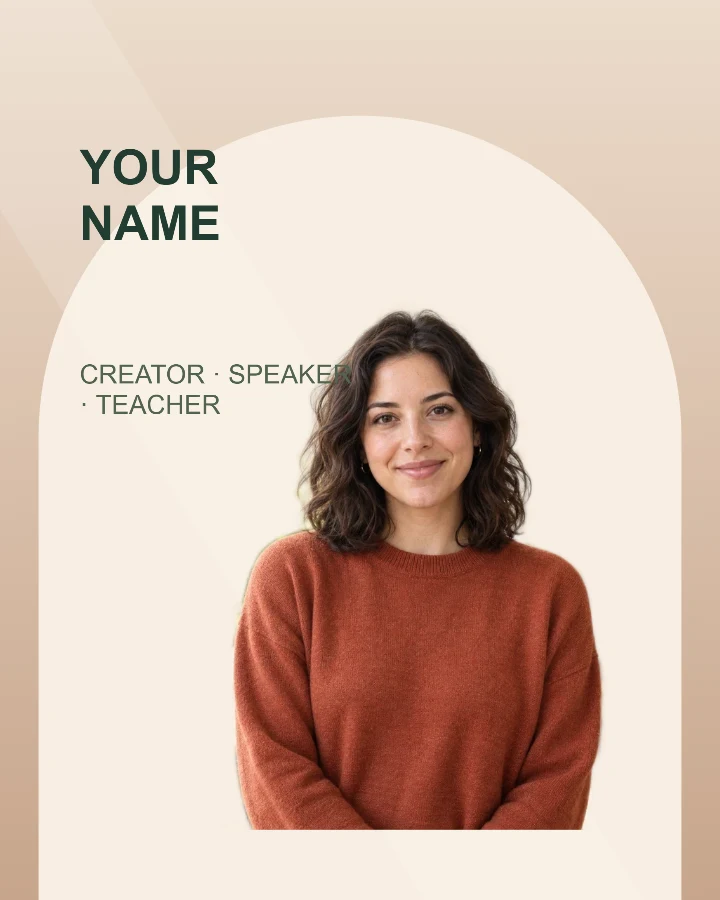
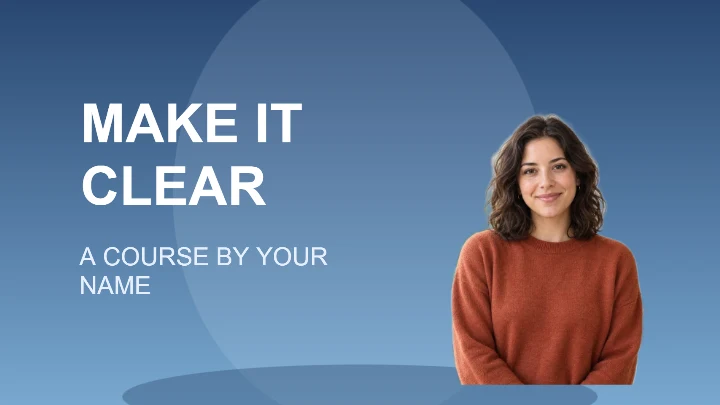
Example portrait from RemoveBG Studio on a blue background.
Online course cover template
Make an online course cover or lesson thumbnail with a clear course title and one presenter portrait. This editable photo template creates a cover image you can download; it does not build or publish a course.
- Image size
- 1280 × 720 px
- Shape
- Landscape · 16:9
- Save as
- PNG or JPG
Make the message yours
Choose a concise lesson or course title rather than a full syllabus. The smaller line can name the instructor or series. White lettering works best when the background behind it remains dark.
Open this design with your chosen words, style and shape. Replace the example photos in Design Studio.
Invite someone to make their own. This link never includes your photo or message.
Use a presenter portrait with a clear face
A well-lit upper-body portrait is a useful starting point. Keep hair and shoulders inside your original photo. Place the presenter on the right and check that the face stays visible when the cover is displayed as a small thumbnail. Resize your finished course cover →
How to use this photo template
Name the lesson
Replace the sample title and byline with the course topic and presenter name.
Add the presenter
Upload your portrait and let the Studio place you against the blue background.
Check thumbnail readability
Adjust the portrait and title spacing, then download the 16:9 cover and preview it in your course platform.
Questions about this design
Can I use it as a video thumbnail?
The starting image is 1280 × 720 pixels, a 16:9 layout. It can be useful for video thumbnails, but check the file format and size requirements of your destination before uploading.
Can I change the course title after using the template?
Yes. Edit the text fields on this page and use the template again. Reapplying restores the template layout, so make any final positioning adjustments afterwards.