Sample design · Make it yours in Design Studio.
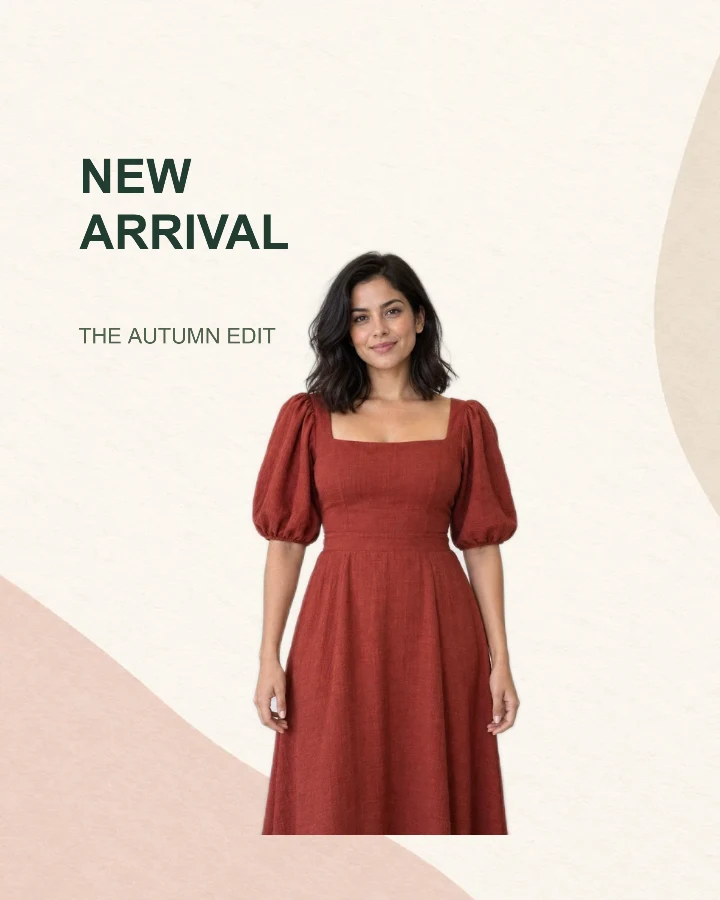
Example fashion photo from RemoveBG Studio.
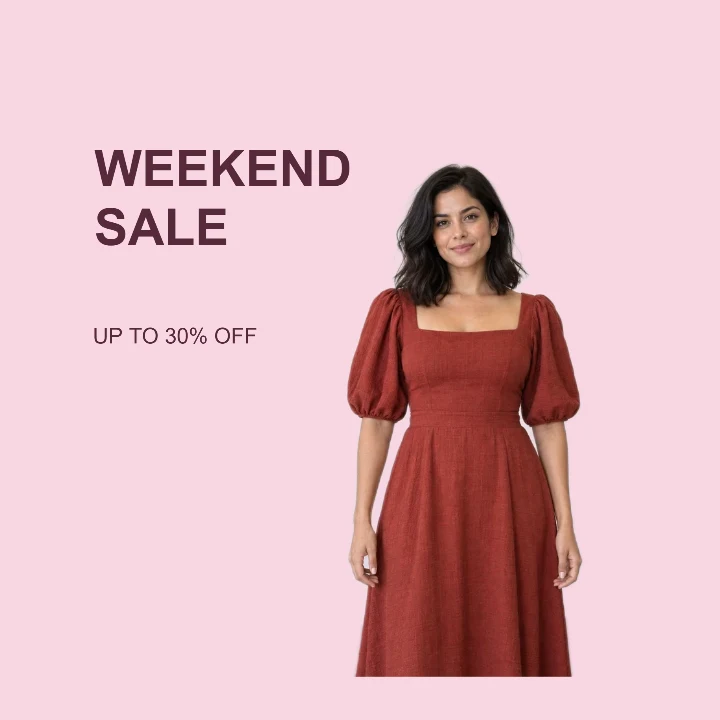
Fashion sale post template
Make a fashion sale post with your own outfit photo and a real offer. This editable square template puts a short sale headline beside one item or model.
- Image size
- 1080 × 1080 px
- Shape
- Square · 1:1
- Save as
- PNG or JPG
Make the message yours
Lead with the event, such as WEEKEND SALE, and use the smaller line for the actual offer. The example discount is placeholder text: replace it with terms that match your promotion.
Open this design with your chosen words, style and shape. Replace the example photos in Design Studio.
Invite someone to make their own. This link never includes your photo or message.
Keep the sale message clear of the model
Start with a photo where the outfit is easy to separate from its surroundings. A narrow standing pose leaves more room for the offer. After applying the template, move the subject right or reduce its size if it covers the words. Prepare a transparent outfit cutout →
How to use this photo template
Write the real offer
Set a short sale headline and replace the sample discount with your own promotion.
Place the outfit
Upload the item or model photo, then adjust your photo to leave a readable text area.
Review at a small size
Check that the price message is still easy to read as a thumbnail before downloading the square image.
Questions about this design
Can I show a price instead of a percentage?
Yes. Replace the smaller text with a price or short offer. Keep currencies and any essential terms clear; long conditions belong in the accompanying post.
Can I change the pink background?
Yes. In the Studio, choose another solid color or a background image. Recheck the contrast between your new background and the dark offer text.