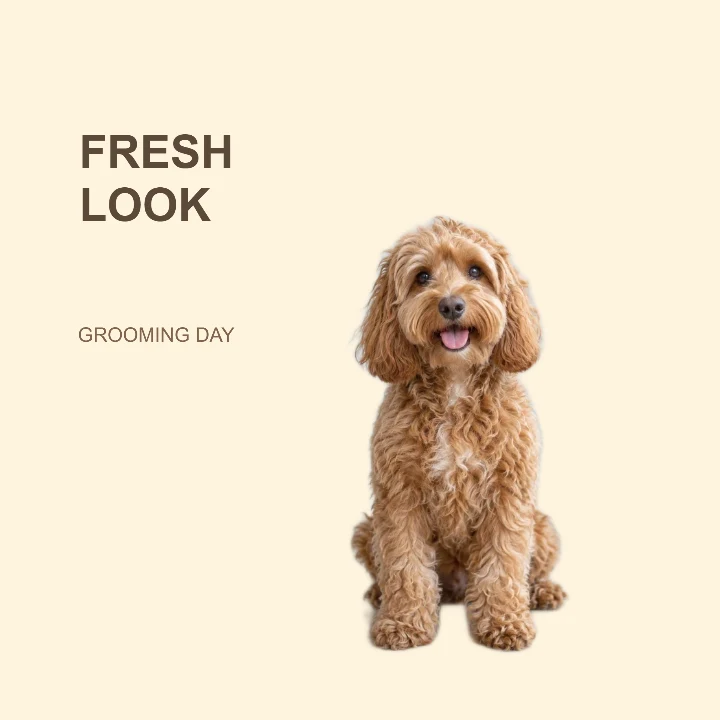
Sample design · Make it yours in Design Studio.
The example pet is AI-generated. Add a real photo of your pet to make your own card.
Pet grooming photo card template
Show a finished groom with this pet grooming photo card template. Add one real pet photo and a short update for a salon post or a message to the owner.
- Image size
- 1080 × 1080 px
- Shape
- Square · 1:1
- Save as
- PNG or JPG
Make the message yours
Replace FRESH LOOK with a short announcement. The second line can include the pet’s name or a salon message. Keep contact details in your caption if they make the card too crowded.
Open this design with your chosen words, style and shape. Replace the example photos in Design Studio.
Invite someone to make their own. This link never includes your photo or message.
Photograph the finished groom in even light
Choose a photo that clearly shows the face and trimmed coat. Avoid cutting off ears or paws, and use the Studio’s edge tools if light fur blends into the original background. Keep the pet to the right of the message.
How to use this photo template
Write the update
Add a short grooming headline and a pet name or salon message.
Add the finished look
Upload the after-grooming photo, tidy the fur edges if needed, and place your pet against the cream background.
Share the square card
Check the coat edges and text contrast, then download the image for your post or customer update.
Questions about this design
Does this make a before-and-after collage?
No. This is a single-photo announcement for the finished groom. It does not automatically combine a before photo and an after photo into a comparison. Make a before-and-after comparison →
Can I match my salon colors?
Yes. Change the background color in the Studio. The template starts with dark text, so use a background that keeps the headline readable.
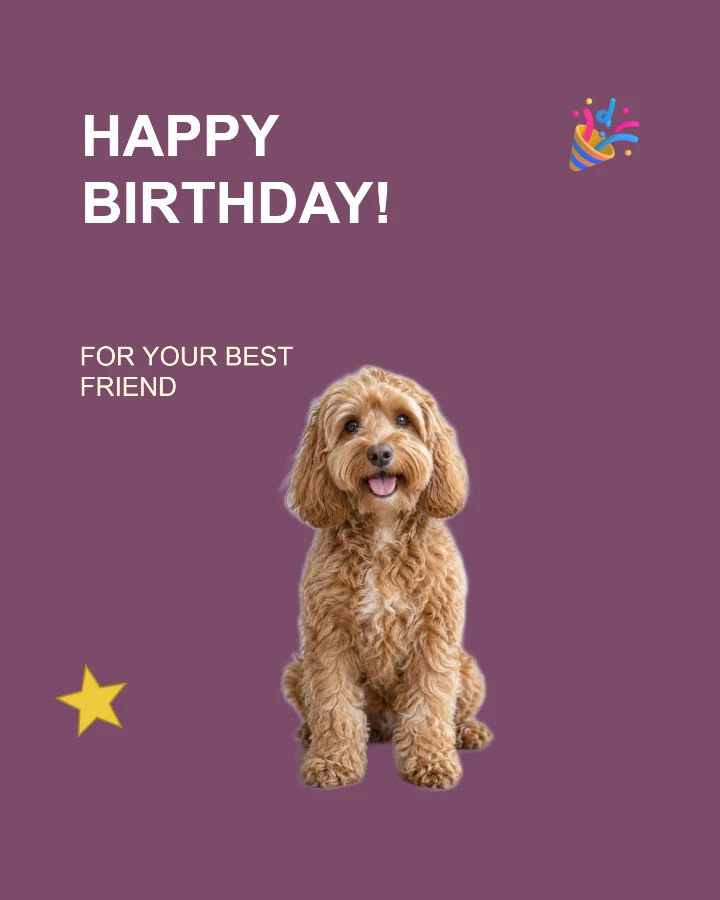
Pet birthday card
A playful keepsake card for a pet birthday or adoption anniversary.

Speaker introduction
A profile card for a workshop, talk, livestream, or guest announcement.
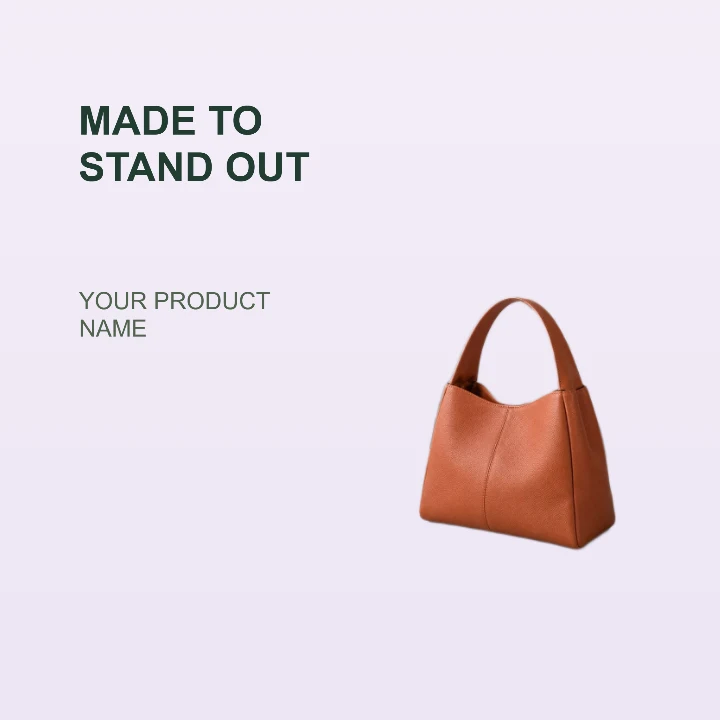
Product feature
A clean product card for a storefront, launch email, or listing highlight.