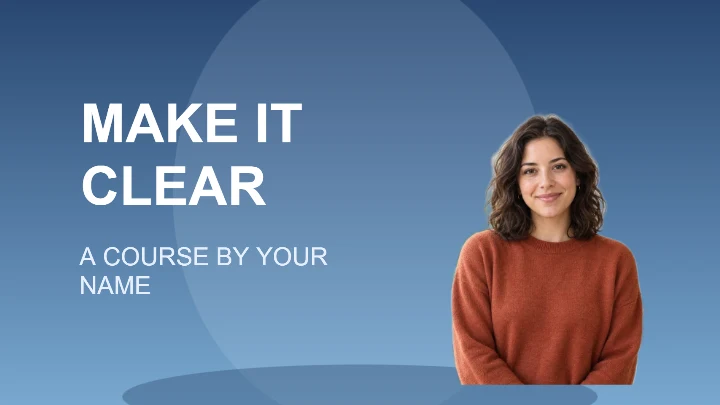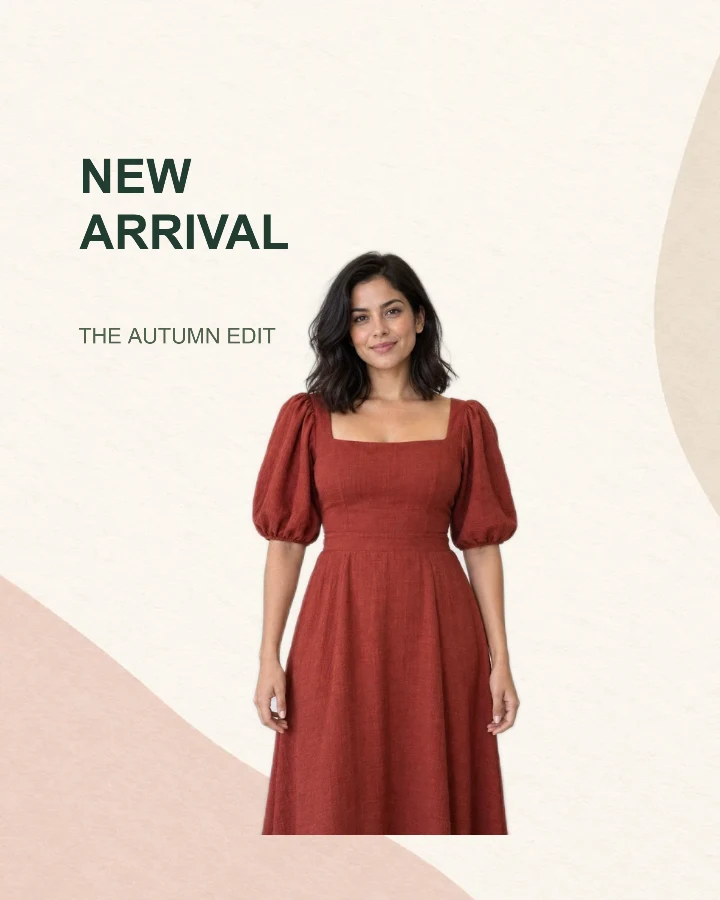
Sample design · Make it yours in Design Studio.
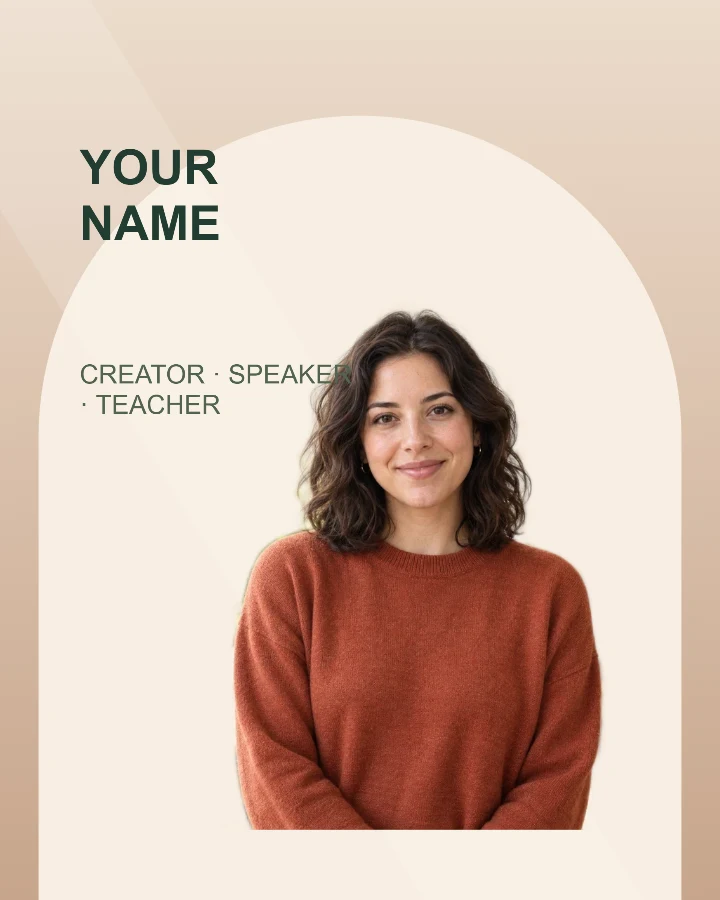
Example portrait from RemoveBG Studio on a warm arch background.
Speaker introduction card template
Introduce one speaker with this editable speaker introduction card template. Pair a portrait with the person’s name and a short role or topic, then download an image for your event announcement.
- Image size
- 1080 × 1350 px
- Shape
- Portrait · 4:5
- Save as
- PNG or JPG
Make the message yours
Break a long name across two short lines. Use the second field for a role or concise talk topic; put a full biography, event schedule and registration information in the accompanying page or post.
Open this design with your chosen words, style and shape. Replace the example photos in Design Studio.
Invite someone to make their own. This link never includes your photo or message.
Pick a portrait that leaves the name readable
Use a clear head-and-shoulders or upper-body photograph. Keep the face away from the name area at the upper left, and leave enough room around the hair to tidy the edges if needed.
How to use this photo template
Introduce the person
Replace the sample name and role with the speaker details you want readers to notice first.
Upload a headshot
Let the Studio remove the background, then position the portrait within the warm arch layout.
Finish the announcement
Check the name, face and role at a small size before downloading your portrait card.
Questions about this design
Can I include a full event schedule?
This layout is designed for a name, portrait and short supporting line. Keep detailed schedules in your event page or caption so the card remains readable.
Can I use it for several speakers?
You can make separate cards using each speaker’s photo and details. This template is a single-person layout; it does not automatically generate a multi-speaker lineup. Use two separate speaker portraits →