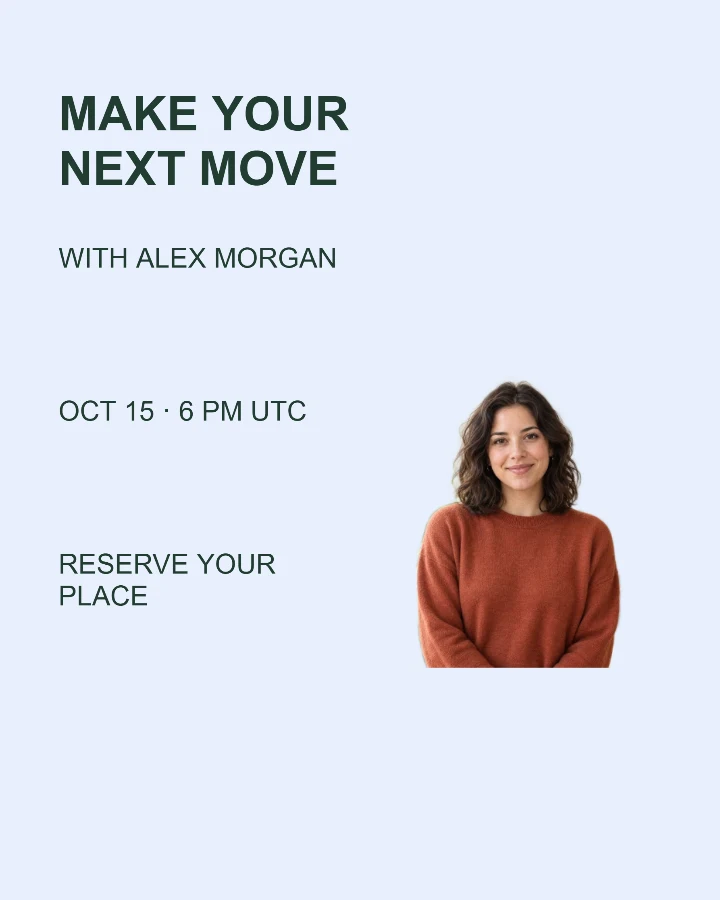
Sample design · Make it yours in Design Studio.
Example photo from RemoveBG Studio. Replace it with your own photo.
Webinar invitation and announcement template
Create a webinar invitation with a speaker photo, topic and start time in one image. Add the time zone and a short joining instruction, then download your announcement for a post or email.
- Image size
- 1080 × 1350 px
- Shape
- Portrait · 4:5
- Save as
- PNG or JPG
Make the message yours
Include the time zone with the date and time. Use a short joining instruction; keep long registration links in your post caption.
Open this design with your chosen words, style and shape. Replace the example photos in Design Studio.
Invite someone to make their own. This link never includes your photo or message.
Choose a welcoming speaker portrait
A single speaker photo with a clear face works best. Leave room around the head and shoulders and keep the event time in a separate readable area.
How to use this photo template
Write the event essentials
Add the topic, speaker and date with time zone.
Choose a layout
Use a portrait, square or wide image and add the speaker photo.
Check before sharing
Read the time and joining details once more, then save or share.
Questions about this design
Does the date adjust to viewers’ time zones?
No. The date and time are words on the image. Include a time zone so viewers know how to plan.
Does this create a registration page?
No. Add your existing registration instructions and put a full link in the social post or email.
Can I show several speakers?
This template has one main photo. Use a group photo with its background kept, or make one card per speaker. Separate named photo slots are not included. Choose a two-speaker introduction →
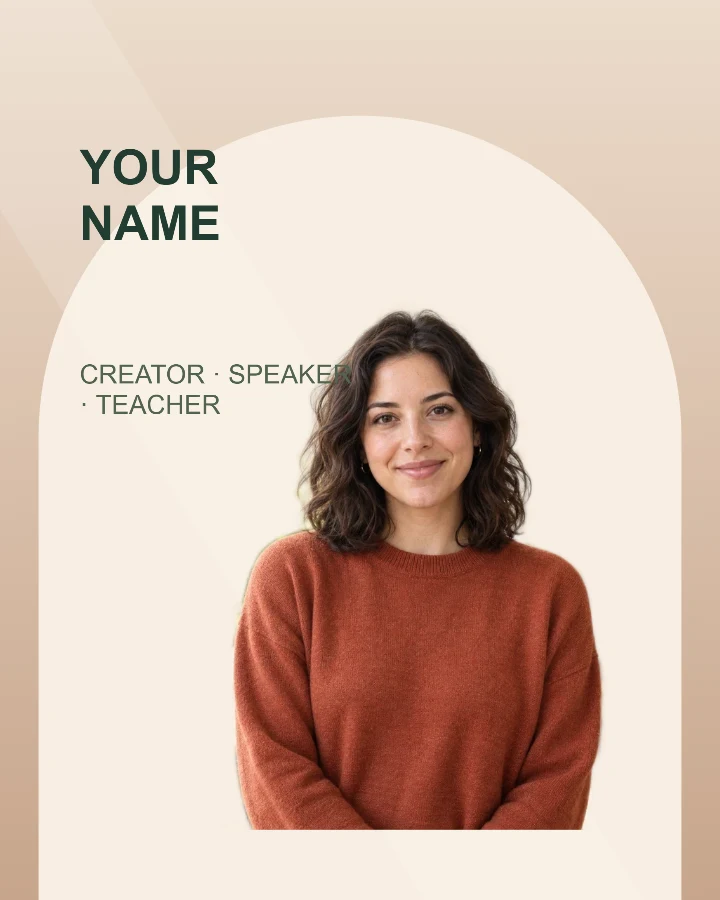
Speaker introduction
A profile card for a workshop, talk, livestream, or guest announcement.

Course cover
A lesson cover with a clear title zone and a presenter portrait.

New episode
Give your next conversation a cover with a guest photo and a clear topic.