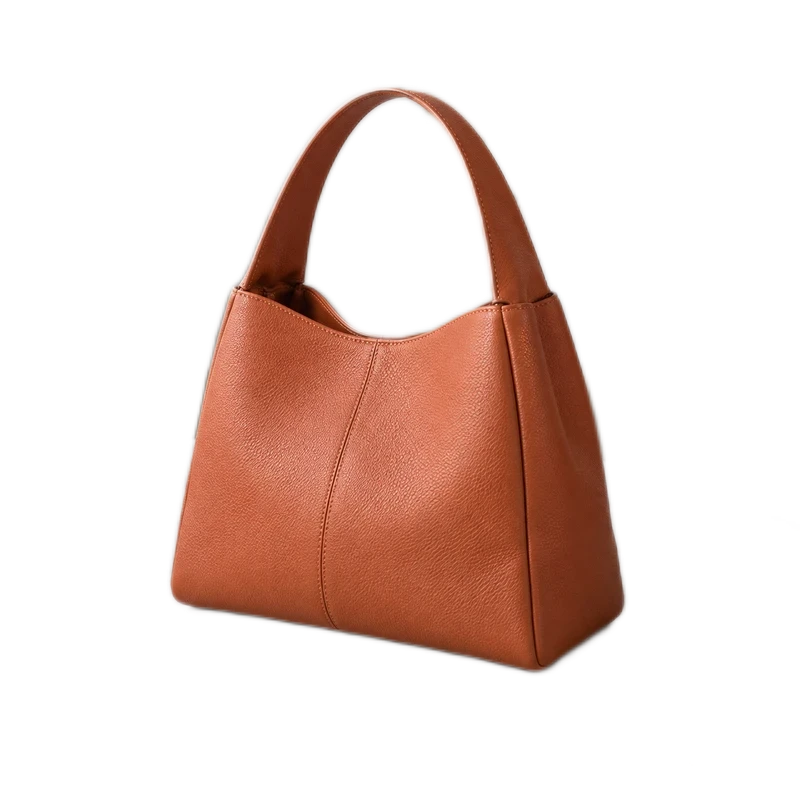
Portrait photo
1200 × 800 pixels in every format
Compress JPG or WebP photos with a quality setting or KB limit. Use this batch image compressor for up to 20 images, compare their previews and actual sizes, and download files individually or as a ZIP.
To compress PNG files, resize or choose JPG/WebP; lossless PNG size optimization is not included. JPG and WebP compression can remove detail.
Or drop JPG, PNG or WebP here. Up to 20 images, 10 MB each.
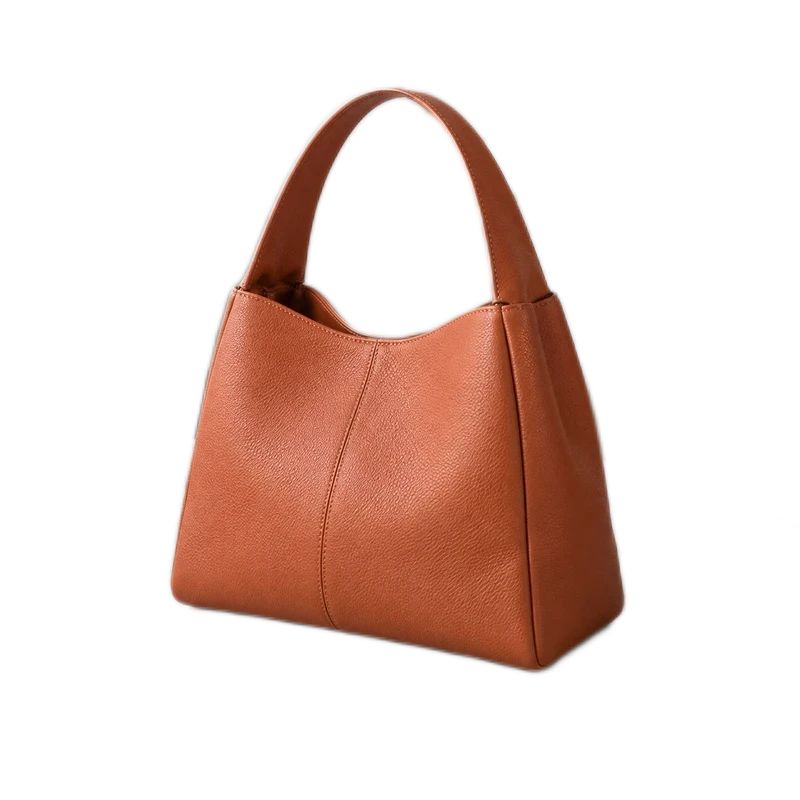
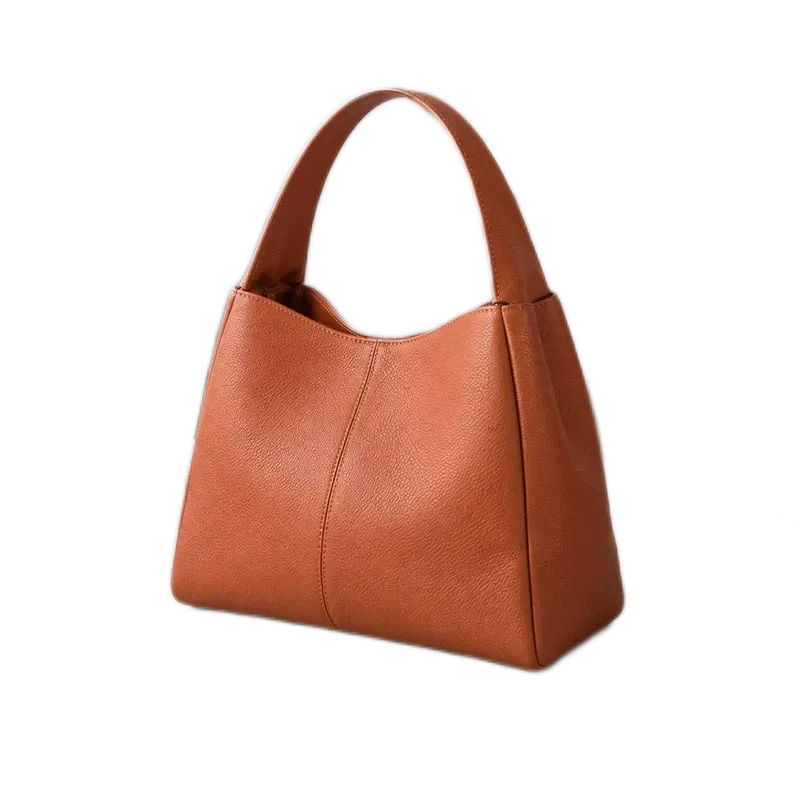
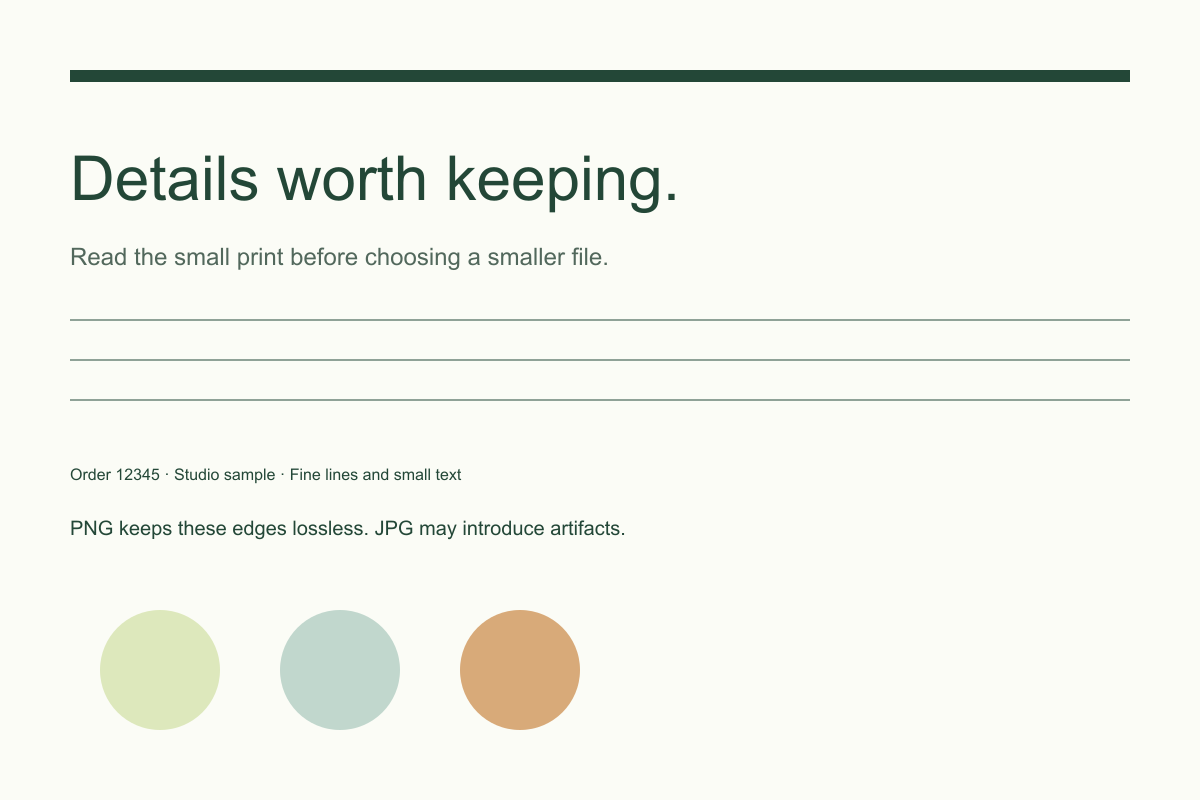
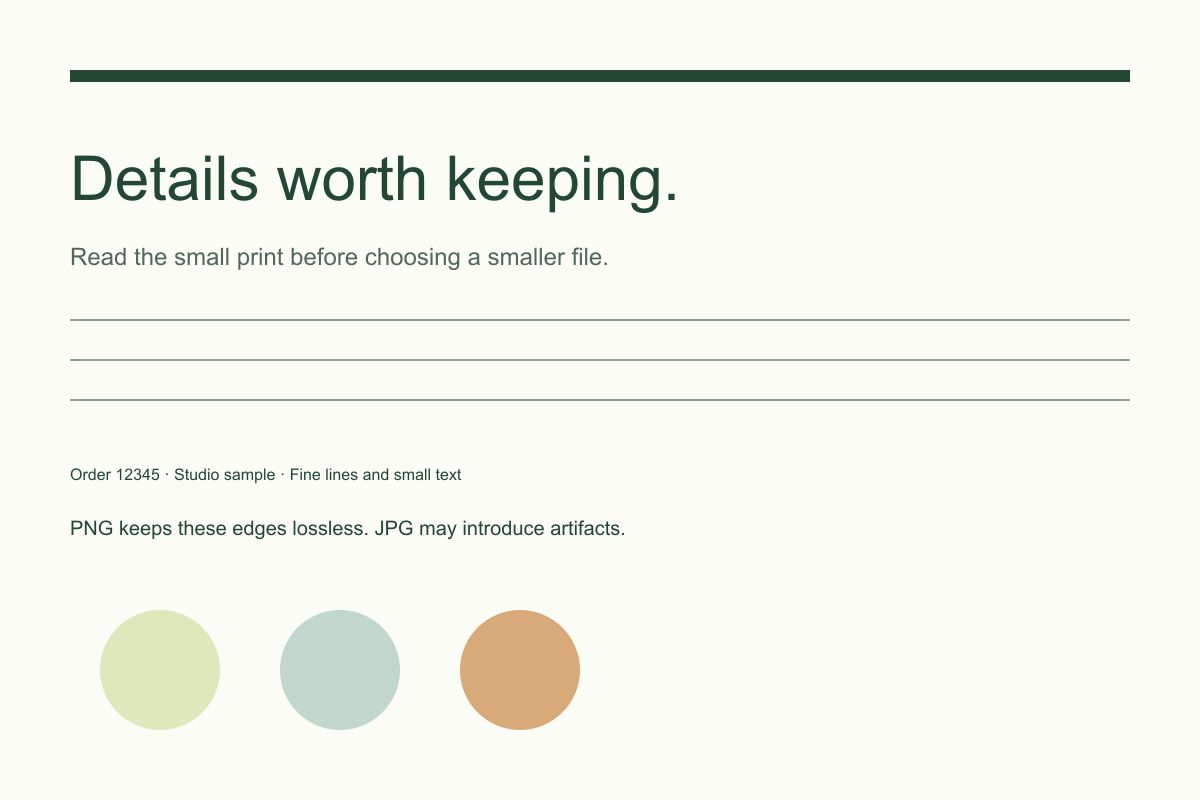
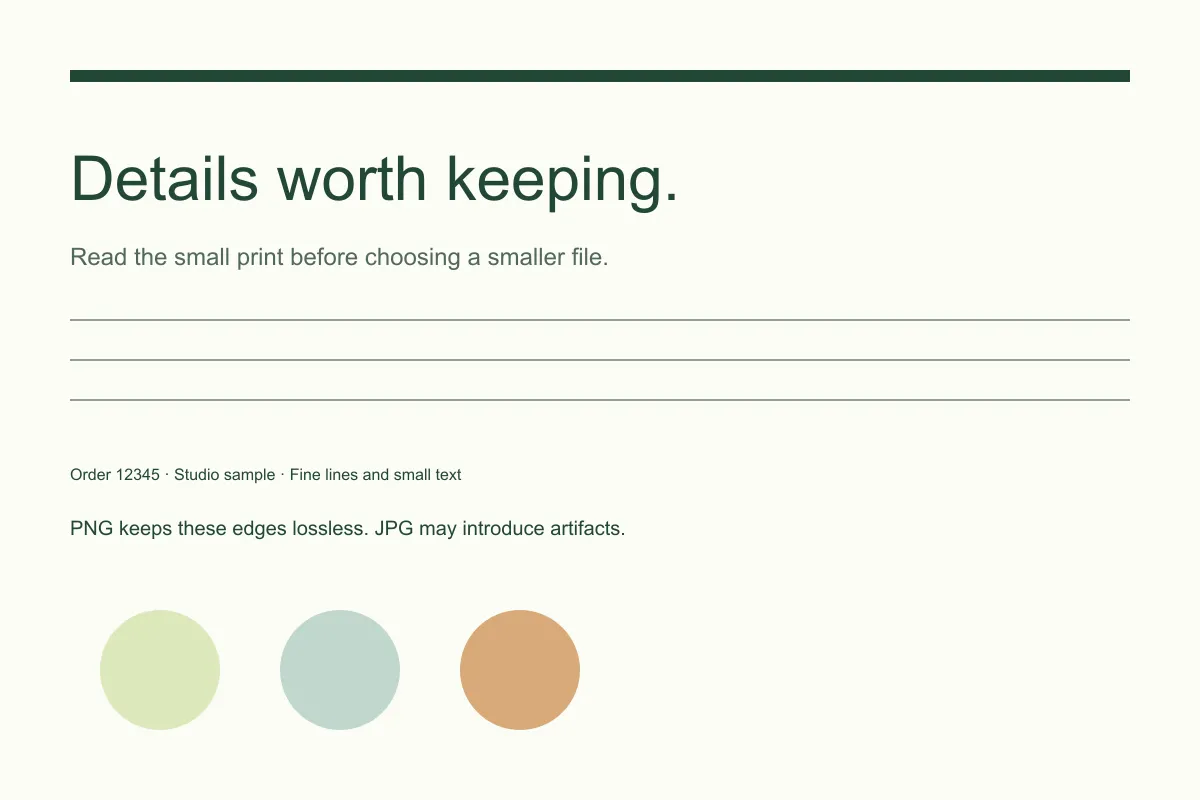
Original photos stay intact. Images are processed in your browser.A photo, a transparent cutout and a text card need different trade-offs. These files were exported with this tool in Chrome at 80% quality for JPG and WebP. Compare the downloads at full size; these are lossy outputs, not a promise of a lossless reduction.
The images below are lightweight previews. Download the files to compare full-size detail and the measured file sizes.
1200 × 800 pixels in every format
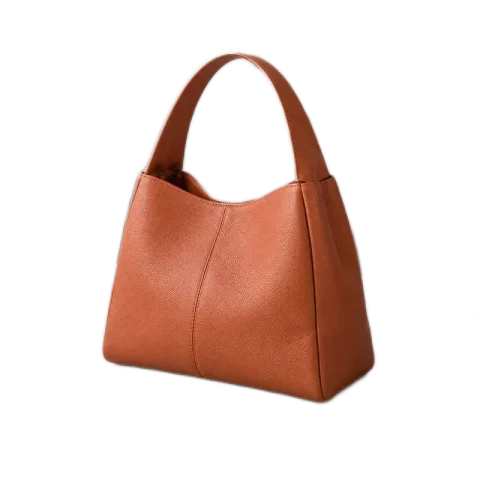
800 × 800 pixels in every format
1200 × 800 pixels in every format
Try a file-size target: our portrait exported below 100 KB as a 98.5 KB WebP at its original dimensions. Inspect that result ↓. Your file may need different settings. Prepared source PNGs and browser encoding affect these sizes.
| Your goal | What to use | What changes |
|---|---|---|
| Compress JPG photos | JPG with a quality setting | Keep pixel dimensions while reducing file size. Lossy encoding can affect texture and edges. |
| Compress WebP images | WebP with quality or a KB target | Keep transparency where present. Compare the actual size; a smaller file is not guaranteed. |
| Compress to 50 KB, 100 KB or 200 KB | Enter 50, 100 or 200 in the maximum file size field | Choose JPG or WebP. Quality is lowered only as needed, down to 10%. An unreachable limit gives an error; try smaller dimensions or a higher limit. |
| Keep a transparent background | PNG or WebP | PNG is lossless when encoded. WebP supports transparency with lossy color compression. |
| Make a PNG smaller | Reduce dimensions or choose another format | PNG ignores the quality slider. Re-encoding alone may produce a larger file. |
| Keep small text crisp | Try PNG and compare it with WebP | Text and line art can show artifacts before a photo does. |
Set the maximum size to 100 and choose JPG or WebP. The tool searches for a result below that limit. Some images need fewer pixels or a higher limit; it will report an error instead of silently downloading an oversized result. One KB here means 1,024 bytes.
Not unless you enable resizing. Quality and the KB target affect encoding; width and height control pixel dimensions. Lowering dimensions often saves more space, but also removes detail.
A PNG is encoded losslessly and has no adjustable lossy quality. The original may already use a more efficient encoding. Compare the actual sizes before replacing it. This tool does not perform specialized PNG palette optimization.
PNG encoding is lossless, but a smaller result is not guaranteed. JPG and the WebP quality settings are lossy. Check the preview rather than assuming that a high percentage or a small file preserves every detail.
Yes. Add up to 20 JPG, PNG or WebP images and apply the same settings. Each image is processed separately. Download ready files individually or together as a ZIP; failed images are excluded.
This image compressor processes the selected files in your browser. Website analytics and public assets still use the network. Keep your original files and download the results before leaving the page.
Need fewer pixels first? Resize the image. Need a different file type? Convert PNG, JPG or WebP.
For a consistent product catalog, prepare product photos for Shopify or follow the collection consistency guide. To isolate the subject, start with batch background removal.