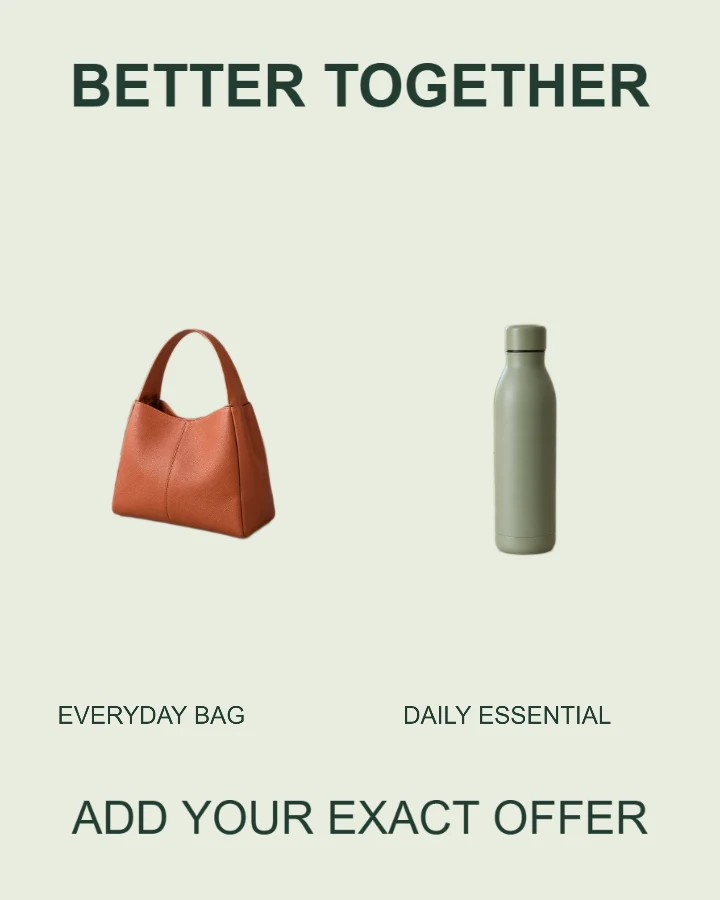
Sample design · Make it yours in Design Studio.
Example photo from RemoveBG Studio. Replace it with your own photo.
Product bundle and color option template
Make a product bundle or color option image with two real product photos. Separate photo slots and labels show exactly what is included or let shoppers compare two available choices.
- Image size
- 1080 × 1350 px
- Shape
- Portrait · 4:5
- Save as
- PNG or JPG
Make the message yours
Label each item or option and explain the offer accurately. If the items are sold separately, say so in the offer details.
Open this design with your chosen words, style and shape. Replace the example photos in Design Studio.
Invite someone to make their own. This link never includes your photo or message.
Show exactly what the offer includes
Photograph each real product or color option. Similar lighting helps the pair look consistent. The tool does not recolor one product to invent another option.
How to use this photo template
Add the first item
Choose the first product photo and its label.
Complete the pair
Upload the second product or option and crop each independently.
Explain the offer
Write exactly what is included before downloading or sharing.
Questions about this design
Can I show two colors of one product?
Yes. Upload a real photo of each color and label them. This template does not generate or recolor product variants. Prepare your product cutouts together →
Does the template set a bundle price?
No. Enter your own accurate price or offer in the details field.
Can I include more than two products?
This layout has two named photo slots. Use a truthful group photo for an existing set if it clearly shows what customers receive.
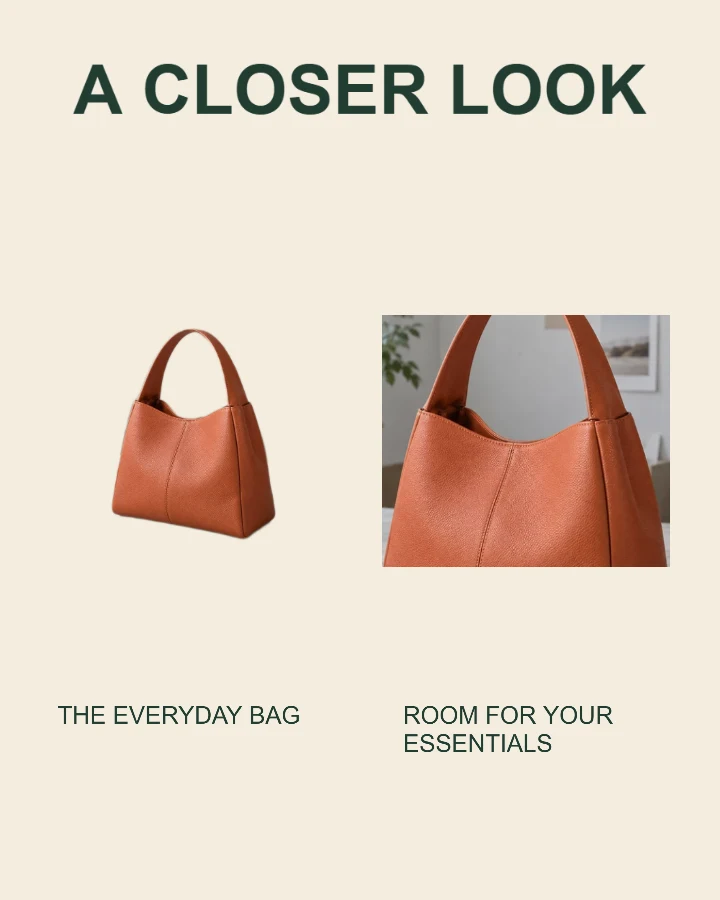
Product detail spotlight
Show the whole item alongside a closer look at a feature.
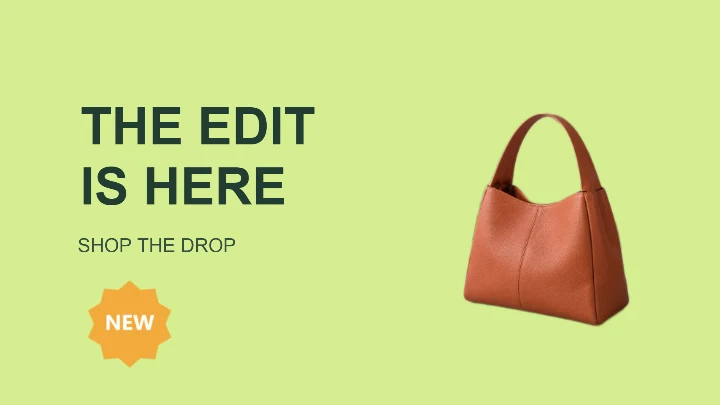
Limited-time offer
A wide promotion card for a product launch, storefront banner, or ad.
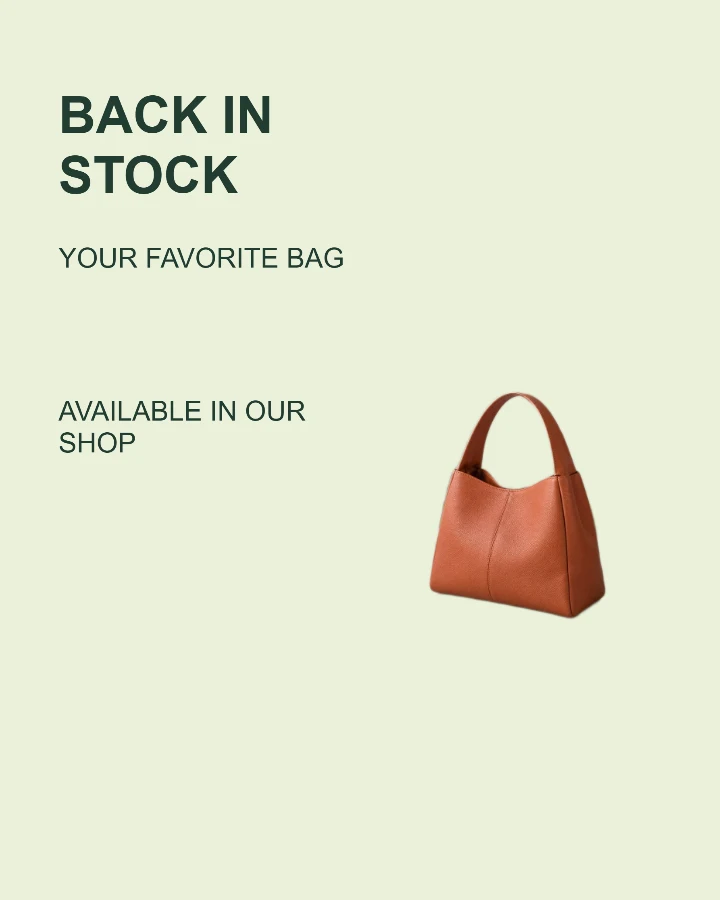
Back in stock
Tell shoppers which favorite has returned and where to find it.