Choose your photo
Start with a portrait, a product, or another clear subject. Add a JPG, PNG or WebP image, or try the example above.
Make an image background transparent and keep the person or product. This free transparent background maker removes the photo backdrop and saves a transparent PNG for slides, social posts, or your next design.
Best for photos with a clear person, pet or product. Small logos, lettering and signatures may not separate correctly; use a transparent original if available. Glass and fine hair can need extra retouching. A JPG needs background removal, not just conversion, to become a transparent cutout.
Create a transparent PNG ↗
 BeforeAfter
Drop your image here, or choose one.
JPG, PNG, WebP · Up to 10 MB each · 5 at a timeYou can also paste an image Ctrl / ⌘ VRemove the original background once. Reuse the transparent PNG wherever your ideas take you.
Try the cutout on a light or dark background to see how it will sit in your design. In the editor, use Erase or Restore wherever an edge needs attention.
Download as PNG to keep the empty space. The preview’s checkerboard does not appear in your file.
A transparent PNG lets your design show through. A white-background photo keeps a solid white rectangle around your subject.
Need a white-background photo? →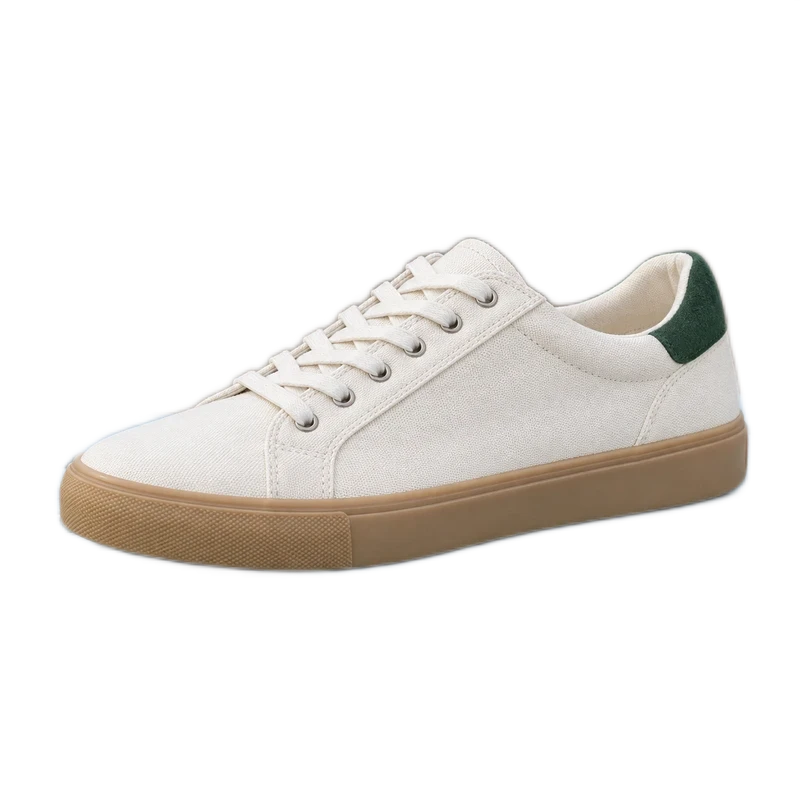
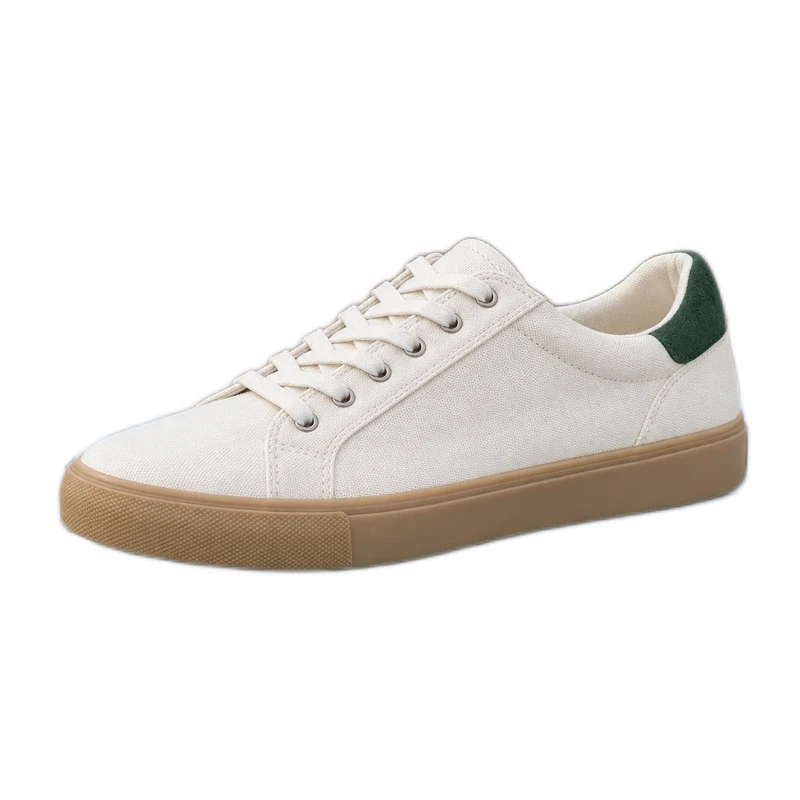
Start with a portrait, a product, or another clear subject. Add a JPG, PNG or WebP image, or try the example above.
The original background is removed automatically. Zoom in to check the edges and use Erase or Restore wherever you want a touch-up.
Leave the background transparent and download as PNG. Place your cutout over a slide, a cover, or your own background. No watermark is added.
No. The squares show empty pixels in the editor. With None selected and PNG format, the exported background is transparent. Some photo viewers display that transparency as white or black.
Upload the JPG, remove its background, then download PNG with None selected. Converting the file format alone does not remove a background. Saving the result as JPG fills transparent pixels with white because JPG cannot store transparency.
The background remover separates the subject from the backdrop rather than deleting every white pixel. Inspect pale edges against a contrasting color, use Restore for missing parts of your subject, then return to None and export PNG. Fine details may need further retouching.
Zoom in and inspect the edge against a light or dark background. Use Erase or Restore for local corrections and small Shrink or Feather adjustments. Return to None before exporting the transparent PNG. Fine hair and glass may still need manual retouching.
Yes. Insert the downloaded PNG as an image over your design. Empty pixels let the design show through. The source photo must be yours to use; background removal does not change its usage rights. Arrange your cutout in a photo design →
Yes. Add up to five images, keep None and PNG selected, and download the ready results in a ZIP. Each image retains its own crop, mask edits, and materials. Prepare a larger batch of cutouts →
Learn when to keep transparency and when to add a visible background before uploading.
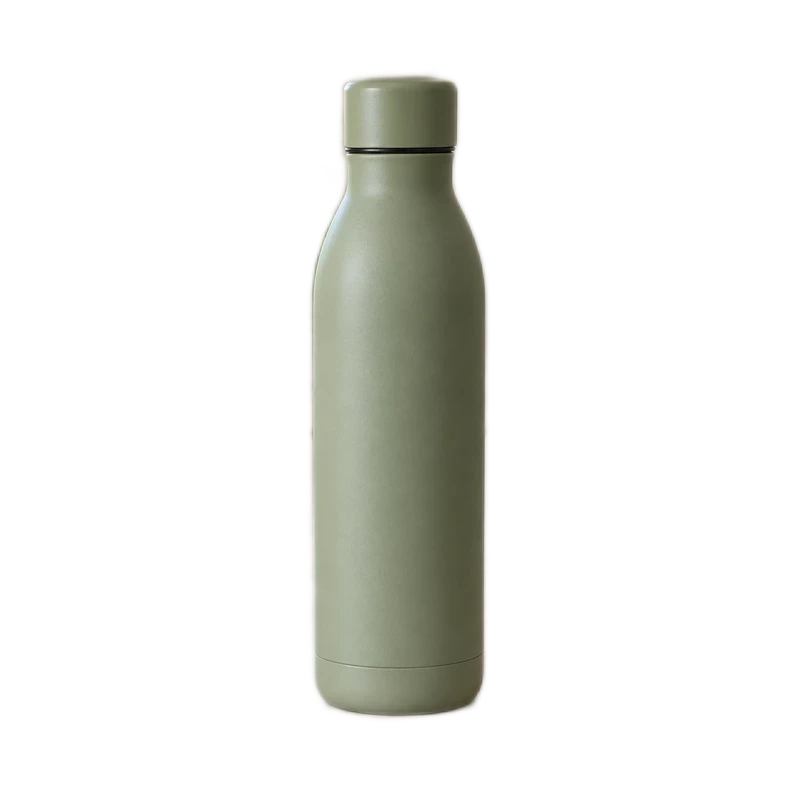 TransparentBlack preview
Find out whether a black PNG background comes from the viewer, opaque pixels or an export. Check transparency and save the right file for your design.
Read the Transparency guideEdge detailRemove a white backdrop while protecting pale product edges, laces and texture. Use contrast checks, local mask corrections and careful PNG or JPG export.
Read the White products guide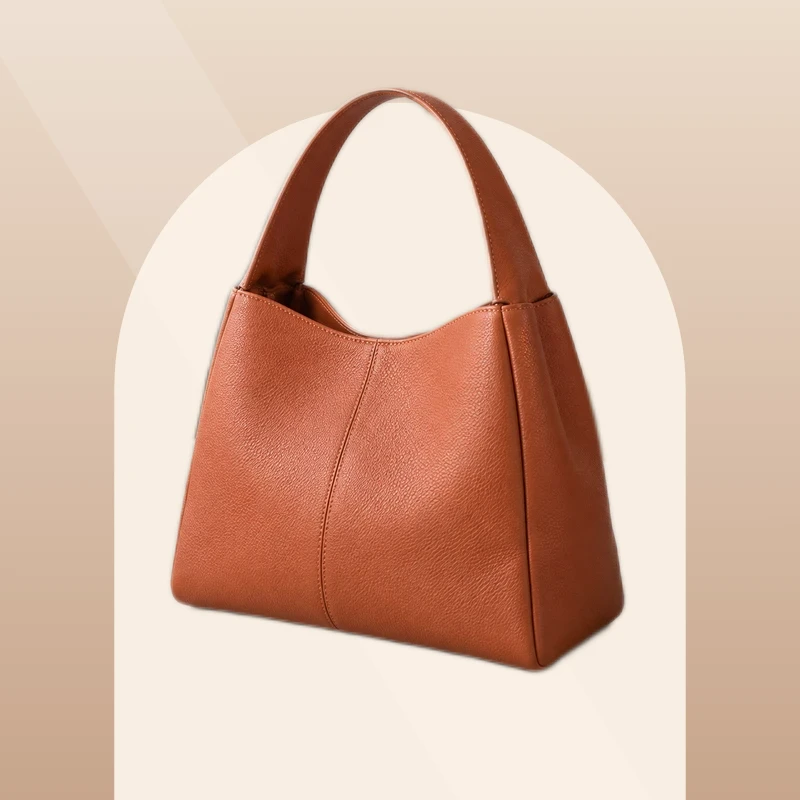
Square + landscape framing
Change Etsy listing photo backgrounds with a practical cutout workflow. Avoid transparent PNG problems, preserve product details, and allow room for thumbnail crops.
Read the Etsy guideStart with your own photo. Download your results for free, without a watermark.