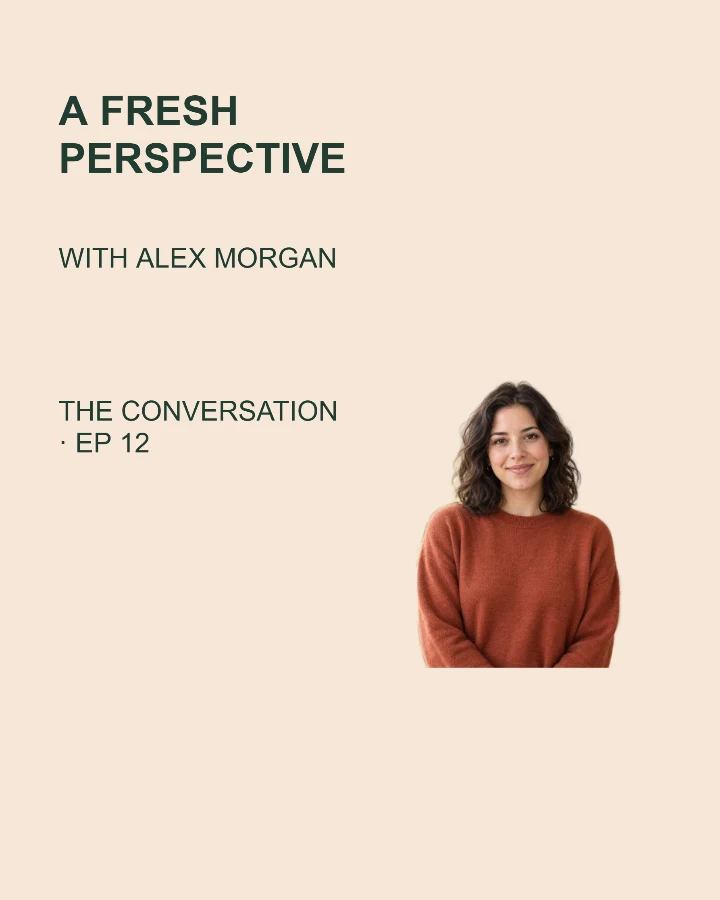
Sample design · Make it yours in Design Studio.
Example photo from RemoveBG Studio. Replace it with your own photo.
Podcast episode cover template
Create a podcast episode cover or video guest announcement with one portrait, the episode topic and show name. This template makes promotional artwork; publish your episode through your usual platform.
- Image size
- 1080 × 1350 px
- Shape
- Portrait · 4:5
- Save as
- PNG or JPG
Make the message yours
Keep the topic specific. Add the guest name and put the show name or episode number in the last field.
Open this design with your chosen words, style and shape. Replace the example photos in Design Studio.
Invite someone to make their own. This link never includes your photo or message.
Let the guest be recognizable at a glance
Use a clear head-and-shoulders photo. A simple pose leaves more room for the topic; check the cover at phone size before posting.
How to use this photo template
Introduce the topic
Write the episode title, guest and show name.
Bring in the guest
Add a portrait and choose the layout you like.
Prepare your announcement
Save the image and add the listening or watching link to your post.
Questions about this design
Does this upload an episode?
No. This makes a cover image. Publish your audio or video through your usual platform.
Which image shape should I use?
Square, portrait and wide layouts are available. Check the current requirements of the place where you plan to post.
Can I include a second guest photo?
This design has one main photo. Separate guest photo slots are not included; a group photo can be used with its original background. Use separate portraits for two guests →
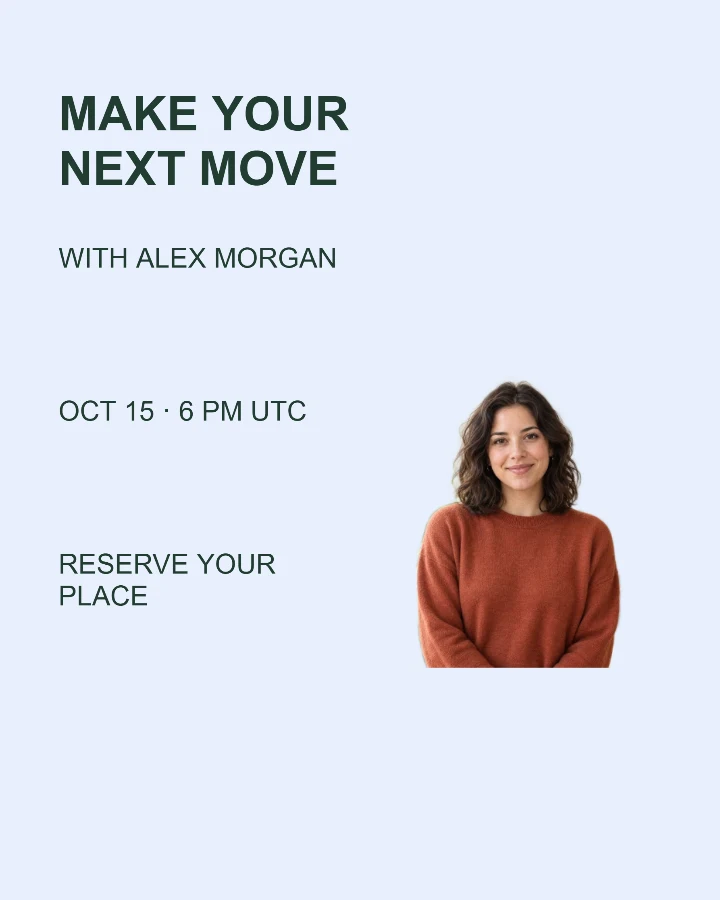
Webinar announcement
Bring a speaker, a topic and the event time into one clear invitation.
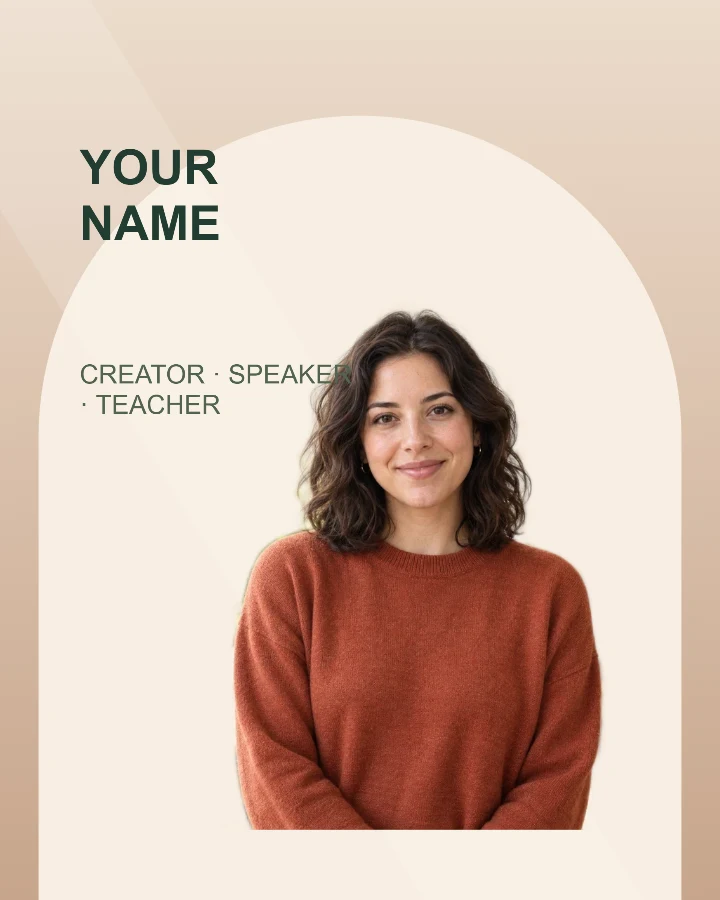
Speaker introduction
A profile card for a workshop, talk, livestream, or guest announcement.
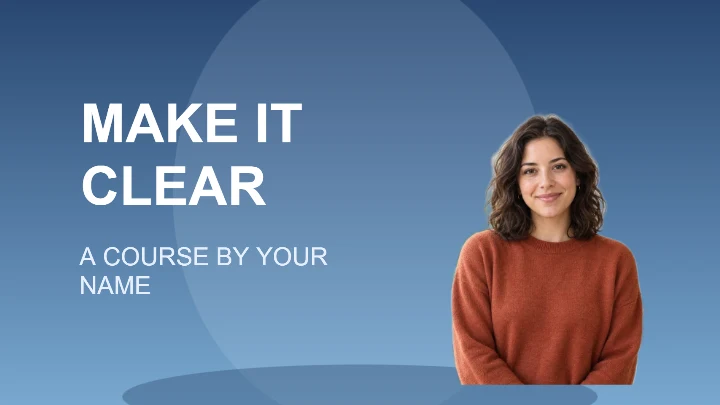
Course cover
A lesson cover with a clear title zone and a presenter portrait.