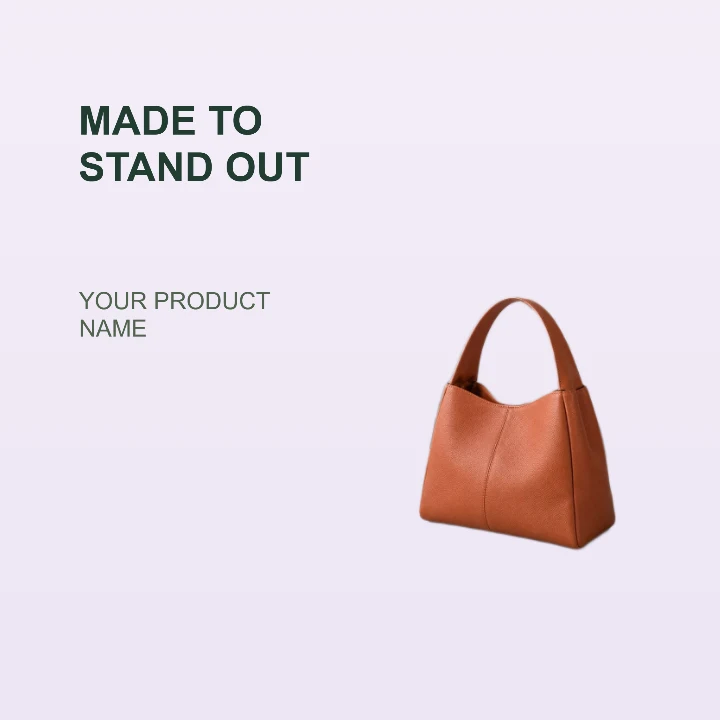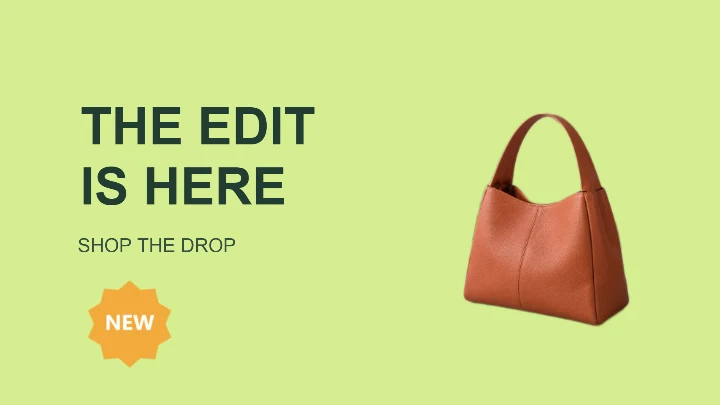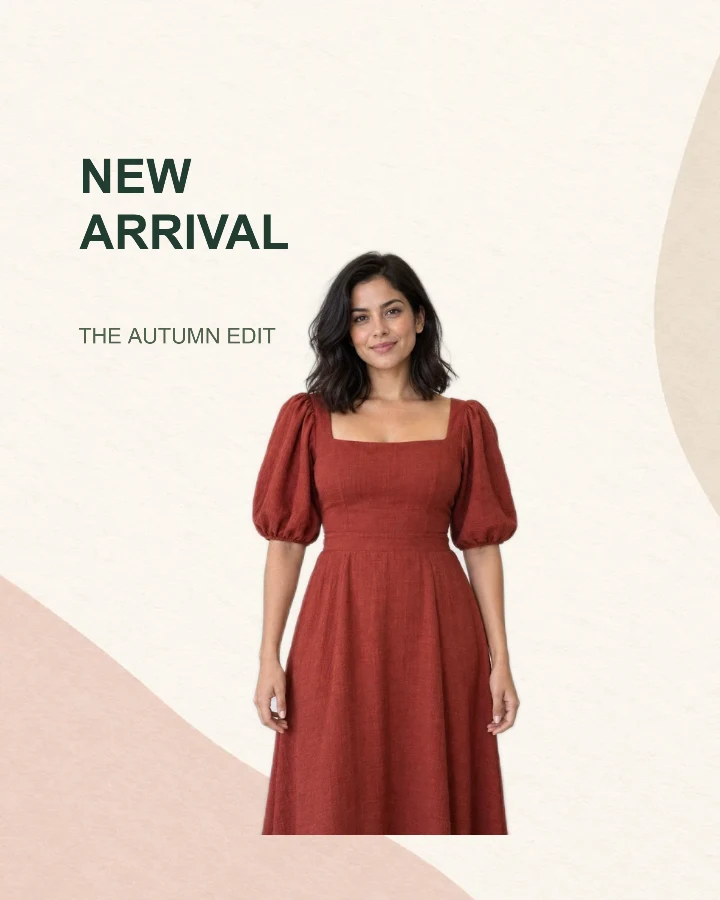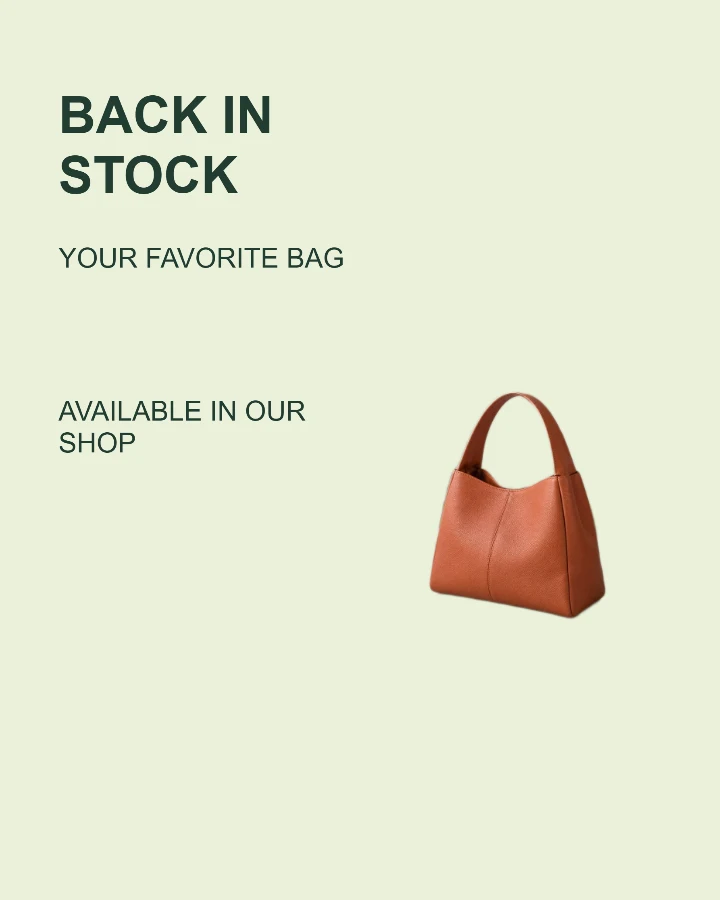
Sample design · Make it yours in Design Studio.
Example photo from RemoveBG Studio. Replace it with your own photo.
Back in stock announcement template
Make a back in stock announcement with a recognizable product photo, item name and shop message. Edit the restock details and save an image for a social post or newsletter.
- Image size
- 1080 × 1350 px
- Shape
- Portrait · 4:5
- Save as
- PNG or JPG
Make the message yours
Name the item and write an accurate restock message. Add a price or a brief shop message only if it helps customers take the next step.
Open this design with your chosen words, style and shape. Replace the example photos in Design Studio.
Invite someone to make their own. This link never includes your photo or message.
Show the product shoppers already recognize
Use a complete product photo with its color and features visible. Keep promotional text away from product details.
How to use this photo template
Name the returning product
Write the product name and a clear restock message.
Add the product photo
Choose your preferred layout and place the product where it is easy to see.
Tell customers
Check availability and pricing before saving or sharing the announcement.
Questions about this design
Can I leave out the price?
Yes. The price or shop-message field is optional. Leave it empty if you want the product to lead.
Does this connect to my stock system?
No. You enter the announcement yourself. Check that the item is available before you publish.
Can I use this as a shopping feed main image?
This is a promotional image. Shopping feeds can restrict text and promotional overlays, so prepare a separate clean product image when required. Prepare a white-background product image →