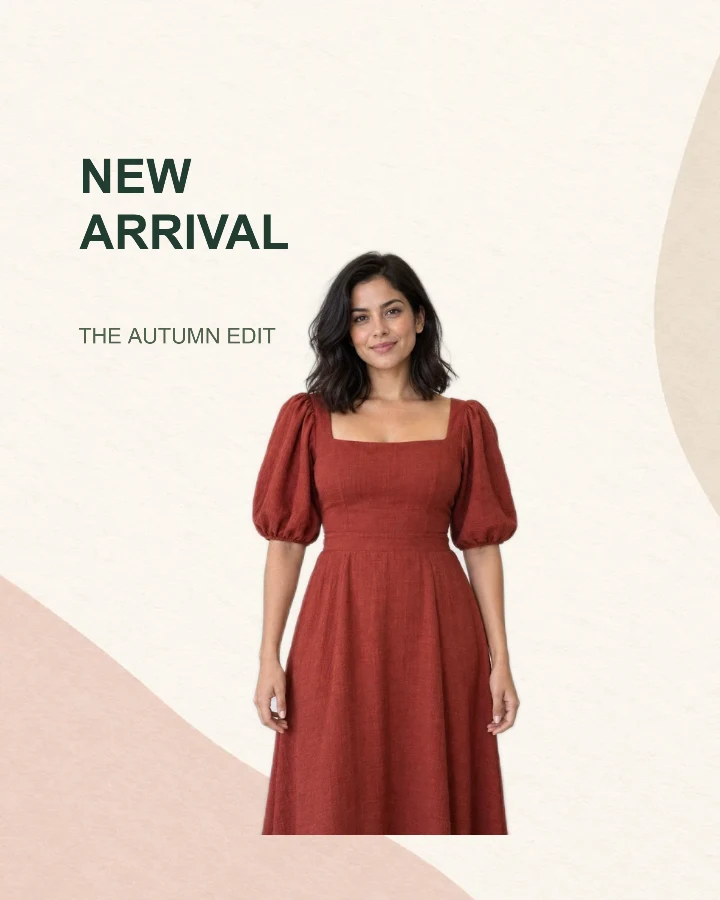
Sample design · Make it yours in Design Studio.
Example fashion photo from RemoveBG Studio on a paper background.
Fashion new arrival post template
Introduce an outfit or collection with this fashion new arrival post template. Add one full-length fashion photo, edit the collection headline, and save a portrait launch image.
- Image size
- 1080 × 1350 px
- Shape
- Portrait · 4:5
- Save as
- PNG or JPG
Make the message yours
Use the headline for a short launch message and the smaller line for your collection name. Two short lines leave more space for the outfit than a full sentence.
Open this design with your chosen words, style and shape. Replace the example photos in Design Studio.
Invite someone to make their own. This link never includes your photo or message.
Choose a fashion photo with room around the outfit
A front-facing or three-quarter pose works well here. Keep the full garment inside the original photo so sleeves, hems and shoes remain available after background removal. Leave space at the upper left for the collection headline.
How to use this photo template
Name the collection
Replace NEW ARRIVAL and THE AUTUMN EDIT with your launch message and collection name.
Add the outfit
Upload one fashion photo. The Studio removes its background and places your photo into the portrait design.
Check the silhouette
Move or resize the model so the headline stays readable and the garment is visible, then download the image.
Questions about this design
Can I use a flat-lay clothing photo?
Yes. A flat lay has a different shape from the example model, so resize and move the clothing photo after applying the template. Keep the item clear of the headline.
Is this a full-screen story template?
Its starting size is 1080 × 1350 pixels, a 4:5 portrait. It is not a 9:16 story layout. If you change the image size, check the text and outfit placement before downloading. Resize the finished post →
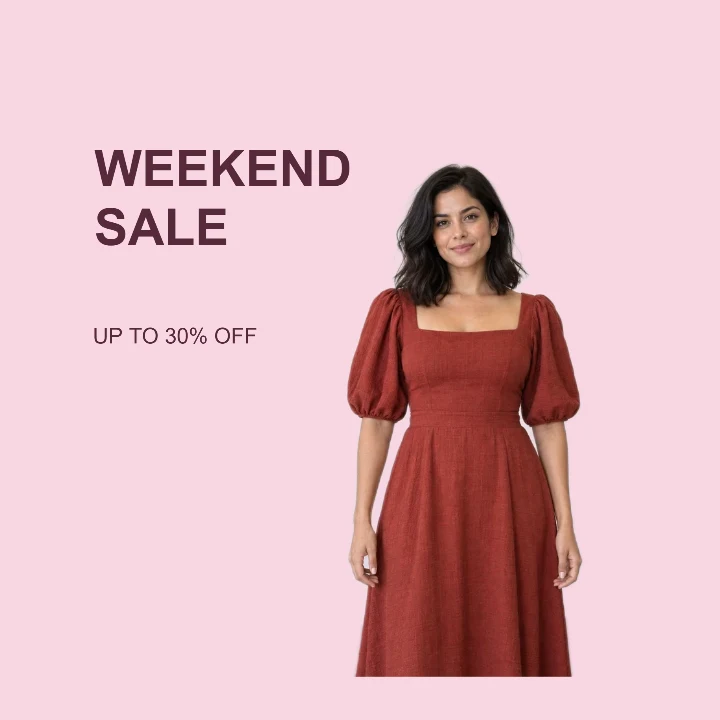
Price drop
A square sale graphic that keeps the outfit large and the offer readable.
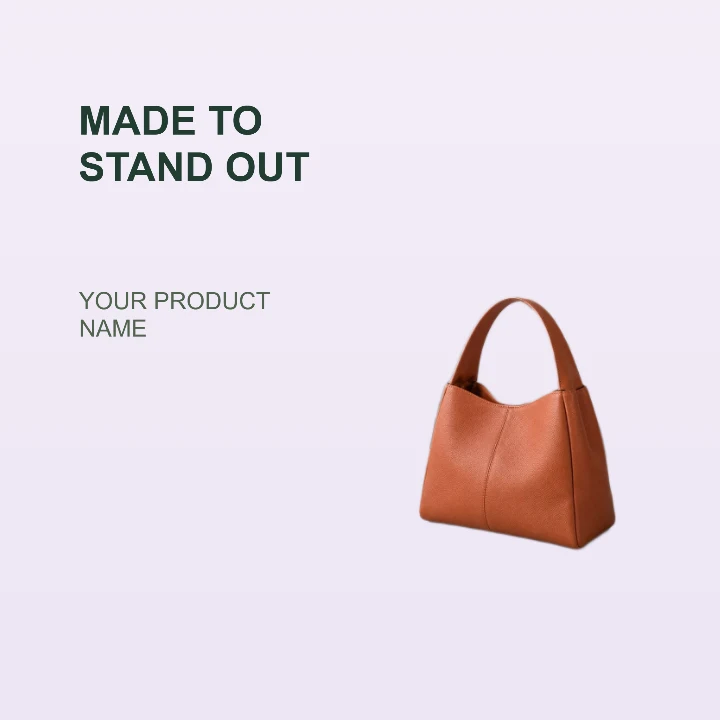
Product feature
A clean product card for a storefront, launch email, or listing highlight.
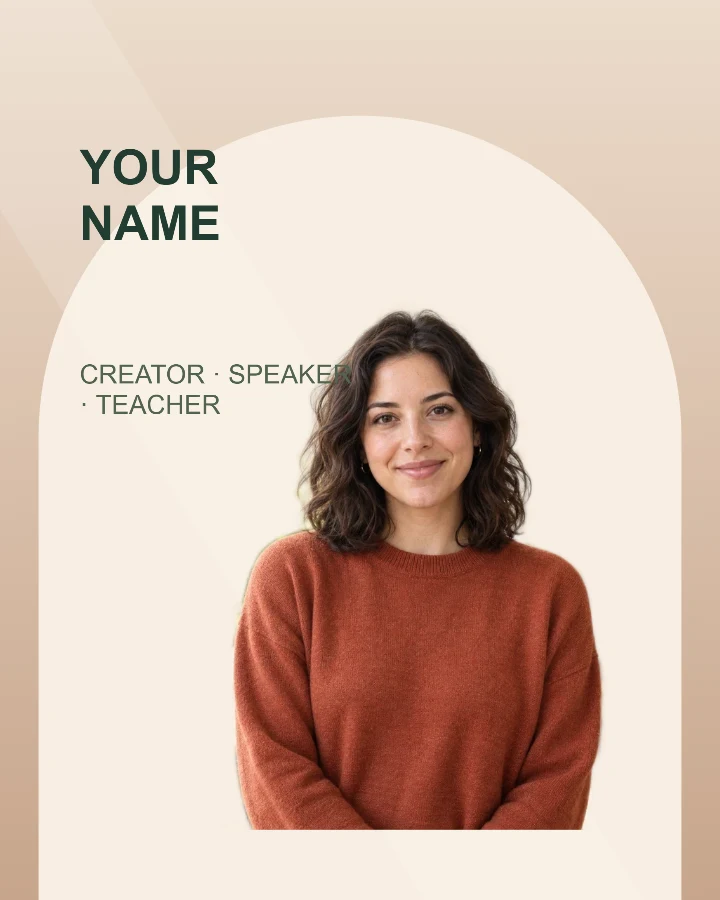
Speaker introduction
A profile card for a workshop, talk, livestream, or guest announcement.