Image tools for a cleaner picture
Remove a background, prepare a whole batch, build a design or resize the finished file. Each tool page includes a real example and its input limits.
10 tools in three groups
Remove and replace backgrounds
Start with a photo, isolate the subject and choose the background your next step needs.

AI background remover
Remove a background, compare the edges and download a transparent PNG.
Open tool →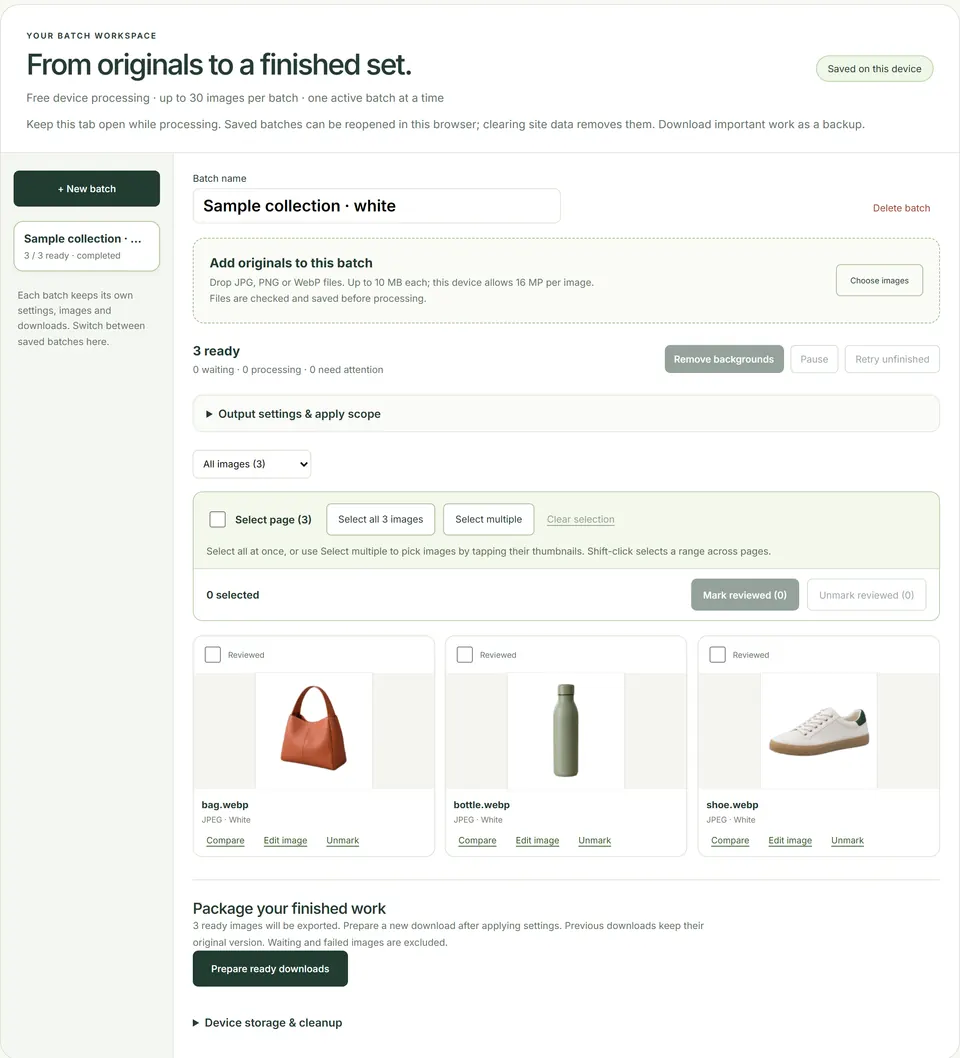
Batch background remover
Apply one backdrop and framing to a set of product photos, then download the reviewed results together.
Open tool →Transparent background
Keep the subject on a transparent canvas for a slide, shop listing or another design.
Open tool →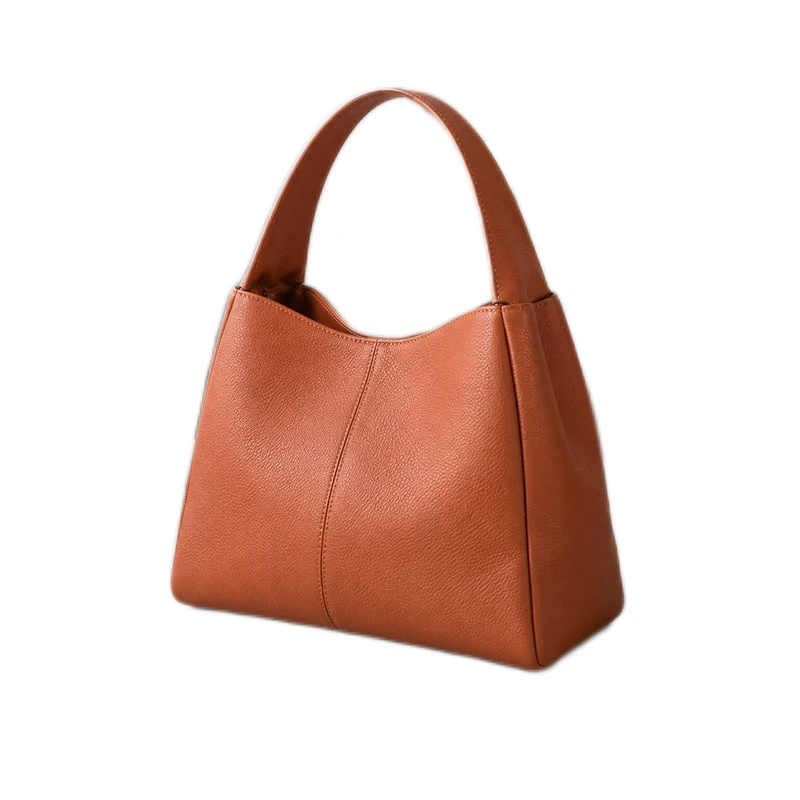
White background
Place a product on clean white and adjust its position and white space.
Open tool →Design and templates
Turn a cutout into a finished image, or start from a layout that already arranges the photos and words.
Design Studio
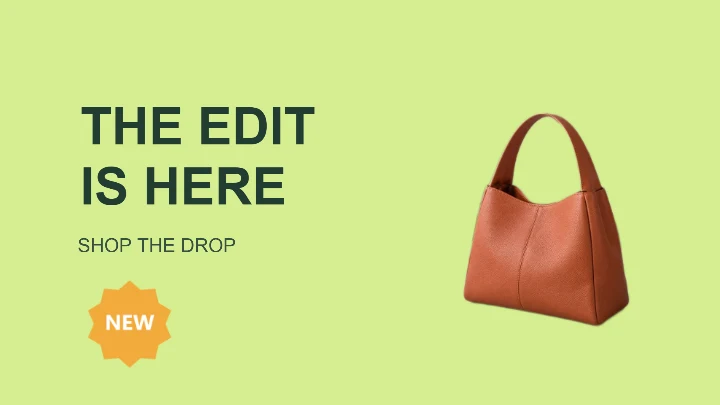
Arrange photos, text and graphics on a canvas and export a product card, banner or social post.
Open tool →
Photo templates
Browse editable product, event, profile and pet card layouts with real examples.
Open tool →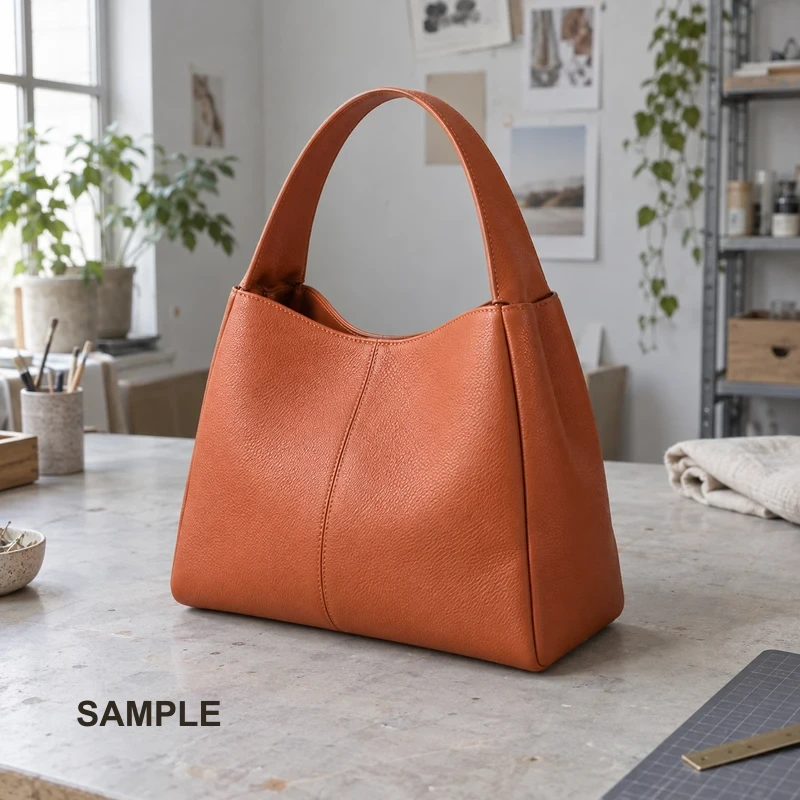
Photo eraser
Remove text, date stamps and small objects with a manual clone stamp.
Open tool →Image utilities
Prepare the exported file for a store, a message or a page without removing its background again.