Free online photo eraser
Erase text or small objects from a photo with the clone stamp. Pick a clean patch of background, then brush its texture over the area you want to replace. Your photo stays on your device.
JPG, PNG or WebP · Up to 16 megapixels
Alt + click (Mac: Option + click) to sample a new spot between strokes. On a touch screen, tap Set source, then tap the photo.
Remove a label from a product photo
Open the practice photo, and use the two marks in the before photo below as a guide.
- Set source. Click or tap the clean stone inside the ring above the S. This picks the texture to copy and switches the brush to painting.
- Paint over target. With the brush at 6%, press on the S and drag right to the E. The brush copies the strip of stone above the letters onto the word. To use another patch, choose Set source again.
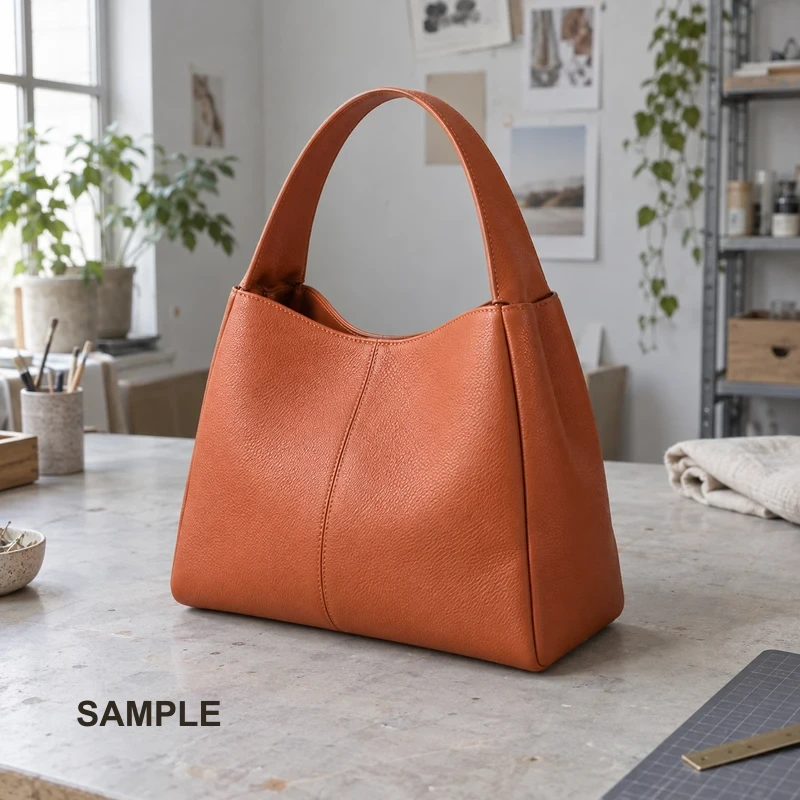
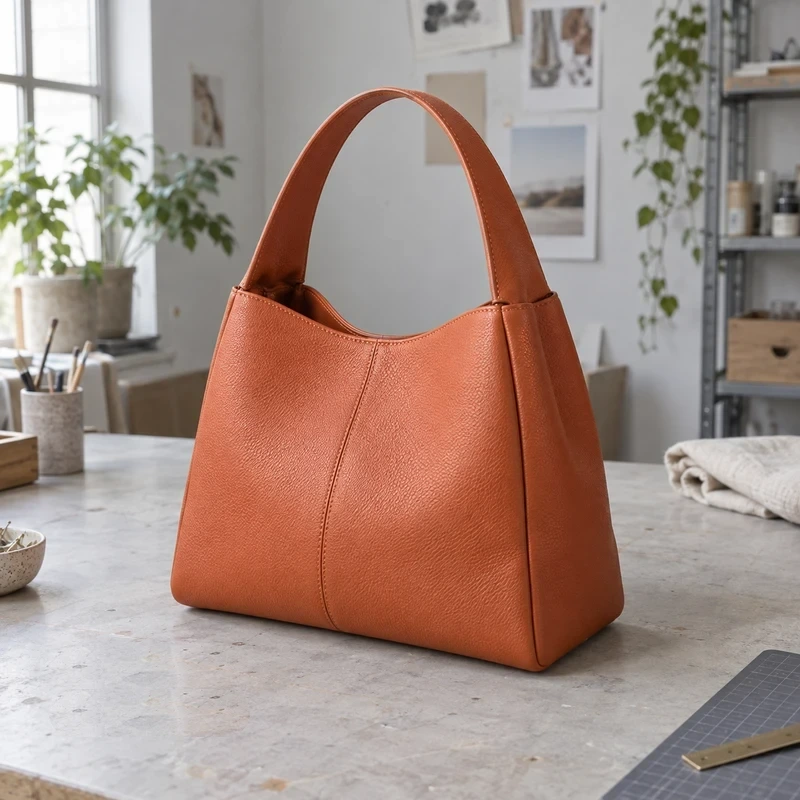
Photo eraser FAQ
How do I remove a date stamp from a photo?
Sample a clean patch next to the first digit. Set the brush just wider than the numbers and paint along the date. If the stamp crosses from sky into trees, pick a new source when you reach the trees.
How can I erase text from a patterned background?
Look for the same stripe, brick edge or fabric detail nearby. Start your stroke at the matching point in the pattern. Use short strokes and pick a fresh source when the pattern or lighting changes.
Can I remove a small object from a product photo?
For a dust spot or crumb, sample the surface beside it and tap once over the spot. For a price sticker, work inward from its edges. The brush copies visible detail, so a matching patch gives the most convincing repair.
Why does my clone stamp leave a repeating patch?
Each stroke starts at the same sampled point. Choose Set source between strokes to vary the texture. If you copied a distinctive fleck or scratch, use Undo last stroke and sample a smoother spot.
Can I erase text on my phone without uploading the photo?
Yes. Open a JPG, PNG or WebP up to 16 megapixels in your mobile browser. Tap to sample, then drag with one finger to paint. Editing stays on your device.
Will my edited photo keep its original size?
Download PNG saves the original pixel width and height. To make a smaller copy for a listing, open the result in the image resizer. For a JPG or WebP copy, use the image converter.